
About this texture
Indigo Sashiko Cotton: finish and surface detail
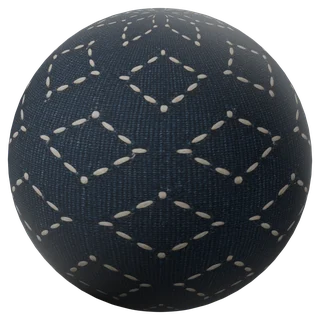
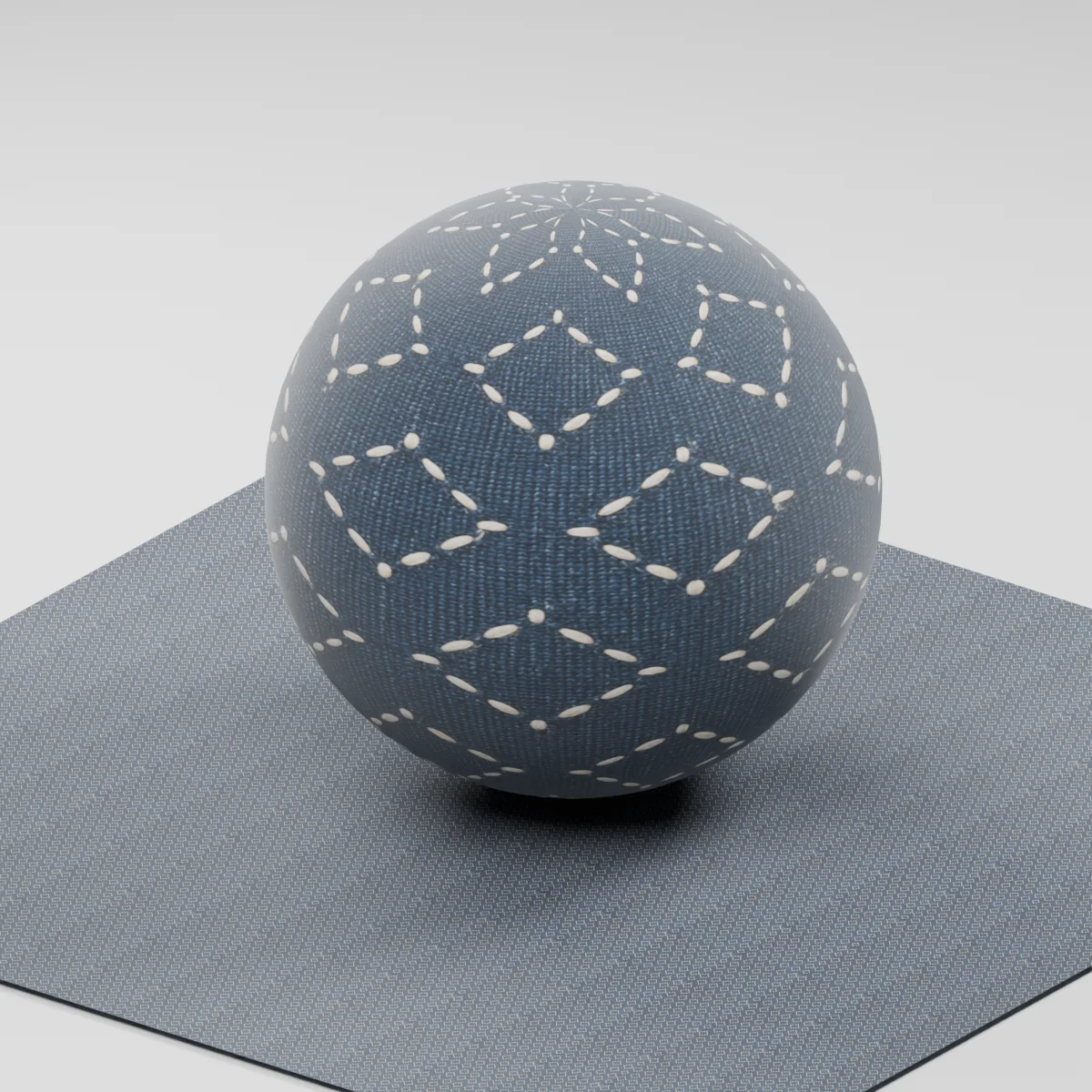
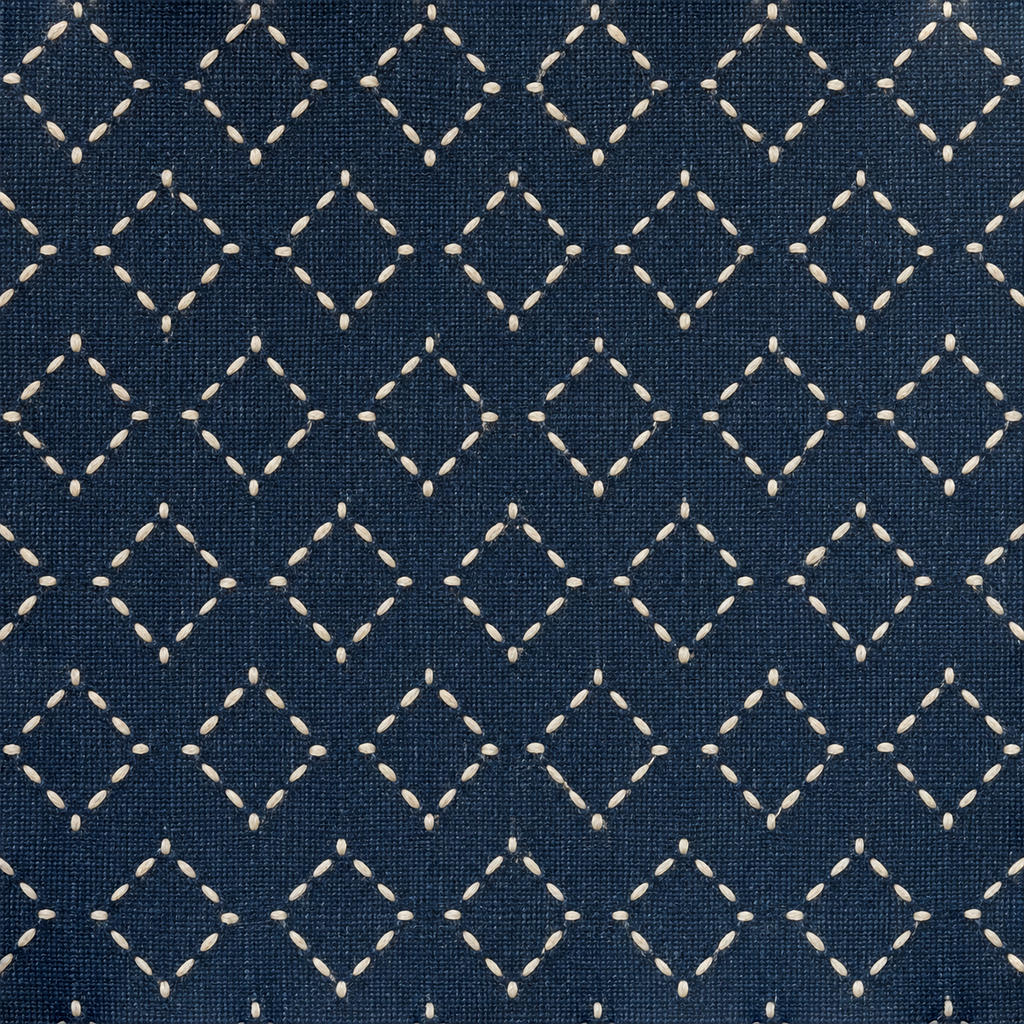
Ivory running stitches trace open staggered diamonds over dark indigo plain-weave cotton. Small gaps separate the thread dashes, and fine blue warp and weft remain visible between them. This is a stitched surface study with restrained relief, rather than a printed diamond pattern or deeply padded quilting.
Where to use this material
Cushion covers, fabric-covered storage boxes and close-to-mid-distance textile props. Use separate geometry for hems, piping, cloth folds and seams. Keep the stitch direction consistent across UV islands when the cover is assembled from panels.
Keep the finish believable
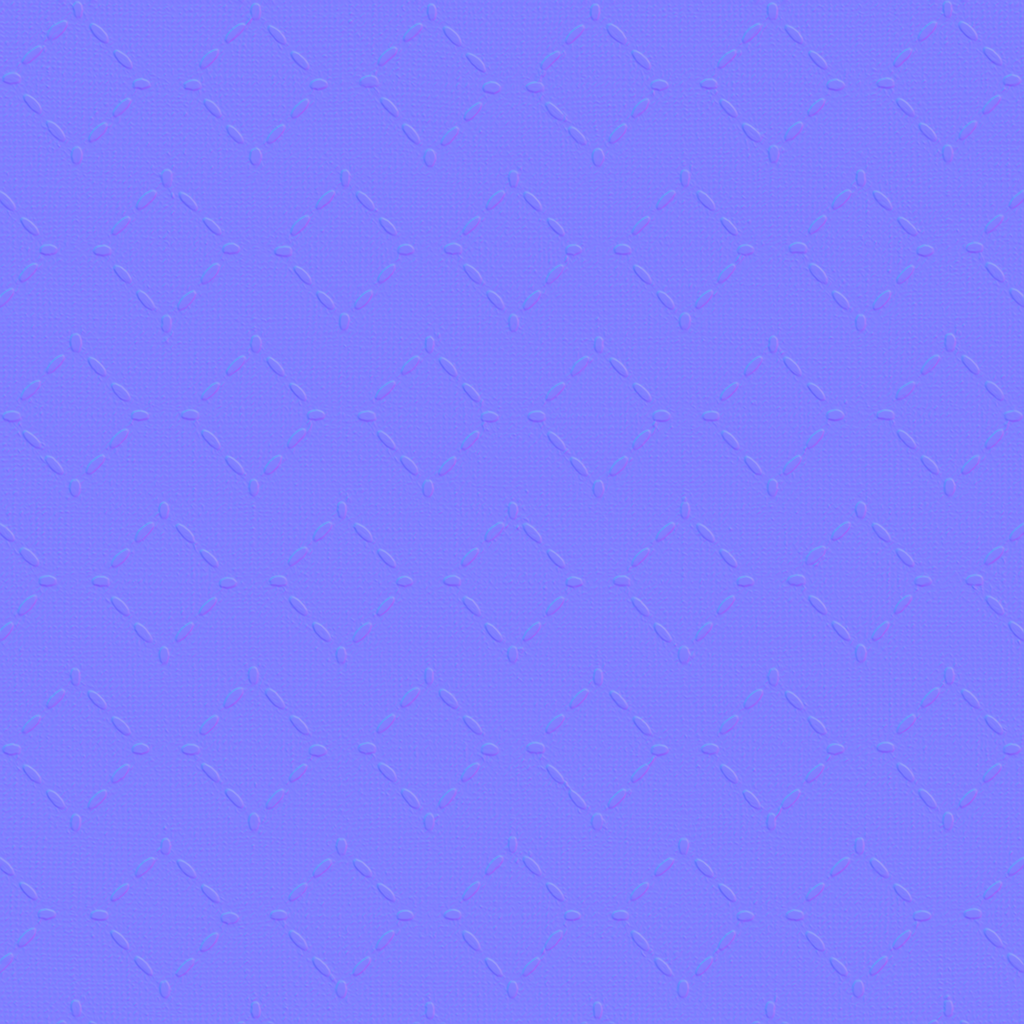
Start with metallic 0, roughness near 0.86 and normal strength 0.65. The estimated normal adds a small shading change around the stitches and weave; increasing it sharply can turn pale thread color into inflated beads. This three-map material does not include fiber geometry, cloth simulation, a measured sheen model or a displacement map.
Texture scale and UV repeats
The demonstration maps one complete tile across 0.18 m. The generated pattern contains roughly six diamond spans across the image, giving an illustrative motif width near 3 cm. Compare against a cushion seam at the intended camera distance. Thread diameter and stitch spacing were not physically measured; inspect the repeat before covering a large uninterrupted panel.
The example uses 0.18 m per full texture tile. This is an illustrative UV scale, not a measured physical capture. Inspect the repeat at your actual camera distance before covering a large surface.
Set up Indigo Sashiko Cotton in Blender
Connect albedo.png to Base Color using sRGB. Use roughness.png and normal-gl.png as Non-Color data. Route the normal through a Normal Map node, starting at strength 0.65. Set metallic to 0. The downloadable scene packs all three images.
The base color is AI-generated, and normal and roughness are estimates. The material changes surface shading; it does not add silhouette geometry. The pack has no displacement, AO or metallic image. For an engine expecting DirectX normals, use an image editor to invert the normal map’s green channel. Follow the Blender texture setup guide for the node connections.
Compare related finishes
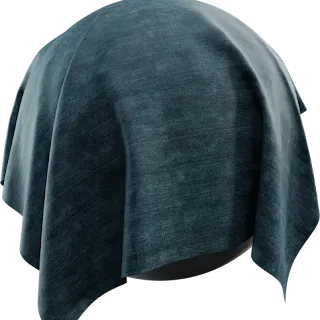
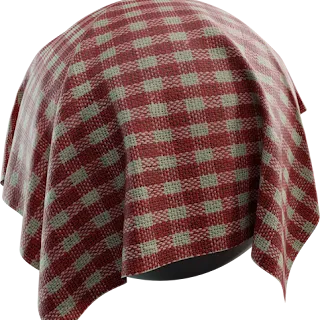
Denim Fabric · Fabric Pattern 07
Indigo Sashiko Cotton: common questions
Will the normal map create individual sashiko threads at the silhouette?
No. It changes surface shading inside the cloth mesh only. For a macro shot with threads visible against the background, model or curve the threads and any loose fibers separately. The included 1K maps are better suited to a fabric surface at close-to-mid viewing distances than to isolated fiber close-ups.
How can I keep the diamond stitches aligned on a cushion?
Begin with one tile covering about 18 cm, apply a consistent texel scale to the front and side panels, and align their UV axes with the diamond rows. Place UV cuts at modeled seams where possible. The image is generated and edge-corrected, not a measured sewing layout; inspect tiled areas and panel joins before a final render.
Browse the fabric texture library, the existing material library, or use the tile and offset checker to inspect repetition.