Public domain · CC0 1.0 · No sign-up
Free CC0 PBR textures for Blender and Unreal
15 categories. Albedo, normal, roughness. 1K–4K.
Open the maps, pick a size, no account. Commercial CC0 — wood, concrete, tiles and more. Not a JPEG pack: real PBR maps for Blender, Unreal and Unity.
Also: stone · floor · concrete · 1K vs 2K vs 4K · Poly Haven vs AmbientCG vs Locker3d
652Materials
1K–4KResolutions
15Categories
CC0Public domain
Latest PBR textures
Explore materials from the library. See all textures.
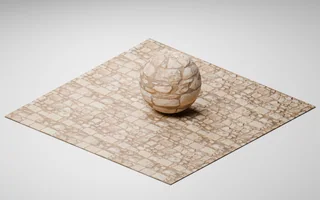
Limestone paving blocks — Medieval Blocks 05
Pavement 01
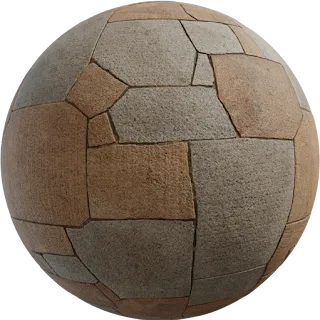
Pavement 02
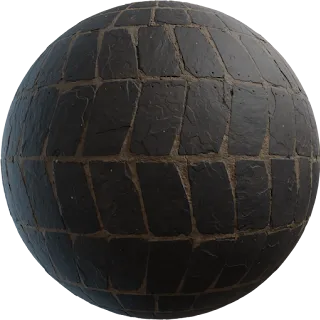
Patterned Slate Tiles
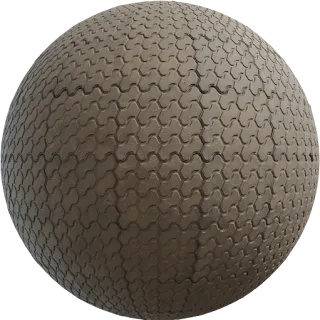
Patterned Concrete Pavers
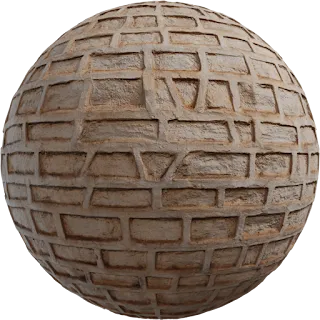
Patterned Plaster Wall
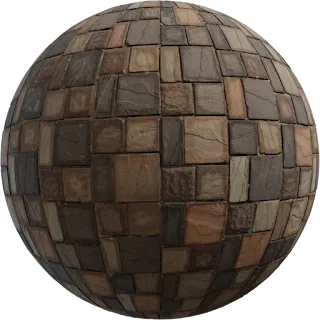
Patterned Paving 02
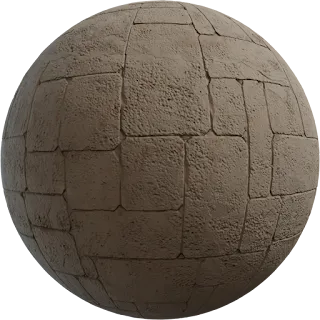
Patterned Concrete Wall
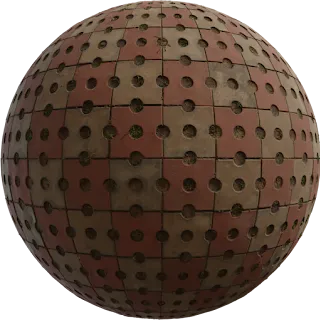
Patterned Concrete Pavers 02
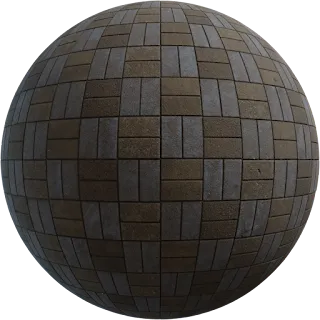
Patterned Paving
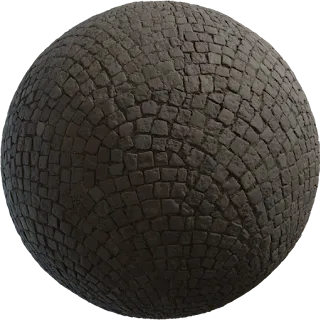
Patterned Cobblestone
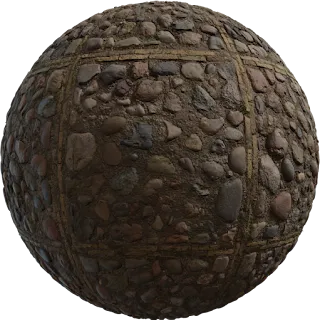
Patterned Cobblestone 02
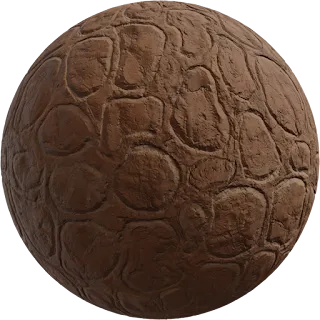
Patterned Clay Wall
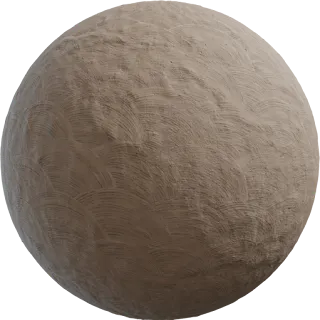
Patterned Clay Plaster
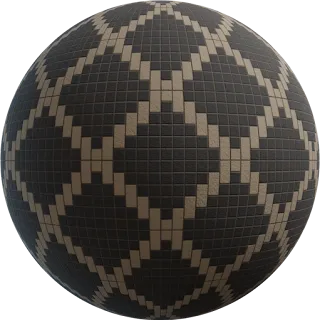
Patterned Brick Wall 03
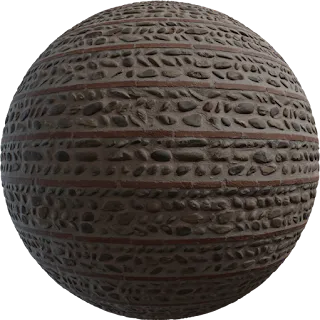
Patterned Brick Wall 02
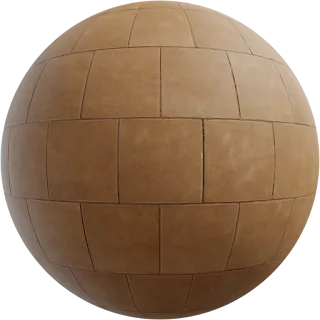
Patio Tiles
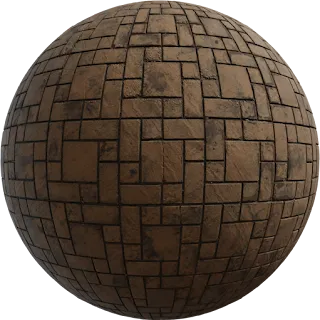
Patterned Brick Floor 03
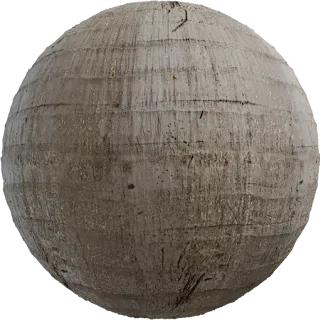
Palm Tree Bark
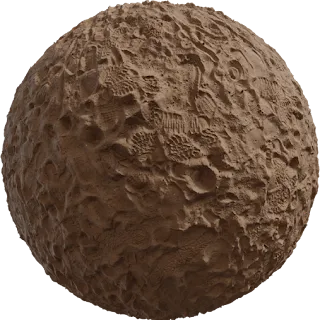
Park Sand
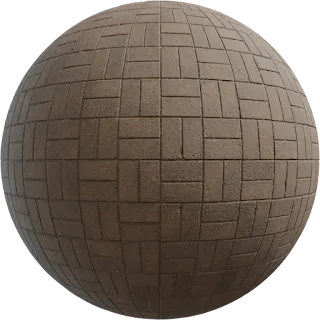
Patterned Brick Floor 02
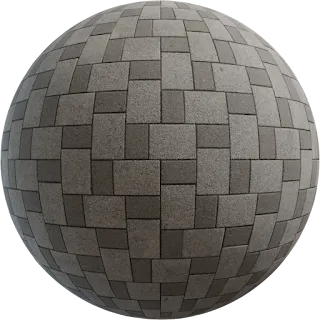
Patterned Brick Floor
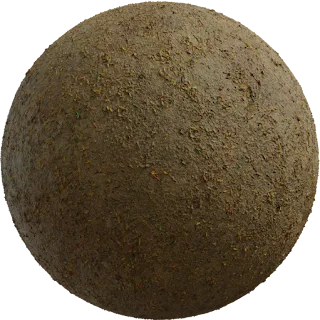
Park Dirt
Browse free PBR textures by category
Jump straight to wood floors, rusted metal, cobblestone, asphalt or marble — each page lists every matching material.
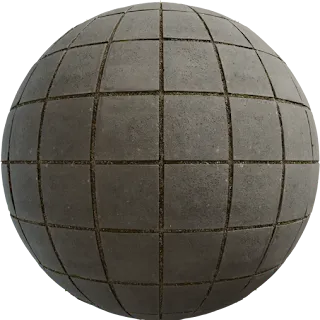
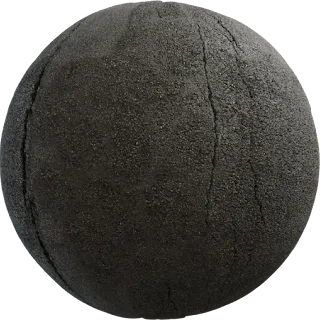
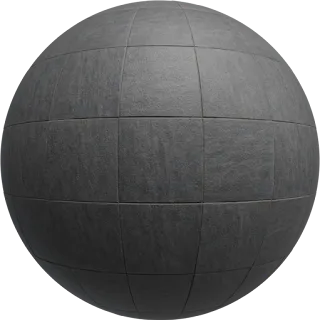
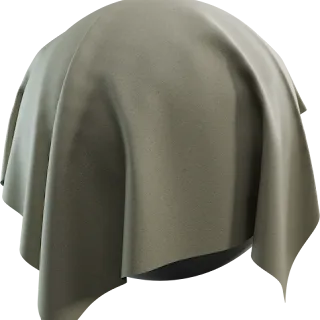
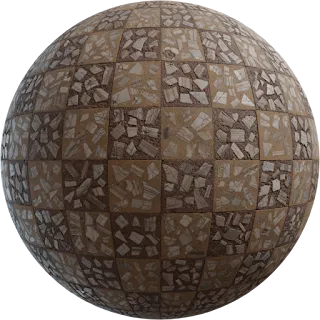
What’s inside a PBR texture pack
PBR maps describe different surface properties. Available maps vary by pack; these swatches illustrate their roles. Full PBR guide.
Albedo
Color with lighting baked out. Principled Base Color, Unreal Base Color, Unity Albedo.
Normal
Fine relief without extra geo. If bumps look inverted, flip the green channel.
Roughness
Sharp vs blurry reflections. Concrete is rough; wet stone and chrome are smoother.
Metallic
Black for wood, paint and stone. White for raw metal. Skip it on organics.
Ambient Occlusion
Contact shadows in cracks. Use an AO input when your renderer provides one. Avoid doubling baked shadows.
Height
Real silhouette on close-ups. Displacement or tessellation — keep 4K for this.
How to download and apply a texture
Three steps. No account. Blender walkthrough.
-
01
Pick a material
Open a texture. Check the maps. Choose 1K, 2K or 4K for how large it sits on screen.
-
02
Grab the folder
Each pack lives on Google Drive. No Locker3d login. The heart only saves a shortlist in this browser.
-
03
Wire the shader
Albedo → color. Normal → normal (Non-Color). Roughness → roughness. Then render.
Works in every major 3D app
Standard metal/rough maps. No proprietary format. Software notes.
CC0 license: commercial use without attribution
Public domain, not “free with a watermark”. License explained.
You can
- Use maps in personal and paid client work
- Ship them in games, films, archviz and products
- Edit, mix and bake them into new materials
- Skip credit — attribution is optional
You cannot
- Claim the original maps as your exclusive copyright
- Re-upload the raw pack as a paid exclusive library
- Imply Locker3d endorses your product
Scene kits, not random folders
Wood for interiors, concrete for cities, ground for landscapes. Browse matching materials. All collections.
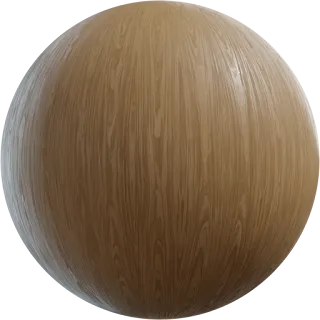
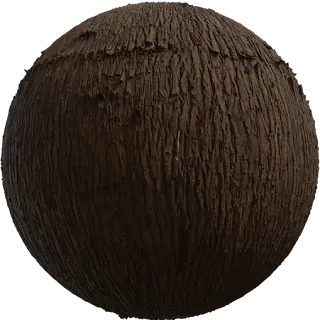
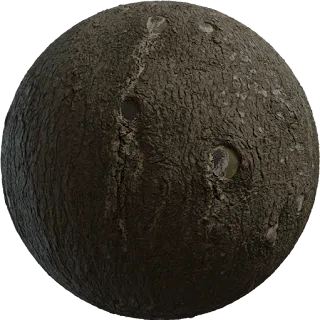
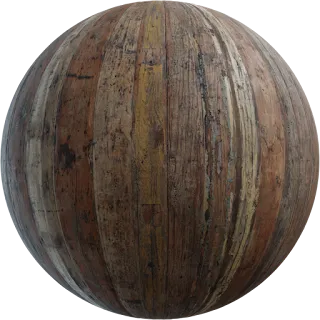
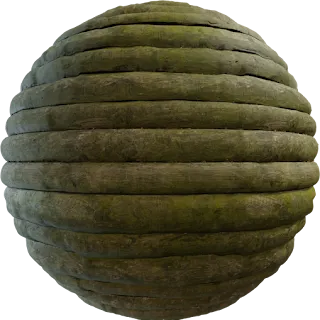
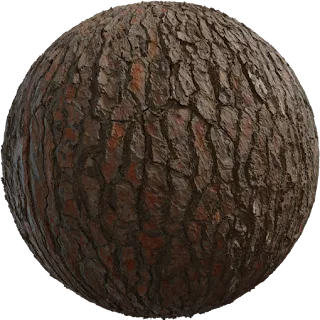
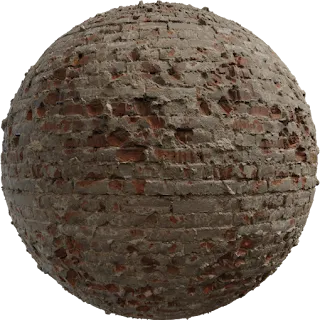
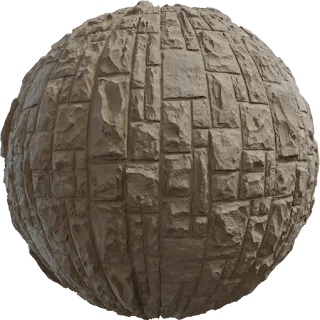
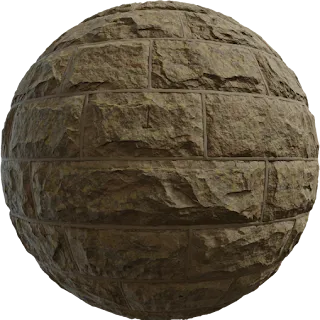
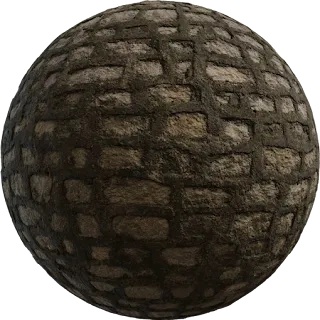
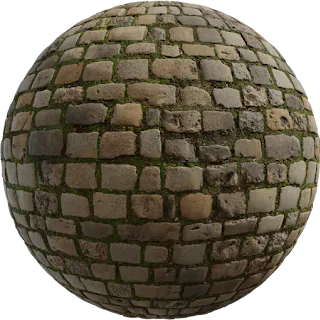
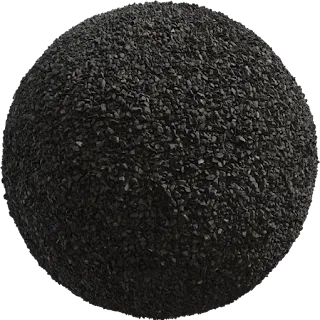
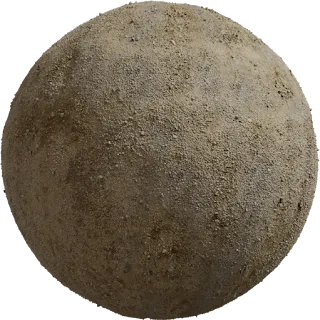
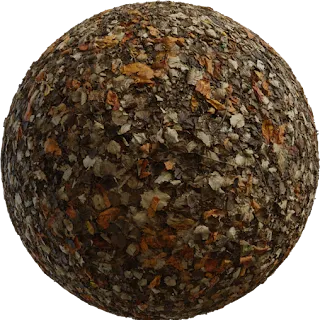
PBR textures for architecture, games and product viz
Same maps, different pipelines. Start from the use case that matches your job.
Architecture & archviz
Concrete, wood, stone and tiles that hold up in daylight interiors and exteriors.
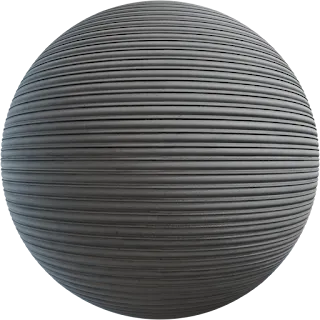 Game development
Tileable real-time materials for Unreal and Unity, from 1K props to 4K hero assets.
Game development
Tileable real-time materials for Unreal and Unity, from 1K props to 4K hero assets.
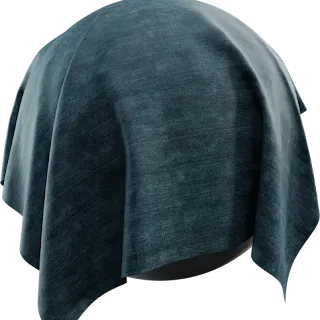 Product rendering
Metals, fabric and floors with clean roughness for catalog and hero shots.
Film & VFX
High-resolution displacement and lookdev notes for offline pipelines.
Product rendering
Metals, fabric and floors with clean roughness for catalog and hero shots.
Film & VFX
High-resolution displacement and lookdev notes for offline pipelines.
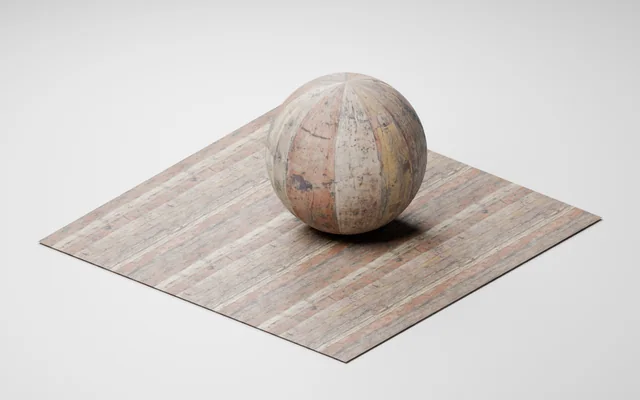
Tested in Blender 5.0
Try a material we opened and rendered
Worn Planks in 1K: three maps, a Blender scene and an embedded GLB. Pick a direct download and inspect the exact files before building your scene.
Get the tested starterOriginal texture: Dimitrios Savva / Poly Haven, CC0. Demo scene and render: Locker3d.
Free material planning tool
Choose the right texture size before you download
Calculate texel density, UV repeats and GPU memory. Compare 1K, 2K and 4K maps for a wall, a prop or a terrain surface, then share your setup.
Calculate your texture budget →Guides from the blog
New here? Start with the free PBR hub. Then 1K vs 2K vs 4K, how we catalog textures, or the texel-density checklist.
Learn
Start here: free PBR textures on Locker3d
Licenses
How we review CC0 PBR textures at Locker3d
Guide
Texel density for interiors with Locker3d textures
Guide
PBR Texture Resolution Guide: 1K, 2K, 4K, 8K
Blender
How to Apply PBR Textures in Blender (Step by Step)
Licenses
CC0 Textures: What You Can and Cannot Do
Frequently asked questions
Short answers. Longer ones live on the FAQ page.
How do PBR maps work in a shader?
Each map drives one physical property: albedo is color, normal is fine bump, roughness is reflection sharpness, metallic is metal vs dielectric. Plug them into Principled BSDF, an Unreal material or Unity URP/HDRP and lighting stays consistent across engines.
Can I use Locker3d materials in a paid client project?
Yes. Textures are published under Creative Commons CC0 1.0. Use them in client work, games and films with no fee and no required credit. Do not claim exclusive copyright on the original maps or resell the raw pack as your own library.
Which maps come in a typical Locker3d pack?
Most packs include albedo (base color), normal and roughness. Many also add ambient occlusion, height/displacement and metallic when the surface needs it. Open the texture page to see the maps before you download.
Should I download 1K, 2K or 4K?
1K (1024) for mobile or distant props, 2K for most real-time scenes, 4K for close-ups and offline archviz. Locker3d packs are 1K–4K (not 8K). See the PBR texture resolution guide for texel density.
How do I download a texture from Locker3d?
Open a texture page and follow the Google Drive folder. There is no Locker3d account and no paywall. The Save heart only stores a shortlist in this browser.
Do these textures work outside Blender?
Yes. They are standard metal/rough maps, not a Blender-only format. They work in Unreal Engine, Unity, 3ds Max, Maya, Cinema 4D, V-Ray, Corona, Substance Painter and similar tools.
Find the material and start rendering
Filter by category, open the maps, pick a resolution. Credit is optional.