Guides & tutorials
PBR texture guides
Learn PBR, Blender, Unreal, Unity and CC0 licenses. Download matching maps from Textures — wood, concrete, metal, stone.
 Guide
Guide
PBR Texture Resolution Guide: 1K, 2K, 4K, 8K
A PBR texture resolution guide is a texel-density guide. 1K, 2K, 4K, and 8K are pixel budgets, not quality grades. Double the edge length and you quadruple…
 Guide
Guide
Best Free PBR Texture Sites 2025
The best free PBR texture sites ship real metallic/roughness maps, state a license you can show a producer, and do not hide files behind a mystery landing…
 Guide
Guide
Poly Haven vs AmbientCG vs Locker3d
If you need free PBR textures , you will keep seeing Poly Haven , AmbientCG , and Locker3d . The SERP also names Share Textures, cgbookcase, 3dtextures.me,…
 Blender
Texturas PBR gratis para Blender
Si trabajas en Blender, las texturas PBR gratis son la forma más rápida de pasar de un shader gris a un material creíble. El Principled BSDF ya espera el…
 Licenses
Licencias CC0 para texturas
Las texturas CC0 son el tipo de licencia que más libertad da a un artista 3D: uso personal y comercial, sin atribución obligatoria y sin copyleft. Eso no…
 Licenses
Alternativa a Poly Haven: texturas PBR CC0 sin cuenta
Si buscas una alternativa a Poly Haven que no sea un espejo de slugs, Locker3d cubre el hueco de catálogo por categoría , sin registro, con licencias CC0 y…
 Licenses
How we review CC0 PBR textures at Locker3d
This page is the editorial method behind Locker3d — how a file becomes a public texture page, what we refuse to write, and how a community upload is…
 Guide
Guide
How to choose free PBR textures for a client archviz job
A client archviz job does not fail because you lacked a Megascans seat. It fails because the floor is the wrong scale, the plaster looks like a JPEG, and…
 Guide
Guide
Free PBR textures for archviz interiors
An interior still does not need a Megascans seat on every wall. It needs the right family , a real world size, and honest color space. This page is the…
 Guide
Guide
Texel density for interiors with Locker3d textures
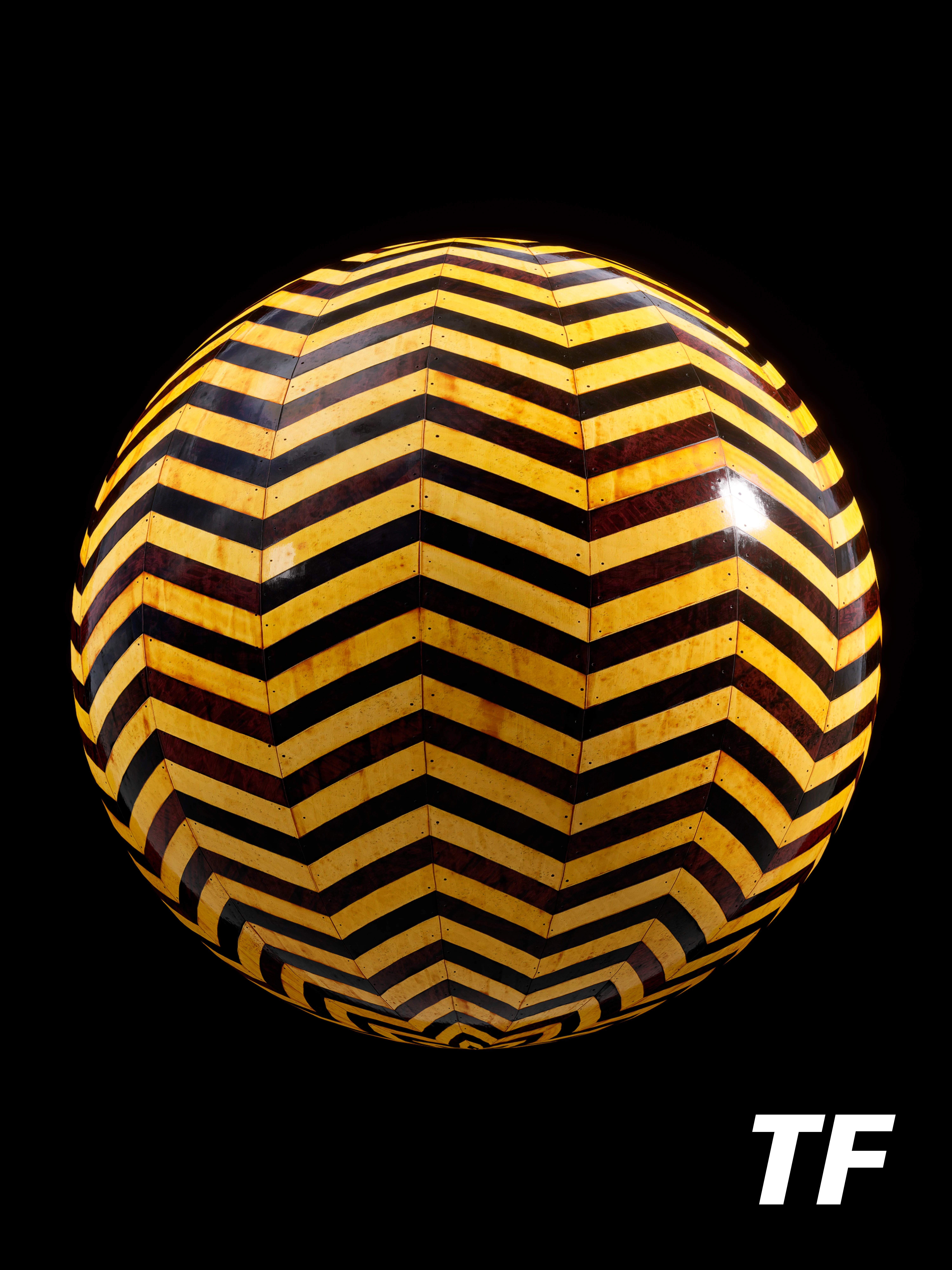
Texel density is the reason a free CC0 pack looks custom or looks like a stamp. This page is a checklist with Locker3d examples — yellow plaster, worn…
 Learn
Learn
Start here: free PBR textures on Locker3d
If you landed on Locker3d and just want a legal, seamless PBR pack in the next ten minutes, use this page as the table of contents. The library is CC0,…
 Blender
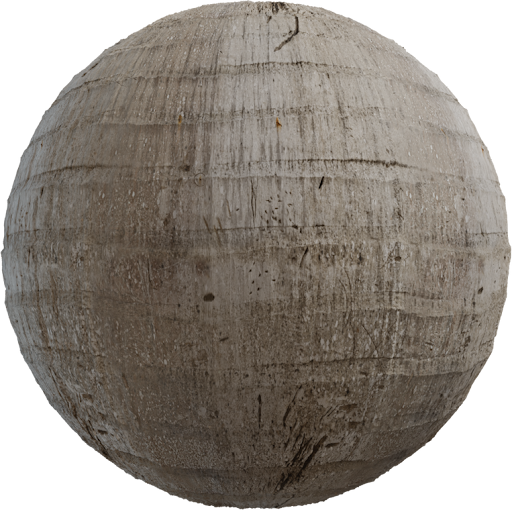
Free 4K Wood PBR Textures for Blender
Free 4K wood PBR textures for Blender are the fastest way to get oak floors and parquet furniture looking like a real species—if you wire Principled BSDF…
 Unreal
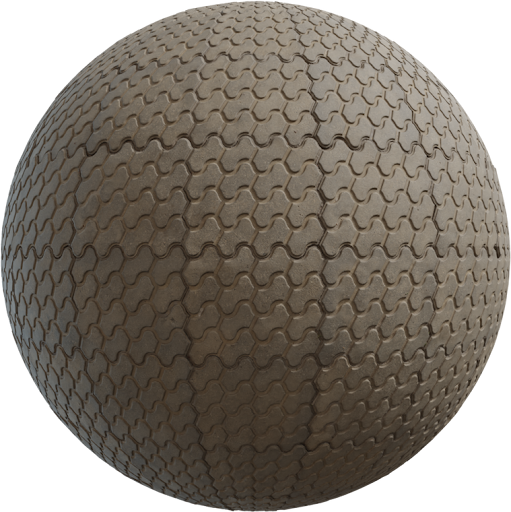
Seamless Concrete Texture for Unreal Engine 5
A seamless concrete texture for Unreal Engine 5 has to wrap on every map, land in the right sampler, and survive Nanite close-ups. A pretty albedo with a…
 Blender
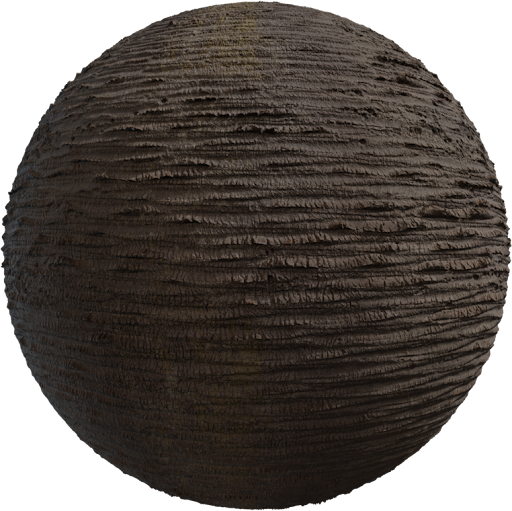
How to Fix Stretched PBR Textures in Blender
To fix stretched PBR textures in Blender , treat stretch as a UV and scale problem, not as a shader problem. Grain that turns into taffy, bricks that become…
 Unreal
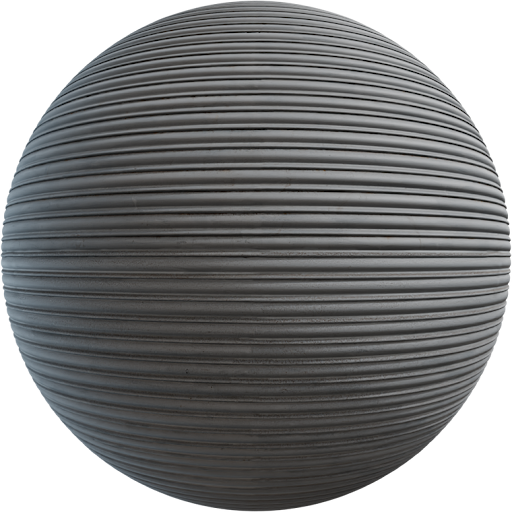
ORM Texture Packing for Unreal and Unity
ORM texture packing (Occlusion, Roughness, Metallic) stores three linear grayscale maps in one RGB file so Unreal and Unity sample once instead of three…
 Guide
Guide
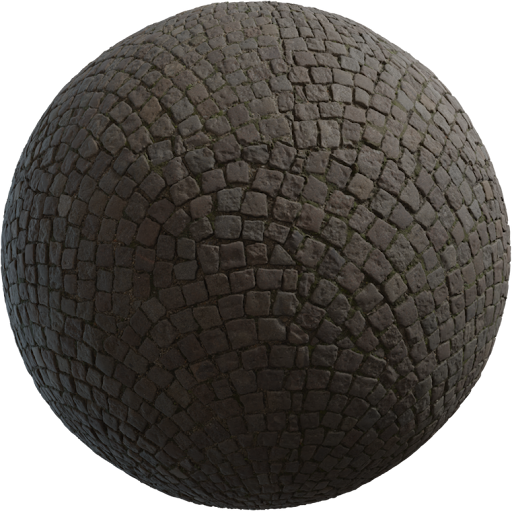
Height Map vs Displacement in PBR
Height map vs displacement in PBR is a naming mess that costs render time. A height map is grayscale data: light pixels are high, dark pixels are low.…
 Blender
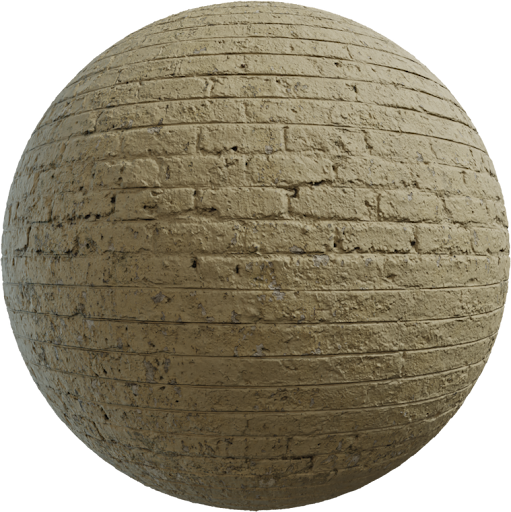
sRGB vs Non-Color Data in Blender
sRGB vs Non-Color Data in Blender is the first check when a Locker3d material looks plastic, dirty, or “almost right.” Color textures store human-facing…
 Licenses
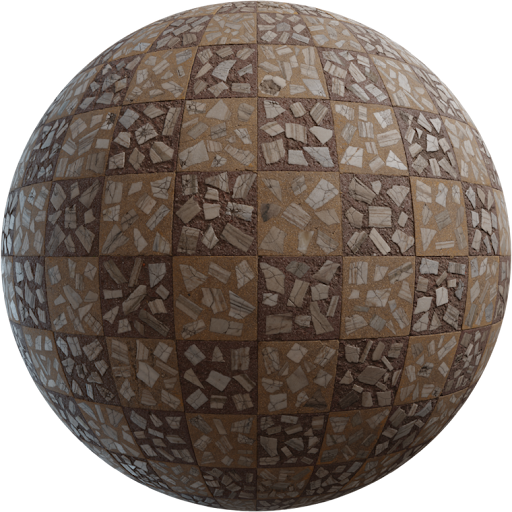
Free CC0 Marble Textures for Interior Visualization
Free CC0 marble textures for interior visualization are how a kitchen island or hotel lobby reads as stone instead of a flat JPEG. Archviz cameras sit…
 Materials
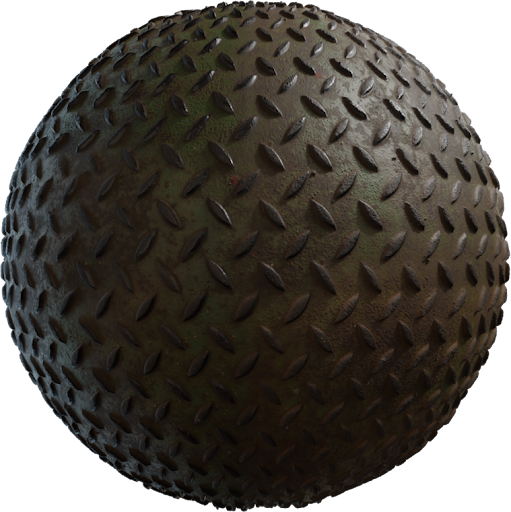
Rusted Metal PBR Texture Workflow
A rusted metal PBR texture workflow starts with the metalness mask, not with a brown overlay. Rust is oxide sitting on steel. It is a dielectric. If you…
 Blender
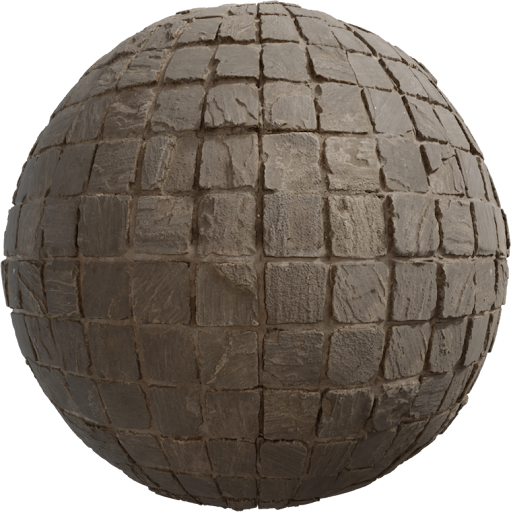
How to Scale Textures in Blender and Unreal
Wrong texture scale is the fastest way to ruin a bathroom. Tiles the size of dinner plates, or grout as wide as a shoe, read as a toy set. This guide covers…
 Rendering
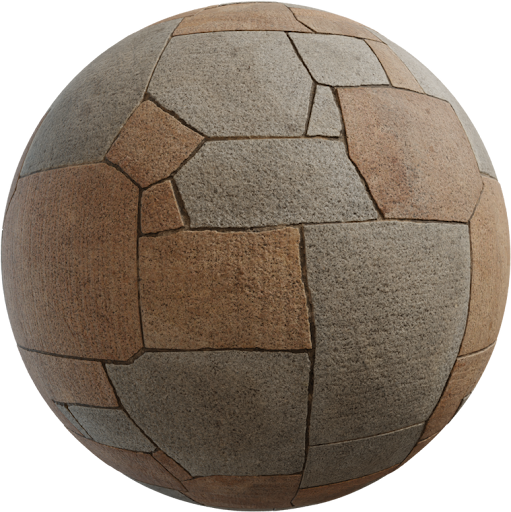
D5 Render PBR Texture Setup
D5 Render PBR textures work like other metallic/roughness engines: albedo for color, roughness for sheen, normal for grain. The difference is D5’s real-time…
 Guide
Guide
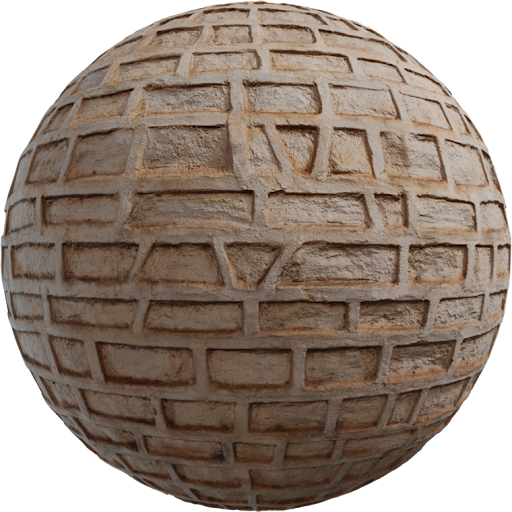
Lumion Materials vs PBR Textures
Lumion materials vs PBR maps is not a fight. Lumion ships a large library tuned for its real-time engine. Custom PBR from Locker3d fills the gaps when a…
 Materials
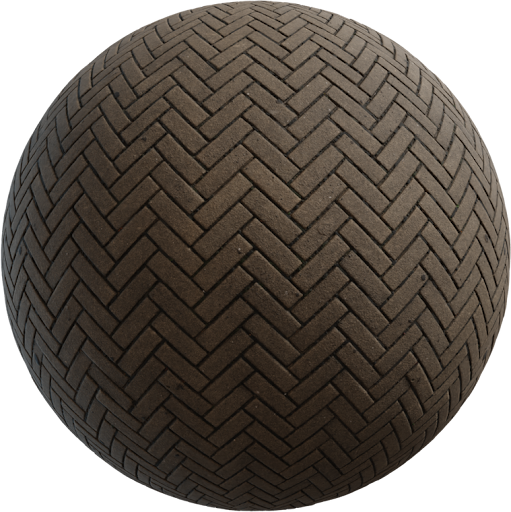
Wet Asphalt PBR Material After Rain
A wet asphalt PBR material after rain is not a darker JPEG. Water fills micro gaps, so roughness drops in puddles and wheel polish, while dry chips stay…
 Guide
Guide
Free Leather PBR Textures for Furniture
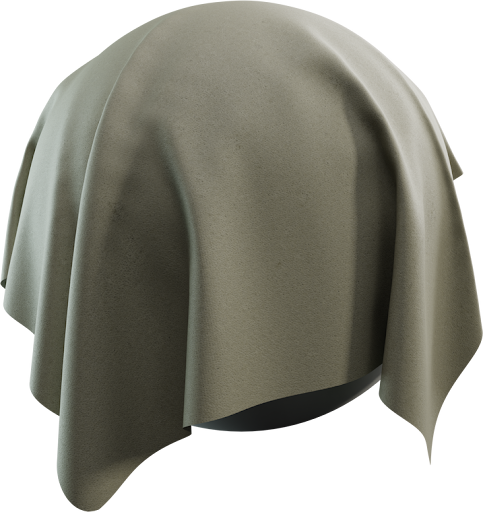
Free leather PBR textures are how an armchair stops looking like brown clay. Furniture leather needs fine grain, a dielectric shader, and roughness that is…
 Licenses
Megascans vs Free CC0 Textures
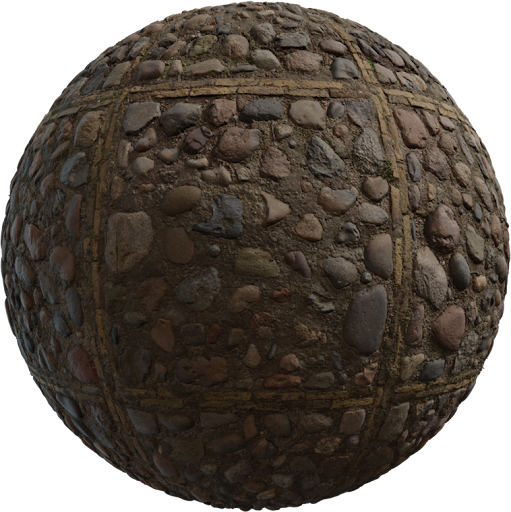
Quixel Megascans vs free CC0 is a license and pipeline choice, not a quality war. Megascans (now distributed through Epic’s Fab ecosystem) is a large…
 Guide
Guide
How to Use Roughness Maps in Principled BSDF
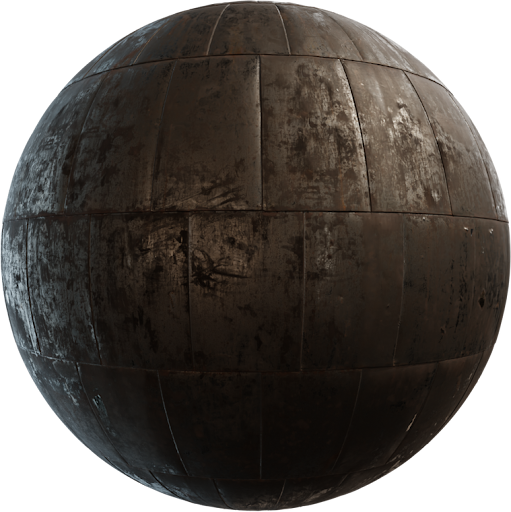
A roughness map in Principled BSDF is the difference between chrome, satin, and chalk. Roughness is not a second albedo. It is a linear grayscale that tells…
 Materials
Tileable Brick Wall Texture for Archviz
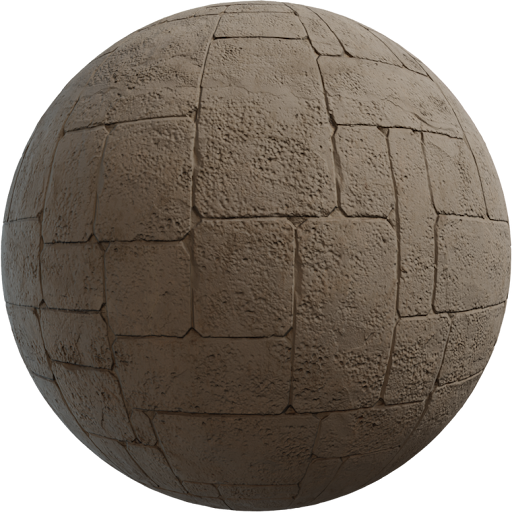
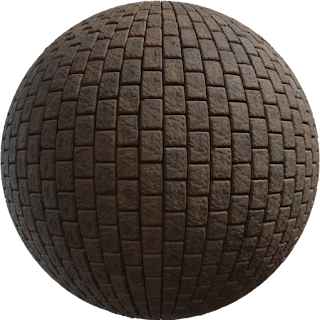
A tileable brick wall texture is the default facade tool in archviz: one seamless tile, real module, mortar that wraps. A holiday photo of a wall will show…
 Guide
Guide
What Are PBR Textures? Complete Guide 2025
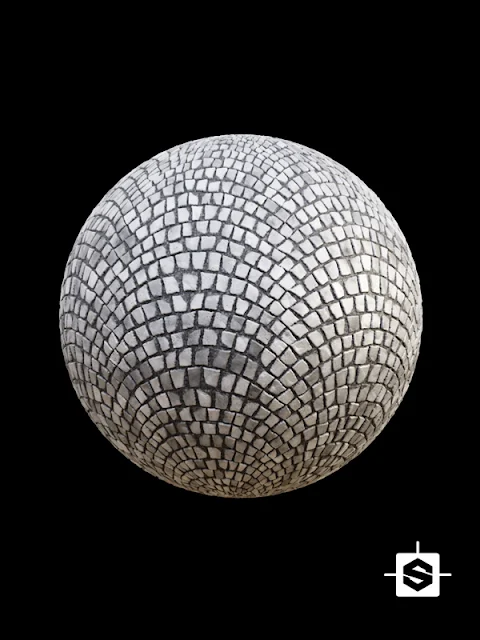
PBR textures (physically based rendering textures) are image sets that describe how light interacts with a surface in a realistic way. They have become the…
 Guide
Guide
PBR vs Traditional Textures: When to Use Each
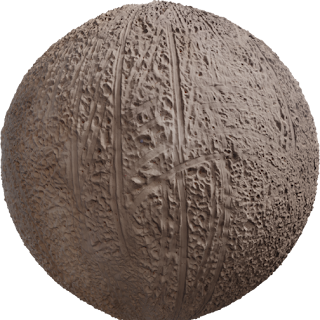
Choosing PBR vs traditional textures is a decision about what each map is allowed to store. Physically based packs describe surface properties. Older…
 Guide
Guide
Understanding Albedo, Normal, and Roughness Maps
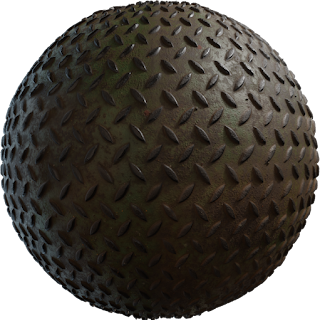
Albedo, normal, and roughness maps are the core of most PBR materials. Knowing what each one does will help you set up and tweak materials correctly in any…
 Materials
Metalness vs Specular Workflow Explained
Metalness vs specular workflow is the first real fork after you learn PBR. Both models can look photoreal. They store the same physics in different…
 Guide
Guide
How to Create Seamless PBR Textures
A seamless PBR texture is a set of maps that can repeat across a surface without a visible edge. Creating one is different from downloading a ready pack:…
 Rendering
What Is Physically Based Rendering?
Physically based rendering (PBR) is a way to shade 3D surfaces so they respond to light like real materials. Instead of painting a final look into one…
 Learn
Learn
PBR Workflow for Beginners
A PBR workflow for beginners is a short loop: get a complete texture set, plug the maps in with the right color space, scale them to real-world size, and…
 Guide
Guide
Diffuse vs Albedo: Key Differences
Diffuse vs albedo is the naming trap that makes “PBR” materials look pre-shaded. Both words point at base color, but they do not grant the same contents. If…
 Guide
Guide
Ambient Occlusion Maps in PBR
Ambient occlusion maps in PBR add soft contact shadow in crevices. They are useful, and they are also the fastest way to make a physically based material…
 Blender
Best PBR Textures for Blender (Free)
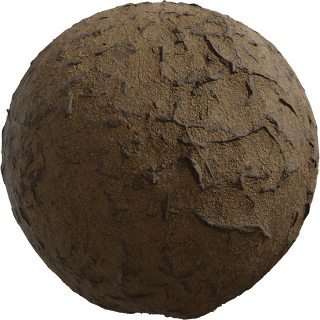
Blender’s Principled BSDF is built for free PBR textures . You do not need a paid library to get a believable first interior. You need complete map sets,…
 Blender
How to Import PBR Textures in Blender
Importing PBR textures in Blender is not the same as dragging one image onto a mesh. Each map is a different kind of data. If you import them as a single…
Blender
Blender Material Nodes for PBR Textures
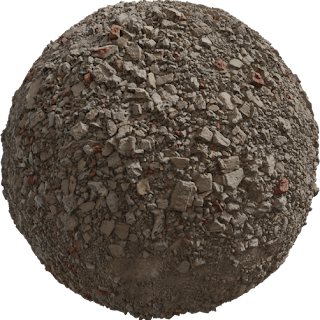
Blender material nodes for PBR textures are how you turn a folder of maps into a material that reacts to light. The Principled BSDF already speaks…
 Unreal
Unreal Engine 5 PBR Material Setup
Unreal Engine 5 PBR material setup is a texture-import problem as much as a graph problem. If sampler types and sRGB flags are wrong, Lumen will light a…
 Unreal
Free PBR Textures for Unreal Engine
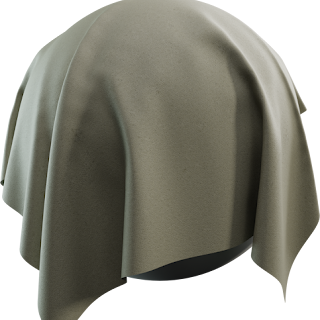
Free PBR textures for Unreal Engine only help if the license is clear and the import settings match Unreal’s metalness-roughness pipeline. This article…
 Unity
Unity
Unity URP PBR Material Workflow
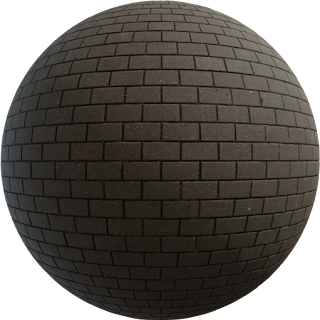
The Unity URP PBR material workflow is metalness-roughness, but Unity names one slot Smoothness, not Roughness. That single difference causes most “my…
 Unity
Unity
Best Free PBR Textures for Unity
The best free PBR textures for Unity are not the ones with the flashiest thumbnails. They are tileable, licensed for shipping, and complete enough to fill…
 Rendering
V-Ray vs Corona: Which Is Better for PBR?
V-Ray vs Corona is rarely a PBR compatibility contest. Both Chaos engines can render physically based materials from the same albedo, roughness, normal, and…
 Rendering
Top 5 3D Rendering Software for Architects
Architects do not pick 3D rendering software for feature checklists alone. They pick it for the CAD file they already have, the time to the next client…
 Rendering
Octane Render PBR Workflow
The Octane Render PBR workflow is GPU-first and unforgiving about gamma. Octane’s Universal Material speaks metalness-roughness, so Locker3d maps drop in…
 Blender
Cycles vs Eevee PBR Rendering in Blender
Cycles vs Eevee PBR rendering in Blender is not a brand fight. It is a choice about how much of the light transport you want to wait for. Both engines read…
 Guide
Guide
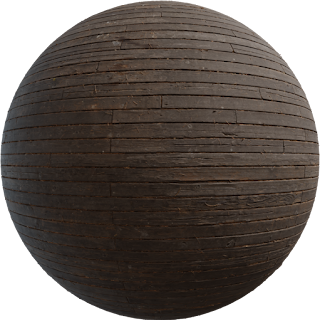
Substance Painter vs Free Alternatives
Substance Painter vs free alternatives is a budget question and a pipeline question. Painter is still the industry default for painting on a 3D mesh with…
 Guide
Guide
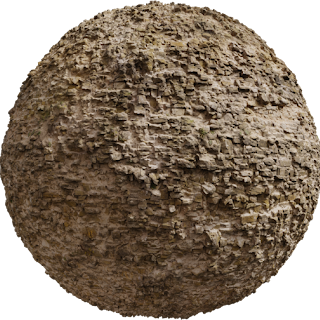
Marmoset Toolbag for PBR Preview
Marmoset Toolbag for PBR preview is how many studios sign off a material before it hits Unreal or a render farm. Toolbag is not a modeling app. It is a…
 Guide
Guide
3ds Max PBR Material Setup
3ds Max PBR material setup still trips people who grew up on Blinn and a specular color swatch. Modern Max (Physical Material) and current Chaos materials…
 Guide
Guide
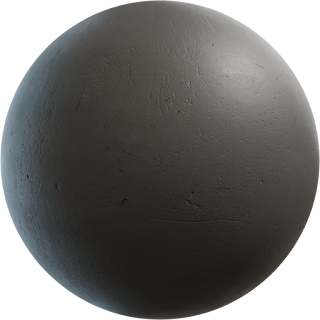
Cinema 4D PBR Workflow
A Cinema 4D PBR workflow depends on which renderer the scene actually uses. Redshift (bundled with many Maxon subscriptions) is a metalness-roughness GPU…
 Materials
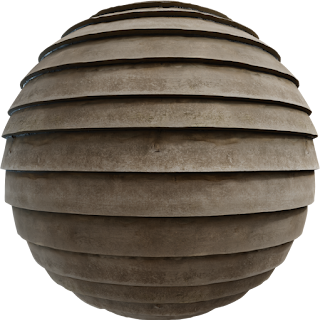
Best Wood PBR Textures for 3D
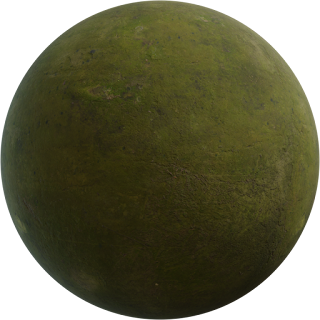
Wood PBR textures sell interiors faster than almost any other material—if grain, finish, and scale agree. A 4K oak file still looks fake when planks are 80…
 Materials
Realistic Concrete Textures for Architecture
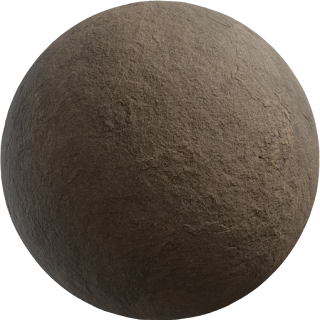
Realistic concrete textures are how a massing model becomes a building. Smooth in-situ walls, board-formed facades, and worn garage slabs each need a…
 Materials
Stone and Rock PBR Textures Guide
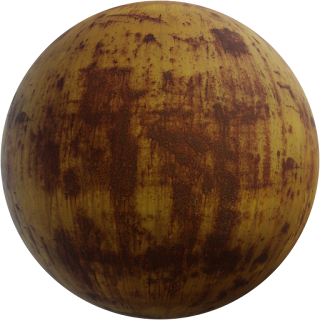
A stone and rock PBR textures library covers two jobs that look similar in a folder and different on camera. Cut stone has modules, mortar, and polish.…
 Materials
Metal Textures: Rusty, Brushed, Polished
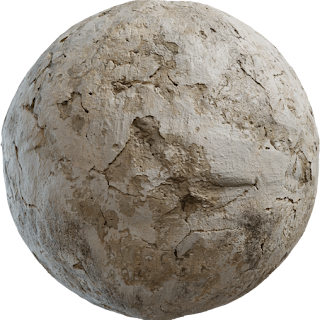
Metal textures fail in predictable ways: mid-grey metalness, no HDRI, and a roughness that does not match the story (chrome barn rust, or rusty chrome). PBR…
 Materials
Floor Textures: Wood, Tile, Concrete
Floor textures are the first surface a client judges in an interior. If wood planks are too wide, grout is a flat cartoon line, or concrete looks like a 2K…
 Materials
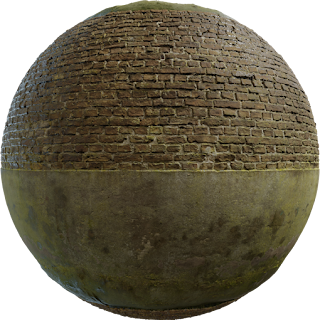
Brick and Wall Textures for Exteriors
Brick and wall textures decide whether an exterior still looks like a building or like a box with a photo glued on. Brick has a module. Plaster has a grain.…
 Materials
Fabric and Leather PBR Textures
Fabric and leather PBR textures are how furniture stops looking like colored clay. Cloth needs weave and a mostly matte roughness. Leather needs grain and a…
 Guide
Guide
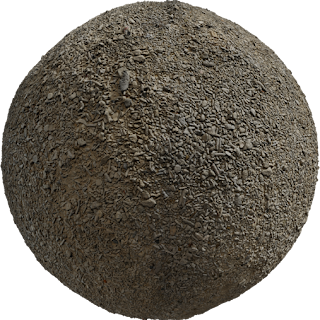
Ground and Terrain Textures
Ground and terrain textures cover more square meters than any interior material, so tiling and scale errors get expensive. Grass, dirt, sand, and gravel are…
 Materials
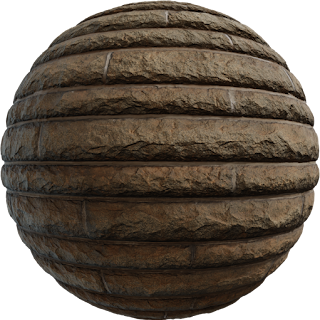
Marble and Granite for Interiors
Marble and granite PBR textures carry most luxury interiors: kitchen islands, bathroom floors, reception desks, and feature walls. The maps must read as…
 Guide
Guide
Glass and Transparent Materials
Glass and transparent materials in PBR are mostly shader work, not a stack of colorful JPEGs. Clear window glass has almost no albedo texture. Frosted…
 Materials
Asphalt and Pavement Textures
Asphalt and pavement textures sell the ground plane of every exterior: streets, parking, courtyards, and game blocks. A good PBR set has a busy but…
 Guide
Guide
Roof and Tile Textures
Roof and tile PBR textures decide whether an exterior still looks like a real building or like a gray box with a stamp. Clay, slate, concrete, and ceramic…
 Guide
Guide
Abstract and Procedural Textures
Abstract and procedural textures cover geometric patterns, sci-fi hulls, stylized floors, and design backgrounds that are not photos of wood or concrete.…
 Blender
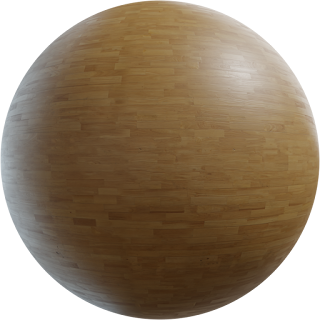
How to Apply PBR Textures in Blender (Step by Step)
Applying PBR textures in Blender is a node job: each map must land in the right Principled BSDF socket with the right color space. This walkthrough is the…
 Guide
Guide
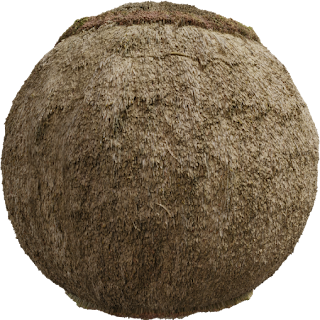
UV Unwrapping for PBR Textures
UV unwrapping for PBR textures is how albedo, roughness, and normal sit on the mesh. Bad UVs stretch grain, flash seams, and waste 4K maps. Good UVs hide…
 Guide
Guide
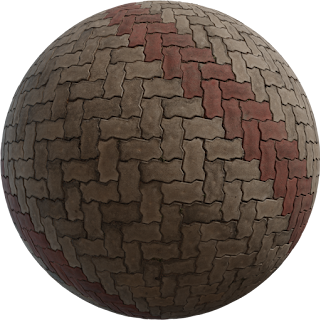
Triplanar Mapping for Seamless Textures
Triplanar mapping projects a texture from the X, Y, and Z axes and blends the three samples by the surface normal. You get coverage without a manual unwrap,…
 Guide
Guide
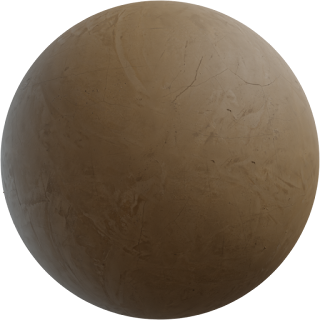
How to Tile Textures Without Seams
Tiling textures without seams is the difference between a believable floor and a grid of stamps. Seams appear as lines in color, as shiny roughness breaks,…
 Guide
Guide
PBR Texture Packing: Optimize Your Materials
PBR texture packing stores several grayscale maps in the red, green, and blue channels of one image. Engines sample once instead of three times, which…
 Guide
Guide
Photogrammetry to PBR: Create Textures from Photos
Photogrammetry to PBR is the process of turning a real surface into engine-ready maps: albedo, normal, roughness, and often height and ambient occlusion.…
 Guide
Guide
AI-Generated PBR Textures: Tools and Workflows
AI-generated PBR textures can block out a material in minutes, but they are not a finished metalness workflow. Most tools invent a convincing albedo and a…
 Guide
Guide
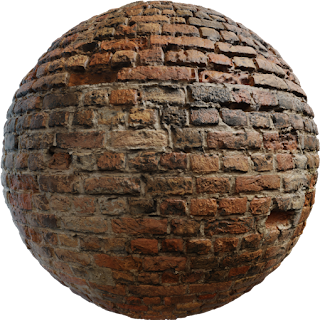
Baking Normal Maps from High-Poly
Baking a normal map from high-poly transfers sculpted or scanned detail onto a low-poly mesh so real-time and lookdev shaders can fake that relief. A clean…
 Guide
Guide
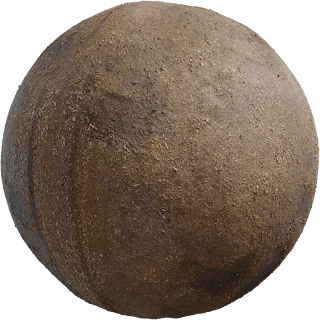
Creating Variation in PBR Materials
A correct PBR setup can still look fake if every square meter is identical. Creating variation in PBR materials means breaking repetition without breaking…
 Guide
Guide
LOD and Texture Streaming for Games
LOD and texture streaming keep PBR materials readable up close without loading every 4K map at once. Mesh LOD reduces triangles. Streaming and virtual…
 Licenses
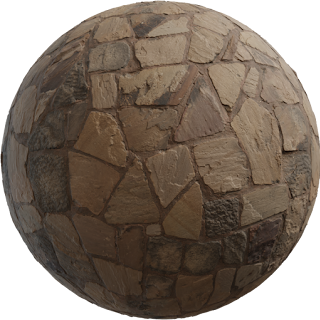
CC0 Textures: What You Can and Cannot Do
CC0 textures are released into the public domain by their authors. You can use, edit, and redistribute them—including in paid work—without asking and…
 Licenses
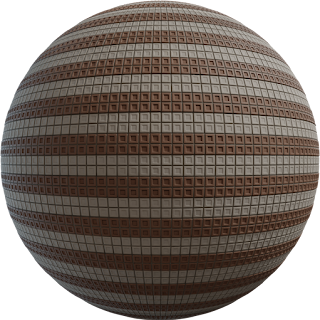
PBR Texture Licenses Explained (CC0, CC-BY, Commercial)
PBR texture licenses decide whether a floor can go into a client still, a Steam page, or only your portfolio. CC0, CC-BY, and paid commercial terms all…
 Licenses
Free Textures for Commercial Projects
Free textures for commercial projects exist, but “free” on a button is not a license. Studios lose time when a producer asks for the grant and the only…
 Licenses
Attribution Requirements for Free Textures
Attribution requirements for free textures depend on the license, not on whether the download was free. CC0 needs no credit. CC-BY and many custom “free”…
 Licenses
Royalty-Free vs Rights-Managed Textures
Royalty-free versus rights-managed describes how you pay for and reuse a texture, not how the PBR maps are wired. Most game and archviz libraries are…
 Licenses
FAQs on Texture Licenses
Texture licenses decide whether you can ship a game, a client render, or a marketplace scene. This FAQ on texture licenses focuses on CC0 — the license…
 Guide
Guide
PBR Textures for Game Development
PBR textures for game development are not a different file type from archviz maps. They are the same albedo, normal, roughness, and metalness — authored so…
 Guide
Guide
Architectural Visualization: Best Textures
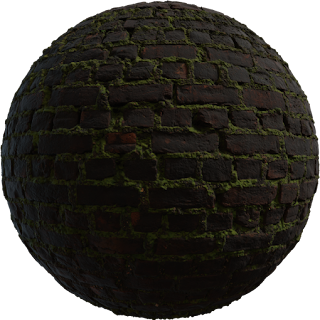
Architectural visualization lives or dies on materials the camera can name: oak, honed concrete, clay roof, brushed steel. The best textures for archviz are…
 Rendering
PBR Textures for Product Rendering
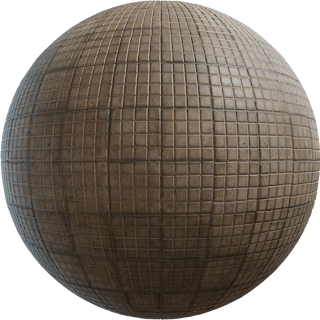
PBR textures for product rendering have to survive a 4K still, a turntable, and a client zooming into a logo. Games can hide errors in motion; a bottle or…
 Guide
Guide
Film and VFX: High-End PBR Workflows
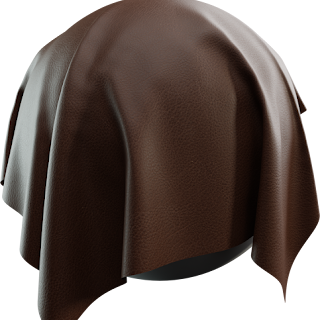
High-end PBR for film and VFX uses the same physical maps as games, then adds UDIMs, higher bit depth, displacement, and a color-managed lookdev pipeline.…
 Rendering
Realtime vs Offline PBR Rendering
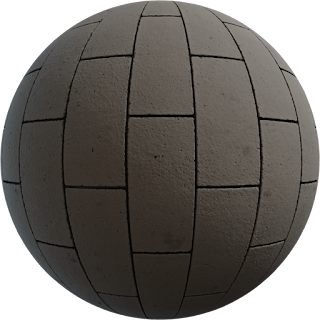
Realtime vs offline PBR rendering is not two material systems. Both read albedo, roughness, normal, and metalness. The split is how many rays you can…
 Guide
Guide
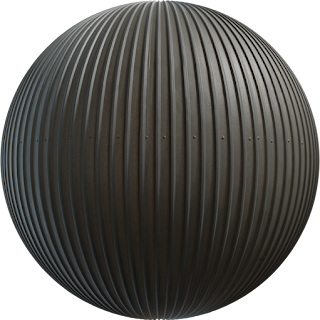
PBR for VR and AR Experiences
PBR for VR and AR uses the same metalness maps as a flat-screen game, but the headset doubles the pixel cost and puts the user’s eyes centimeters from…
 Guide
Guide
Interior Design Texture Selection Guide
Choosing textures for interiors is less about collecting 8K files and more about scale, roughness, and honesty in albedo . A client will notice a 20 cm tile…
 Rendering
Exterior Rendering: Materials That Sell
Exteriors sell when materials look like they have lived outside: sun-faded albedo, roughness that changes from eaves to splash zone, and scale that matches…
 Guide
Guide
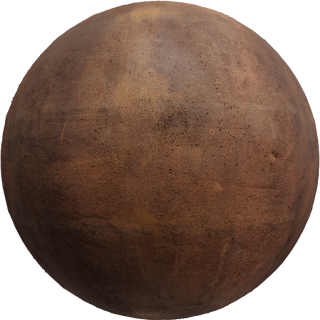
Stylized vs Realistic PBR: When to Use Each Look
PBR is not a visual style. It is a lighting model. You can shade a painted, cartoon surface with the same energy-conserving BRDF you use for photoscanned…
 Guide
Guide
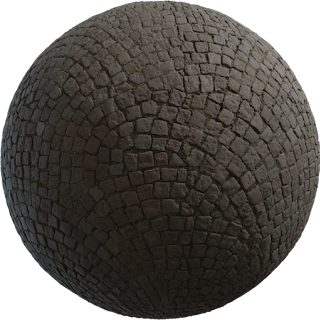
PBR Textures for 3D Printing: What Transfers and What Does Not
PBR textures do not print themselves. A metalness/roughness set tells a renderer how light should bounce. A printer deposits plastic, resin, or color…
 Guide
Guide
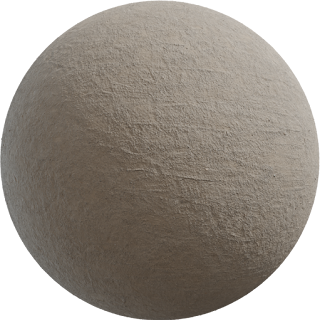
Paid vs Free PBR Texture Libraries: How to Choose
The choice between paid and free PBR texture libraries is not “quality versus junk.” It is uniqueness, license clarity, and time. A good CC0 scan can beat a…
 Guide
Guide
How to Organize Your Texture Library
A messy texture library costs more time than downloading new maps. After a year of archviz or game work you will have hundreds of PBR packs, duplicate 4K…
 Guide
Guide
Texture Management Software and Tools for PBR Libraries
A PBR library dies from inconsistent names , not from a lack of software. Texture management tools help only after the files are predictable. This guide…
 Guide
Guide
PBR Texture Formats: EXR, PNG, JPEG
PBR texture formats are not a style choice. EXR, PNG, and JPEG store different amounts of light and color, compress in different ways, and fail in different…
 Guide
Guide
Normal Map Formats: DirectX vs OpenGL
If a brick wall looks like it is embossed instead of carved , you probably loaded a DirectX normal into an OpenGL shader, or the reverse. The two…
 Guide
Guide
Texture Compression for Real-Time PBR
Real-time PBR dies in memory bandwidth before it dies in shader math. Uncompressed 2K RGBA is 16 MB per map. Four maps and you have spent a hero-character…
 Rendering
What Is a Render? Process Explained
In 3D graphics, a render is the process of turning a scene (geometry, materials, lights, camera) into a final image or sequence of images. This can be done…
 Guide
Guide
HDRI and PBR: Perfect Lighting Setup
An HDRI (high dynamic range image) is the fastest way to make PBR materials look like they belong in a place. The same albedo, roughness, and metalness that…
 Guide
Guide
IBL (Image-Based Lighting) for PBR Materials
Image-based lighting (IBL) is how most PBR lookdev should start. The environment, usually an HDRI, lights the scene and appears in reflections. Your maps…
 Guide
Guide
PBR and Global Illumination: Making Materials Look Correct
Global illumination (GI) is the fastest way to discover that a PBR material is not actually PBR. Direct light can hide a too-dark albedo or a baked shadow…
 Rendering
Render Time Optimization Tips
Render time is a budget, not a virtue. A PBR interior can be honest at 12 minutes or honest at 90; the extra hour is often 8K grout, 2000 samples, and six…
Rendering
GPU vs CPU Rendering for PBR
GPU vs CPU rendering is the first hardware question after you plug in PBR maps. The materials do not change: albedo, roughness, normal, and metalness mean…
 Rendering
Denoising in PBR Renders: When It Helps and When It Hurts
A denoiser is a filter on a noisy estimate , not a substitute for a correct PBR material. Used well, it cuts render time on interiors with GI. Used early,…
Guide
Ray Tracing and PBR Materials: What Actually Changes
Ray tracing does not replace PBR. It evaluates the same BRDF with more accurate light paths. Screen-space reflections guess. A trace hits the actual scene.…
 Guide
Guide
PBR Texture Trends 2025: What Is Actually Changing
In 2025, PBR is still the production material model . What changed is how maps are made, streamed, and lit. If you chase every product announcement, you…
 Guide
Guide
AI in 3D Texturing: What Is Next (and What to Trust)
AI texturing is useful when you treat it as a retouch and variation layer , not as a replacement for a PBR library. Generators can invent a plausible brick…
 Guide
Guide
Real-Time Ray Tracing and PBR: A Practical Material Guide
Real-time ray tracing uses the same PBR maps as a path tracer, with a tighter budget. You get a handful of rays, a denoiser, and often a hybrid: raster for…
 Guide
Guide
Nanite and Virtual Textures: What 3D Artists Need to Know
Nanite and virtual textures changed how Unreal Engine handles huge scenes. Nanite virtualizes triangle meshes so you can import dense, film-quality assets…
 Guide
Guide
Open Source Pbr Tools 2025
700+ CC0 PBR textures in 15 categories — wood, concrete, tiles. Open the maps, pick 1K, 2K or 4K, no account. Commercial use. For Blender and Unreal.
 Guide
Guide
Metaverse and PBR Standards: glTF, USD, and Materials That Travel
The word “metaverse” covers many products—social worlds, digital twins, WebXR showrooms—but they share one production problem: materials must travel . If a…
 Guide
Guide
Sustainable 3D: Reusing Textures Instead of Recreating Them
Sustainable 3D is not only about power bills. It is about not remaking the same brick, oak, and concrete every project . Every new photogrammetry capture,…
 Guide
Guide
PBR in Web3 and NFTs: Materials That Survive Any Viewer
Most “3D NFTs” fail for a boring reason: the file is a mesh with a JPEG stuck on it, not a PBR material a viewer can light. Web3 marketplaces and in-browser…
 Learn
Learn
PBR Textures for Beginners: Start Here
If you are new to 3D, PBR textures look like a pile of gray pictures with names you do not yet need. This page is the start: what PBR means, which maps…
 Learn
Learn
Free 3d Resources For Students
700+ CC0 PBR textures in 15 categories — wood, concrete, tiles. Open the maps, pick 1K, 2K or 4K, no account. Commercial use. For Blender and Unreal.
 Learn
Learn
Learning 3D Texture Fundamentals
If 3D textures feel like a pile of random PNGs, start with fundamentals , not software menus. A texture is either color (what the eye reads as pigment) or…
Rendering
From Zero to First Render with PBR
From zero to first render with PBR is a single afternoon, not a degree. You will download two free texture packs, build a tiny room, connect maps the same…
 Guide
Guide
Common PBR Mistakes and How to Fix Them
Common PBR mistakes are usually setup, not “bad textures.” The same CC0 pack can look like a photograph or like a 2004 game depending on color space, normal…
 Guide
Guide
Glossary of PBR and 3D Terms
This glossary of PBR and 3D terms is a working vocabulary, not a textbook. Use it when a tutorial says “linear roughness” or “dielectric” and you want a…
 Learn
Learn
Recommended Learning Path for 3D Artists
A learning path for 3D artists should produce finished images, not a graveyard of half-watched tutorials. The order below assumes you can give 6–10 hours a…
 Learn
Learn
Free Courses For Pbr And Texturing
700+ CC0 PBR textures in 15 categories — wood, concrete, tiles. Open the maps, pick 1K, 2K or 4K, no account. Commercial use. For Blender and Unreal.
 Rendering
Qué es un render? Guía completa
En gráficos 3D, un render es el cálculo que convierte una escena (malla, materiales, luces, cámara) en una imagen o secuencia. También llamamos “render” al…
 Rendering
V-Ray vs Corona: comparativa para visualización arquitectónica
V-Ray vs Corona es la comparación habitual en estudios de arquitectura. Los dos motores son de Chaos, los dos hacen imágenes fotorealistas y los dos…
 Rendering
PBR Materials for Your Rendering Projects (Workflow Notes)
PBR Materials for your Rendering Projects PBR materials are an increasingly popular rendering technique in the video game and animation industry, and for…
 Licenses
FAQs on Textures Licenses
F.A.Q. / Textures license All the textures are free but you will have to download them on by one. If you would like to access my folder containing…
 Rendering
Corona Render: Advantages for 3D Architectural Visualization
The Advantages of Using Corona Render for 3D Architectural Visualization 3D architectural visualization has become an integral part of the building and…
Guide
Free Pbr Textures Elevate Your 3d
700+ CC0 PBR textures in 15 categories — wood, concrete, tiles. Open the maps, pick 1K, 2K or 4K, no account. Commercial use. For Blender and Unreal.
Rendering
PBR Materials for Your Rendering Projects
PBR Materials for your Rendering Projects PBR materials are an increasingly popular rendering technique in the video game and animation industry, and for…
 Rendering
What Is a Render? The Process Used in Computer Graphics
What is a render ? Render is a process used in computer graphics and image design to generate a visual representation of a scene or image from a set…
 Rendering
Top 5 3D Rendering Software for Architects
Architects still pick from the same top 5 3D rendering software that have defined practice for years: Autodesk 3ds Max , V-Ray , Lumion , SketchUp , and…
 Rendering
The Differences Between V-Ray and Corona Render for 3D Architectural Visualization
The Differences Between Vray and Corona Render for 3D Architectural Visualization When it comes to 3D architectural visualization, choosing the right…
 Rendering
Qué es un render: proceso para arquitectura
¿QUÉ ES UN RENDER? La siguiente presentación es una muestra general del proceso de crear un Render para Arquitectura. El Render es una imagen…
 Guide
Guide
CIRAM: proyecto estudiantil en SketchUp + Lumion 8
ciram Realizado con Sketchup + Lumion 8 Proyecto realizado para un trabajo final de carrera de la universidad Católica de quilmes. Estos son algunos…