

About this texture
Ribbed Pistachio Ceramic: finish and surface detail
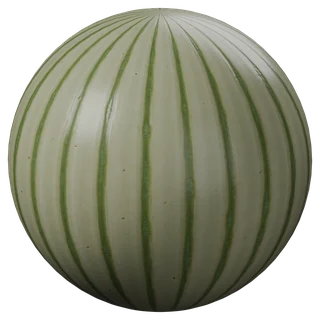
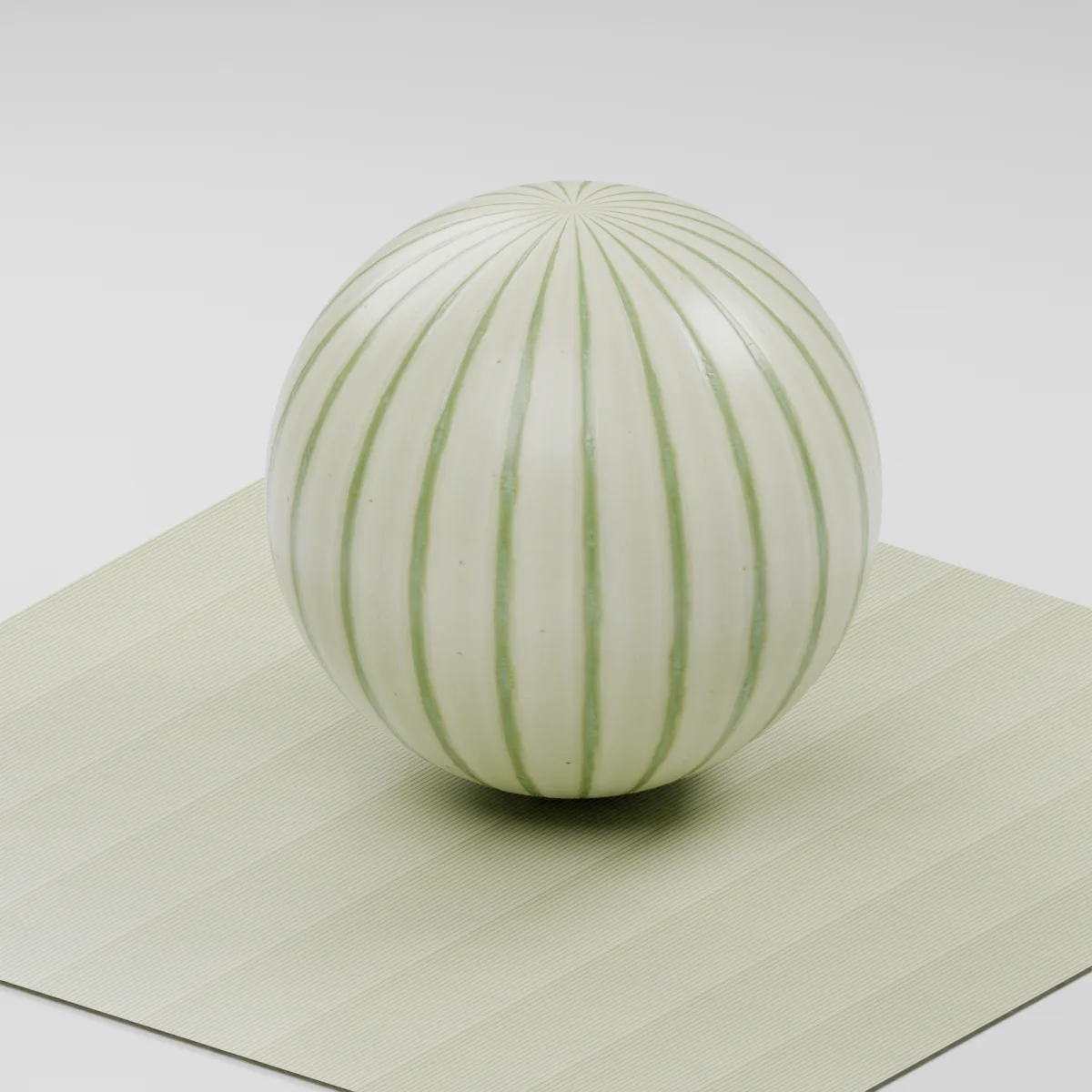
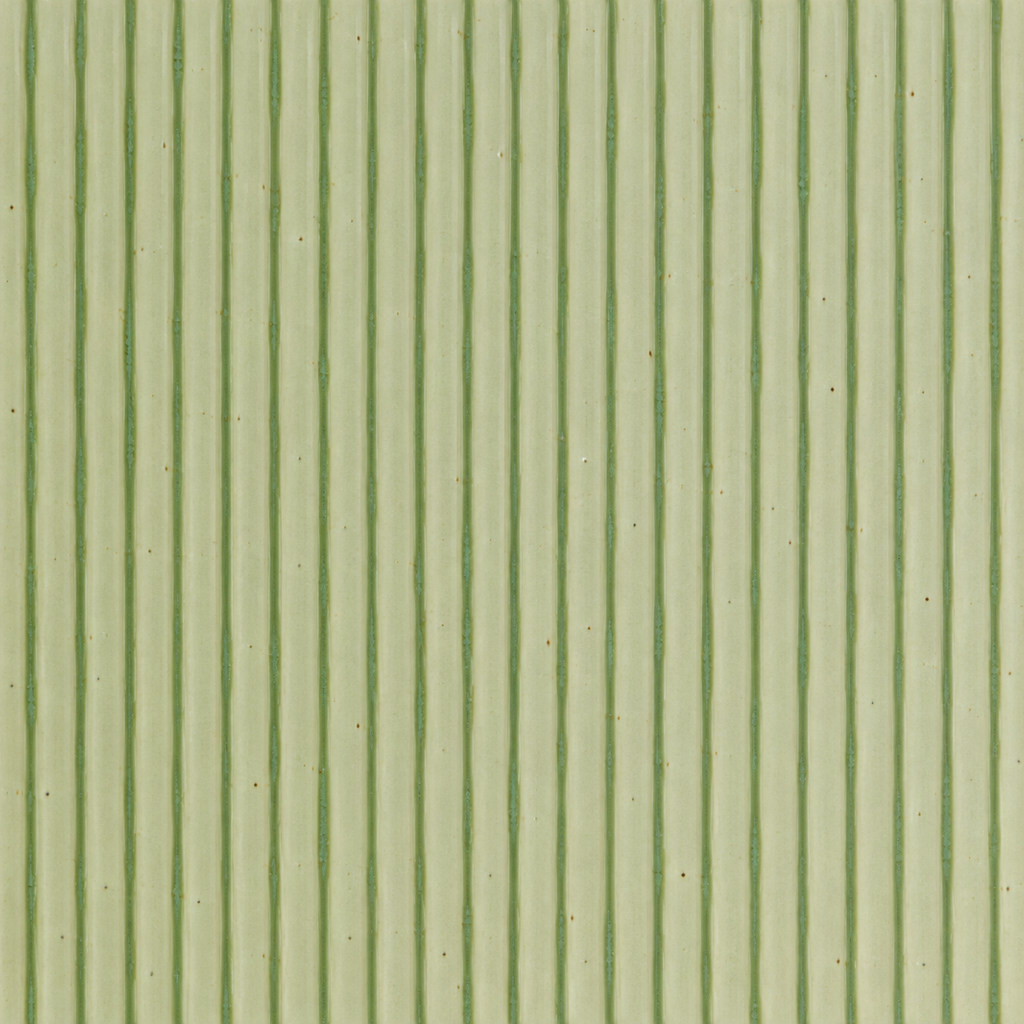
Pale yellow-green glaze covers closely spaced vertical ribs, with slightly greener pooling along the narrow grooves and sparse fired speckles. The broad faces stay smooth. This continuous fluted finish has no horizontal tile joints or grout grid.
Where to use this material
Kitchen backsplash studies, reception-desk fronts and decorative wall bands viewed from a moderate distance. Model panel borders, corners, grout and the ceramic thickness separately. Align the vertical groove direction across adjacent UV islands.
Keep the finish believable
Use metallic 0, roughness near 0.28 and normal strength 0.65 as a visual starting point. Keep glaze faces smooth and the shallow groove response restrained. The normal is estimated from image detail and cannot recover the true rib cross-section. For grazing light, close-up corners or a visible fluted silhouette, model the ribs and use these maps for surface variation.
Texture scale and UV repeats
Start with 0.3 m across a full image tile. About twenty groove intervals span the generated image, giving an illustrative rib pitch near 1.5 cm. Match that pitch to the modeled panel rather than treating it as a measured product dimension. Check vertical alignment and repetition at the final camera distance.
The example uses 0.3 m per full texture tile. This is an illustrative UV scale, not a measured physical capture. Inspect the repeat at your actual camera distance before covering a large surface.
Set up Ribbed Pistachio Ceramic in Blender
Connect albedo.png to Base Color using sRGB. Use roughness.png and normal-gl.png as Non-Color data. Route the normal through a Normal Map node, starting at strength 0.65. Set metallic to 0. The downloadable scene packs all three images.
The base color is AI-generated, and normal and roughness are estimates. The material changes surface shading; it does not add silhouette geometry. The pack has no displacement, AO or metallic image. For an engine expecting DirectX normals, use an image editor to invert the normal map’s green channel. Follow the Blender texture setup guide for the node connections.
Compare related finishes
Long White Tiles · Blue Floor Tiles 01
Ribbed Pistachio Ceramic: common questions
Does this normal map create real fluted ceramic geometry?
No. It changes shading on the existing surface and gives a shallow impression of the grooves. It does not create rib depth, cast geometric shadows or change the panel silhouette. Model the rib profile for close-up side views; the packed preview uses normal shading without displacement.
How do I keep the rib spacing consistent across a wall?
Use a common UV scale and keep the texture vertical on every panel. A 30 cm image tile gives roughly 1.5 cm between ribs in this generated study. Place UV cuts at modeled panel joints, inspect the repeat and adjust the scale to the scene. The image contains no horizontal grout joints and is not a certified ceramic product layout.
Browse the tiles texture library, the existing material library, or use the tile and offset checker to inspect repetition.