
About this texture
Silver Vein-Cut Travertine: finish and surface detail
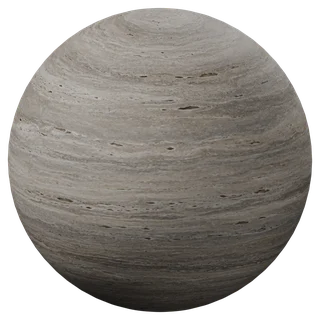
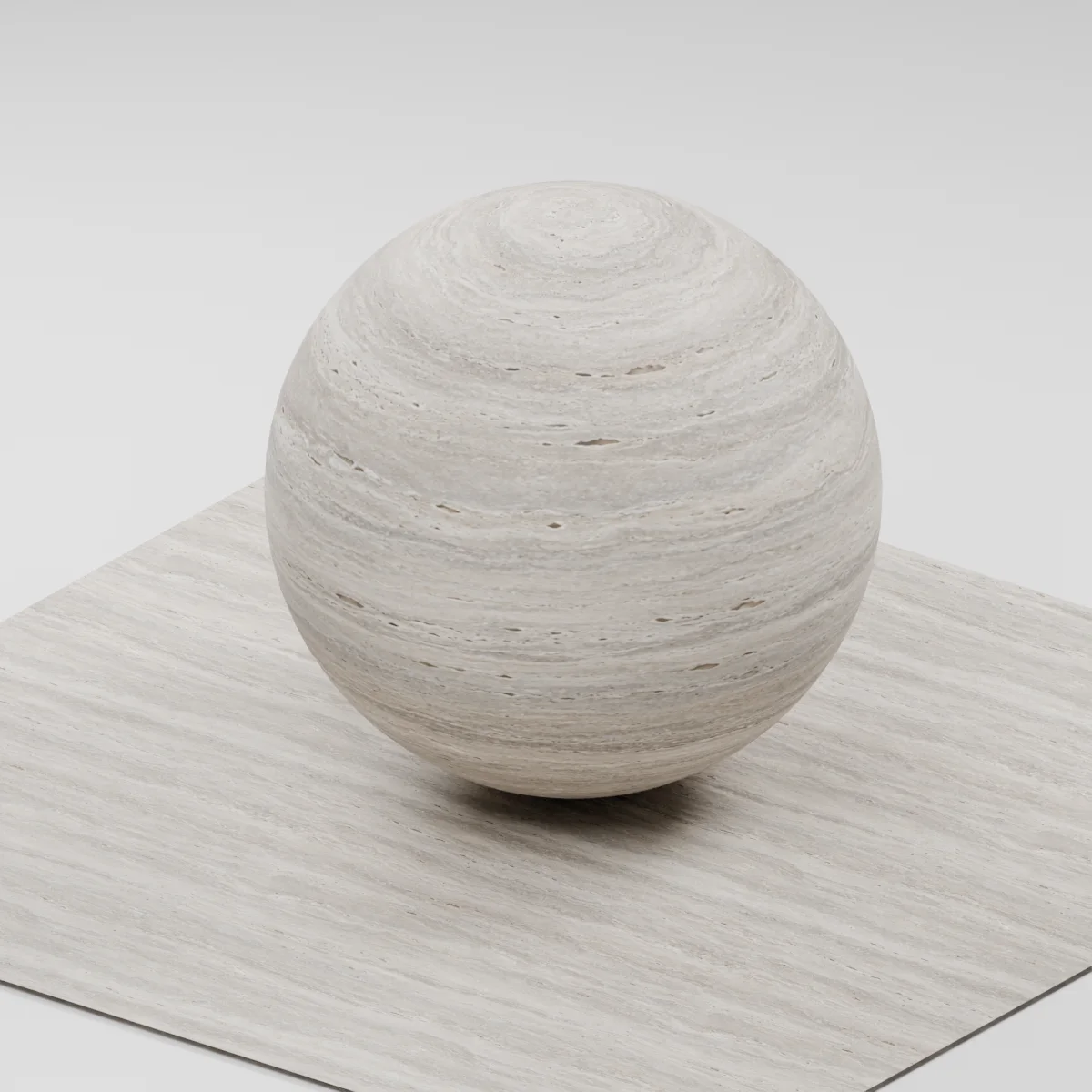
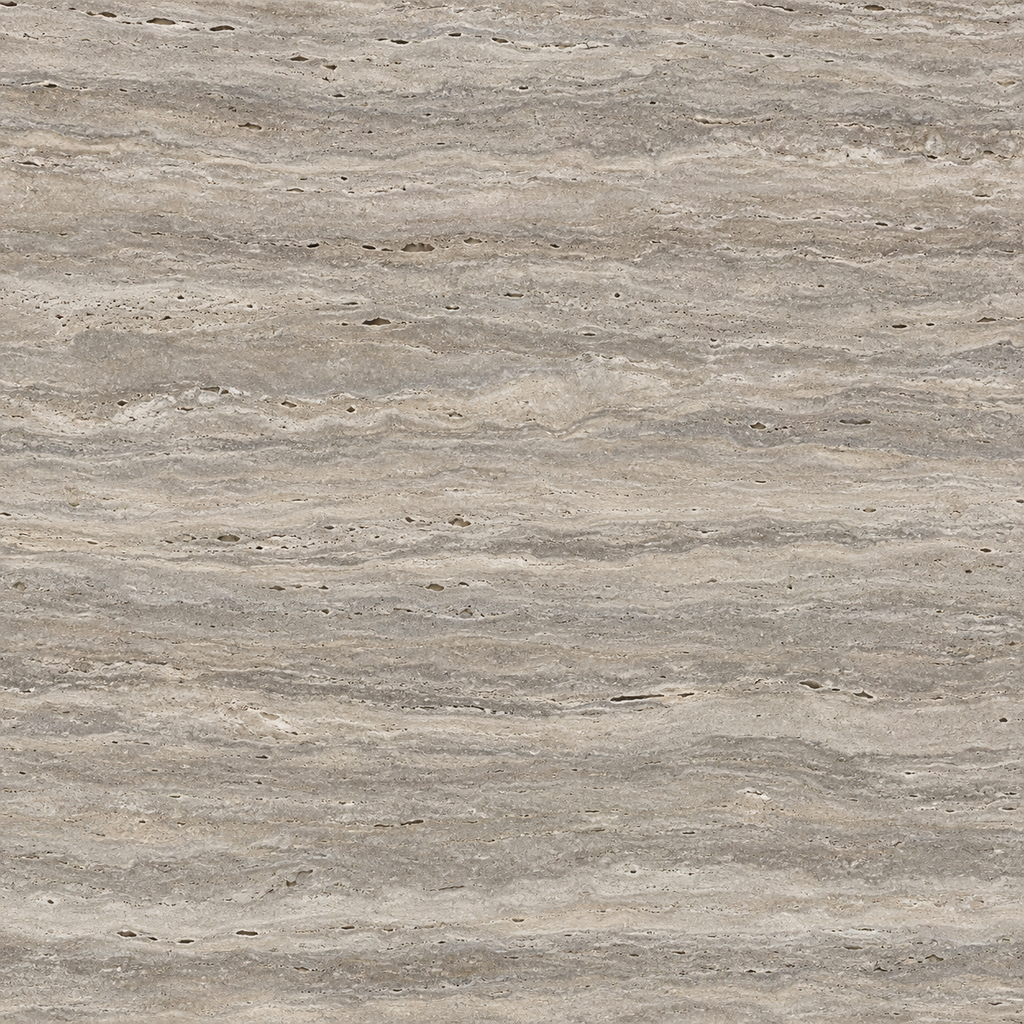
Warm silver-gray and taupe mineral bands run along the cut, with fine elongated pores and restrained cream deposits. The honed surface has a soft response rather than a mirror finish. Bands are intrinsic color; only the small pores and fine grain should affect the normal strongly.
Where to use this material
Interior wall panels behind furniture, reception counters and architectural stone insets. Align the bands consistently across neighboring panels, then vary their UV offset so the same pore cluster does not repeat at each seam.
Keep the finish believable
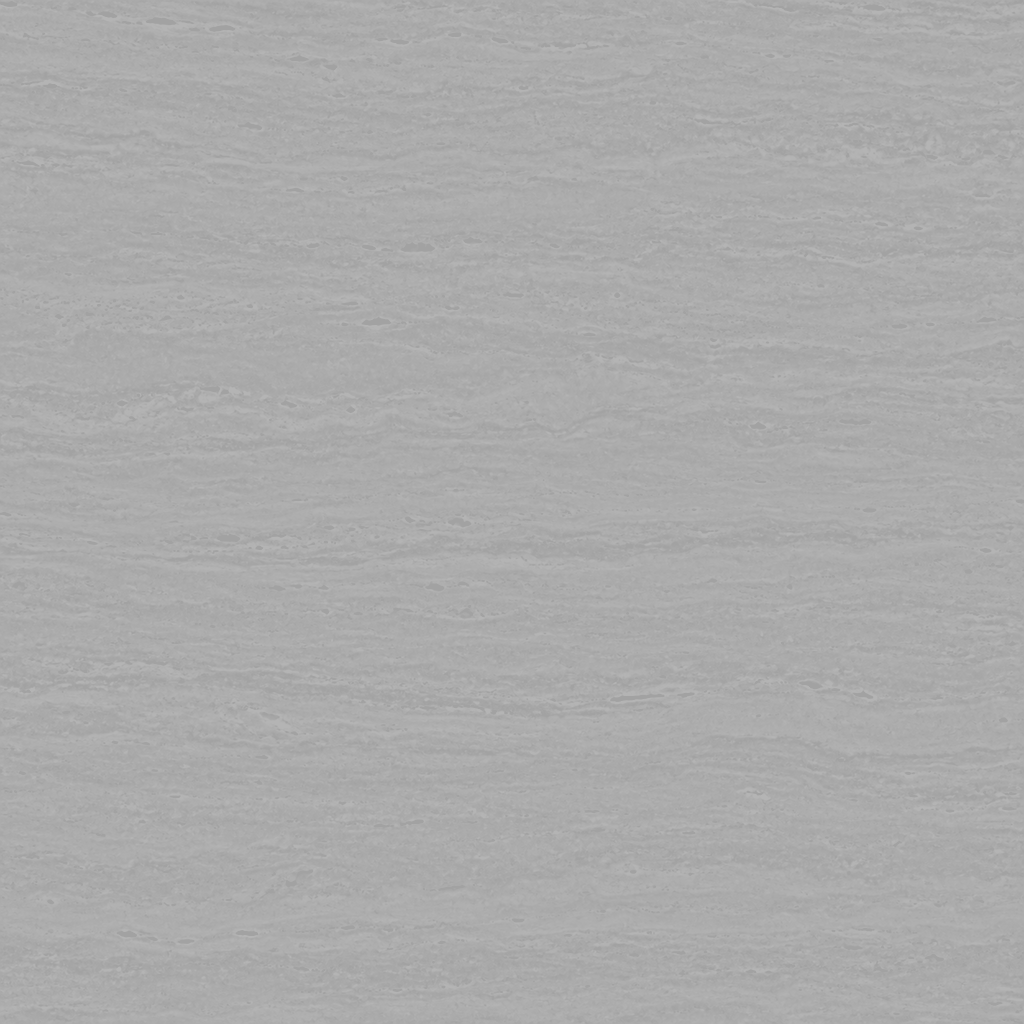
Keep the shader non-metallic and the finish matte to softly honed. Start with the supplied normal strength of 0.65: large waves in the mineral color should stay nearly flat. For a hero close-up with a broken stone edge, model the edge and deep cavities as geometry.
Texture scale and UV repeats
The example starts at 1.2 m per full texture tile. For a 60 cm-wide panel, that spans half the image width; check pore size beside a modeled trim before settling the UV scale. Rotating UVs 90 degrees changes the bedding to vertical. This illustrative study does not define the dimensions of a quarried slab.
The example uses 1.2 m per full texture tile. This is an illustrative UV scale, not a measured physical capture. Inspect the repeat at your actual camera distance before covering a large surface.
Set up Silver Vein-Cut Travertine in Blender
Connect albedo.png to Base Color using sRGB. Use roughness.png and normal-gl.png as Non-Color data. Route the normal through a Normal Map node, starting at strength 0.65. Set metallic to 0. The downloadable scene packs all three images.
The base color is AI-generated, and normal and roughness are estimates. The material changes surface shading; it does not add silhouette geometry. The pack has no displacement, AO or metallic image. For an engine expecting DirectX normals, use an image editor to invert the normal map’s green channel. Follow the Blender texture setup guide for the node connections.
Compare related finishes
Silver Vein-Cut Travertine: common questions
How do I keep the travertine bands aligned across wall panels?
Keep each panel's UV axis oriented along the stone bedding and use the same texel scale. Offset adjacent UV islands rather than scaling each panel independently. Inspect the tile checker and the actual wall view for recognizable repeated pores.
Does this download reproduce deep travertine holes or a stone edge?
The estimated normal changes surface shading only. It does not cut holes or change the silhouette, and the pack has no displacement image. Model exposed edges and hero-shot cavities separately; use the maps for restrained surface detail.
Browse the stone texture library, the existing material library, or use the tile and offset checker to inspect repetition.