

About this texture
Basalt Volcanic Sand: finish and surface detail
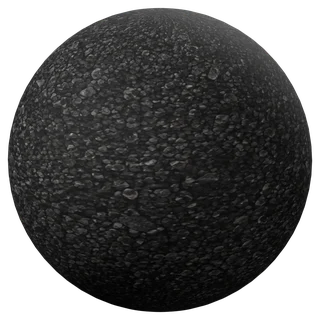
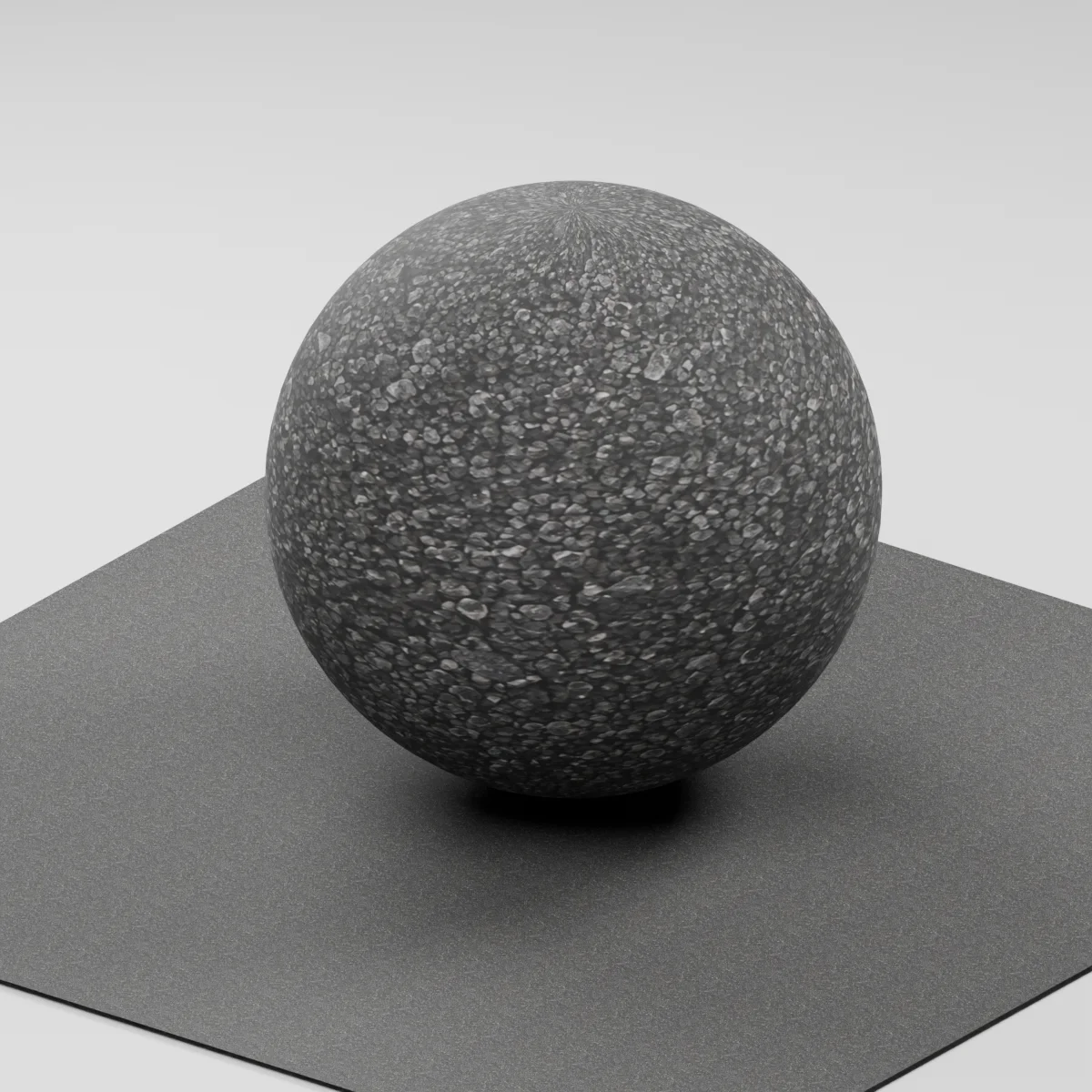
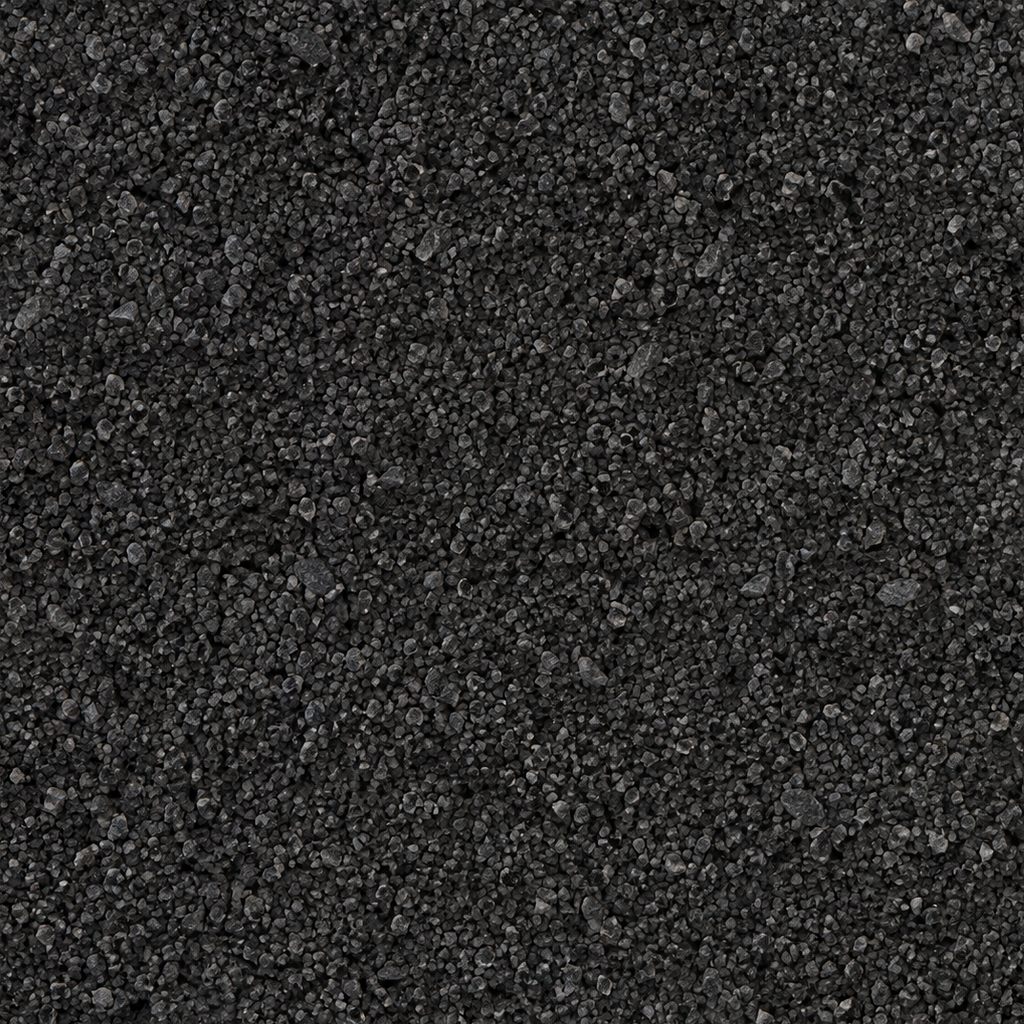
A compact bed of small charcoal and graphite mineral grains with angular edges. Fine material fills the gaps between the larger fragments. A few lighter grains provide local variation, while the overall ground stays dark and matte.
Where to use this material
Apply it to the dry part of a black-sand beach, a volcanic trail shoulder or the ground between larger rocks. For wide terrain, blend it with larger-scale ground variation. Build stones or loose grains in geometry where they need to break the silhouette.
Keep the finish believable
Start at roughness 0.83 and normal strength 0.62. Check the grains under a broad, low light and lower the normal strength if they look too sharp from the intended camera distance. A wet shoreline would require a separate material transition and roughness treatment.
Texture scale and UV repeats
The Blender ground plane uses an illustrative 24 cm repeat. Use a nearby boot or rock as a size reference so the fragments read as sand. Keep the UV scale consistent on adjoining ground meshes and inspect the pattern from your final camera distance.
The example uses 0.24 m per full texture tile. This is an illustrative UV scale, not a measured physical capture. Inspect the repeat at your actual camera distance before covering a large surface.
Set up Basalt Volcanic Sand in Blender
Connect albedo.png to Base Color using sRGB. Use roughness.png and normal-gl.png as Non-Color data. Route the normal through a Normal Map node, starting at strength 0.62. Set metallic to 0. The downloadable scene packs all three images.
The base color is AI-generated, and normal and roughness are estimates. The material changes surface shading; it does not add silhouette geometry. The pack has no displacement, AO or metallic image. For an engine expecting DirectX normals, use an image editor to invert the normal map’s green channel. Follow the Blender texture setup guide for the node connections.
Compare related finishes
Coast Sand 05 · Gravelly Sand · Damp Sand
Basalt Volcanic Sand: common questions
How can I keep the grains from reading as gravel?
Start with the 24 cm repeat and compare it with a boot or rock in the same shot. If the grains still look too large, increase the repeat count and soften the normal intensity a little.
Can I use this sand right at the waterline?
The starter is set up for a dry, matte appearance. Blend toward a wetter material at the waterline and tune roughness to your lighting. The normal map adds shallow shading detail, while water, footprints and shoreline relief need their own treatment.
Browse the ground texture library, the existing material library, or use the tile and offset checker to inspect repetition.