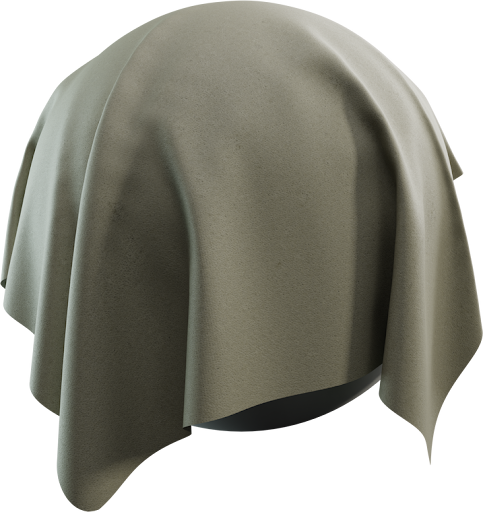
Free leather PBR textures are how an armchair stops looking like brown clay. Furniture leather needs fine grain, a dielectric shader, and roughness that is glossier on the seat than in the cracks—not a chrome highlight. This guide is for sofas, chairs, and product stills using CC0 maps from Locker3d, not for clothing unique-UVs.
What furniture leather needs in PBR
Albedo is the dye: tan, cognac, black, or oxblood, without studio glints. Roughness carries the oil and wear. The normal carries pores and creases. Metalness stays 0. A baked photo of a shiny sofa already contains the highlight; that highlight will sit in the wrong place under your HDRI. Primer: what PBR textures are. Download a set from leather and keep fabric pillows on a separate material.
Upholstery scale on cushions and arms
Measure a real armchair. Grain that is visible from two meters is usually too large in 3D. A seamless tile plus even UVs beats a stretched 8K bake on a cushion that was never unwrapped. Arms and seat can share one material if the UV density matches; a headrest that shows 4× larger pores will read as a different hide. Prints and perforated leather need a known hole spacing—count holes across a 40 cm cushion. Apply maps with the Blender PBR setup: albedo sRGB, roughness and normal Non-Color.
Roughness: seat polish versus raw edges
People polish the crown of a seat. That is a darker (smoother) roughness, not a brighter albedo. Cracks and piping stay rougher. Add a soft wear mask from vertex colors or a cavity map; do not paint a unique stain into the tiling albedo or it will repeat on every cushion. Sheen or clearcoat, if your shader has it, should be subtle. Velvet and cloth use sheen more than leather. Next to wood frames from the catalog, leather should be the glossier dielectric, not a metal patch.
Normal strength and close product cameras
Catalog cameras sit on the arm. A normal strength of 1.0 often carves pores too deep. Try 0.4–0.7 and judge under an HDRI, not a single hard sun. Creases belong in a sculpt or a wrinkle map on a second UV, not as a huge repeating valley in the tile. If the pack includes height, use it for a light bump; full displacement on a sofa cushion is rarely worth the render time.
Color grading without breaking PBR
Hue-shift albedo to match a fabric swatch. Keep values in a believable dye range—avoid 0 or 1. Do not multiply a heavy AO into the color or folds turn to soot. If you need a two-tone piped sofa, two materials beat one albedo with a painted stripe that tiles badly. Pair leather with floor and wall materials from the same library so the room shares one scan quality.
CC0 leather for billed furniture shots
Locker3d leather is CC0. You can use it in commercial interiors, games, and product renders without credit. You cannot claim the scan as exclusive stock. Read CC0 textures: what you can and cannot do. More furniture notes sit on the blog. Start at 2K; swap 4K only on the hero armchair. Save a node group with Scale and wear mix exposed so the next sofa is a file swap.
Frequently asked questions
Should furniture leather use a metalness map?
No. Leather is a dielectric. Keep metallic at 0. The tight highlight on an armchair comes from a lower roughness and a fine grain normal, not from metalness.
Why does my leather sofa look like vinyl or plastic?
Roughness is too low and even, or the grain is scaled to the size of a hand. Real upholstery is only moderately glossy. Raise roughness and match pore size to a real cushion.
Are Locker3d leather textures free for commercial furniture renders?
Yes. They are CC0. Use them on client sofas, games, and catalog shots without attribution. Download albedo, roughness, and normal from the leather category.