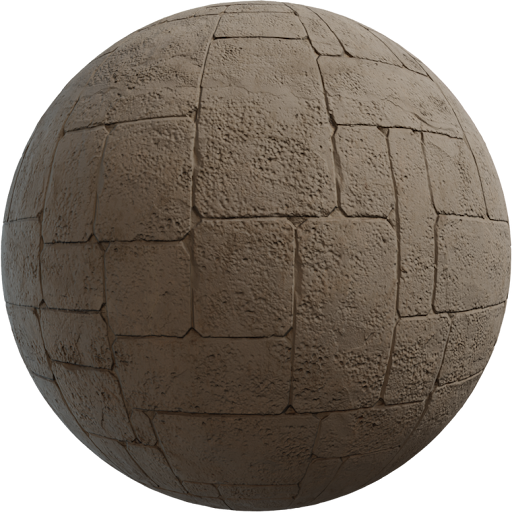
A tileable brick wall texture is the default facade tool in archviz: one seamless tile, real module, mortar that wraps. A holiday photo of a wall will show a seam and a sun shadow that fights your HDRI. This guide is about seamless brick at building scale, not about collecting another red JPEG.
Seamless means every map wraps
Tileable is a property of the set. Albedo, roughness, and normal must match at the edges. If you only offset-heal the color, sunset raking light will flash a line in the normal. Download a finished pack from wall instead of cropping a phone photo. Locker3d wall tiles are built to wrap. How maps work: complete PBR textures guide. Do not crop 4K to 4000×4000 “to clean the edge”; you will break the wrap.
Brick module and mortar width
Write the module on the material. A common running-bond face is about 6.5 × 21.5 cm plus a 1 cm joint—confirm the region you are matching. Albedo holds brick color and mortar color as surface colors, not as a sunlit photo. Roughness is usually higher in mortar. The normal is the joint depth. Metalness stays 0. Count brick courses between slab lines; four courses in a 3 m story is a dollhouse. Apply the set with the Blender PBR setup and one shared Mapping node.
UV scale on elevations, not on a cube preview
A cube in the asset browser lies. Put the material on a 3 m story with window openings, then set Mapping scale so the module matches the CAD grid. Shared Mapping keeps grout aligned across maps. Stretching on a tapered wall is more visible than a 2K limit. Hero entrances can use 4K; distant wings can stay 2K if the module is right. Mipmaps will hide 8K on a street camera, so do not “future-proof” every elevation.
Hide repetition without breaking the tile
Seamless is not invisible. A unique dark brick that repeats every two meters is a stamp. Offset UVs per wing, not per brick. Place windows, downpipes, and cornices before you blame the texture. A soft dirt multiply in mortar only does more than another download. Do not rotate random bricks 90 degrees on a running bond; the headers will lie. Isotropic plaster can rotate; brick cannot.
Archviz cameras and raking sun
Street cameras forgive a lot if the module is right. A low sunset on a blank gable will not. Check roughness in that light: wet-looking brick is usually a low, flat roughness, not a bad albedo. Pair the wall with site pavement and metal flashings from the catalog so the elevation has a material hierarchy. More facade notes sit on the blog.
CC0 brick for commercial exteriors
Locker3d wall textures are CC0. You can tile them across client facades and games without credit. You cannot claim the scan as exclusive stock. Read CC0 textures: what you can and cannot do. Start with 2K, confirm module, then swap 4K on the entrance. Save a material named with the brick size (for example Brick_65x215_Mortar10) so the next elevation is a file swap, not a guess.
Frequently asked questions
What makes a brick texture actually tileable?
Left edge matches right, top matches bottom, on albedo, roughness, and normal. A healed color map with a broken normal still shows a seam in raking sunset light.
How do I pick brick size for an archviz facade?
Match the region: many running-bond faces sit near 6–7 cm tall and 21–24 cm long plus mortar. Count courses between floor slabs. If you only fit four courses in 3 m, the scale is wrong.
Are Locker3d wall textures seamless and CC0?
Yes. Locker3d wall packs are built as seamless tiles under CC0. You can use them in commercial exteriors without attribution. You still hide repetition with openings and UV offsets.