About this texture
Abalone Shell Mosaic: finish and surface detail
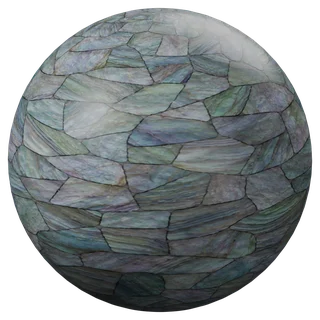
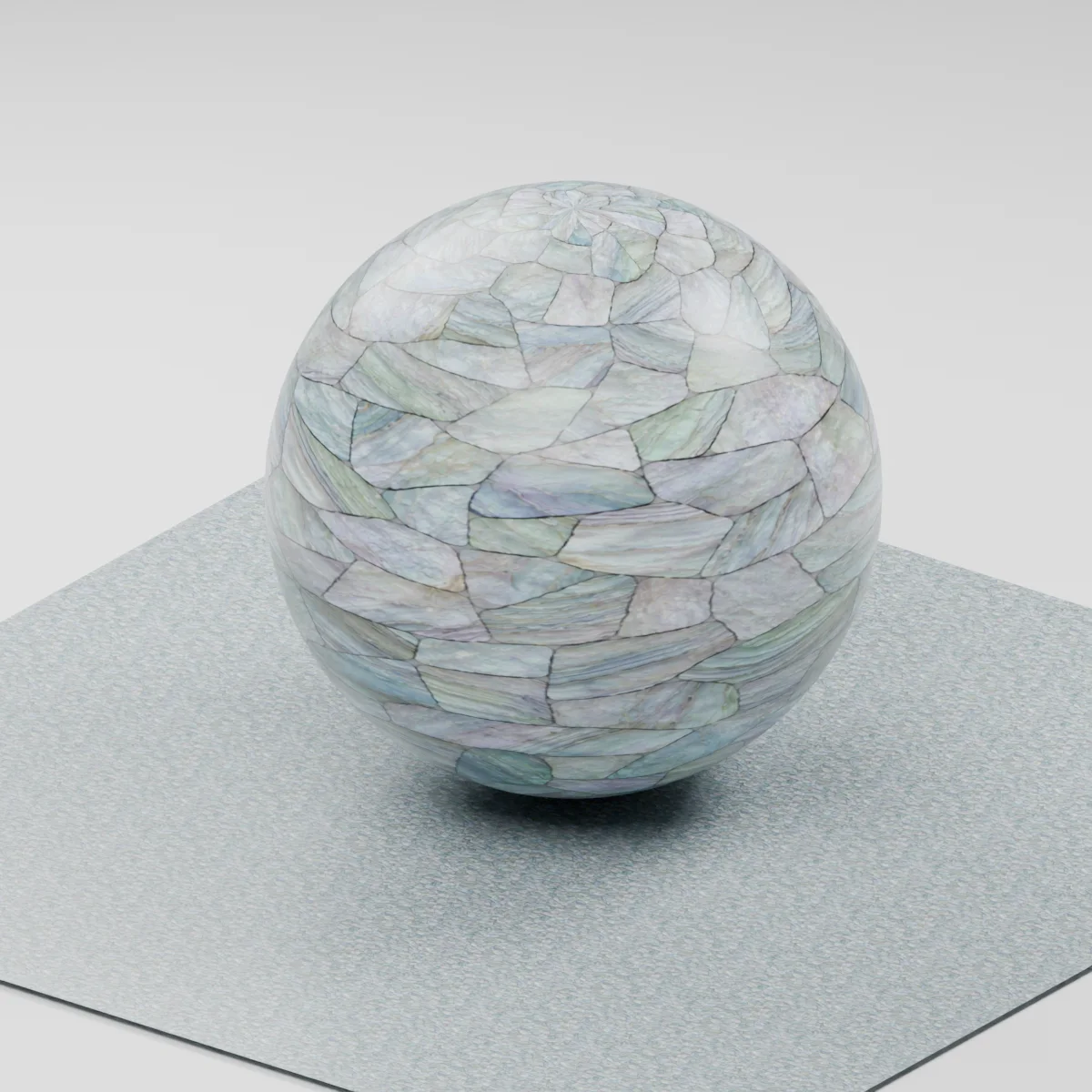
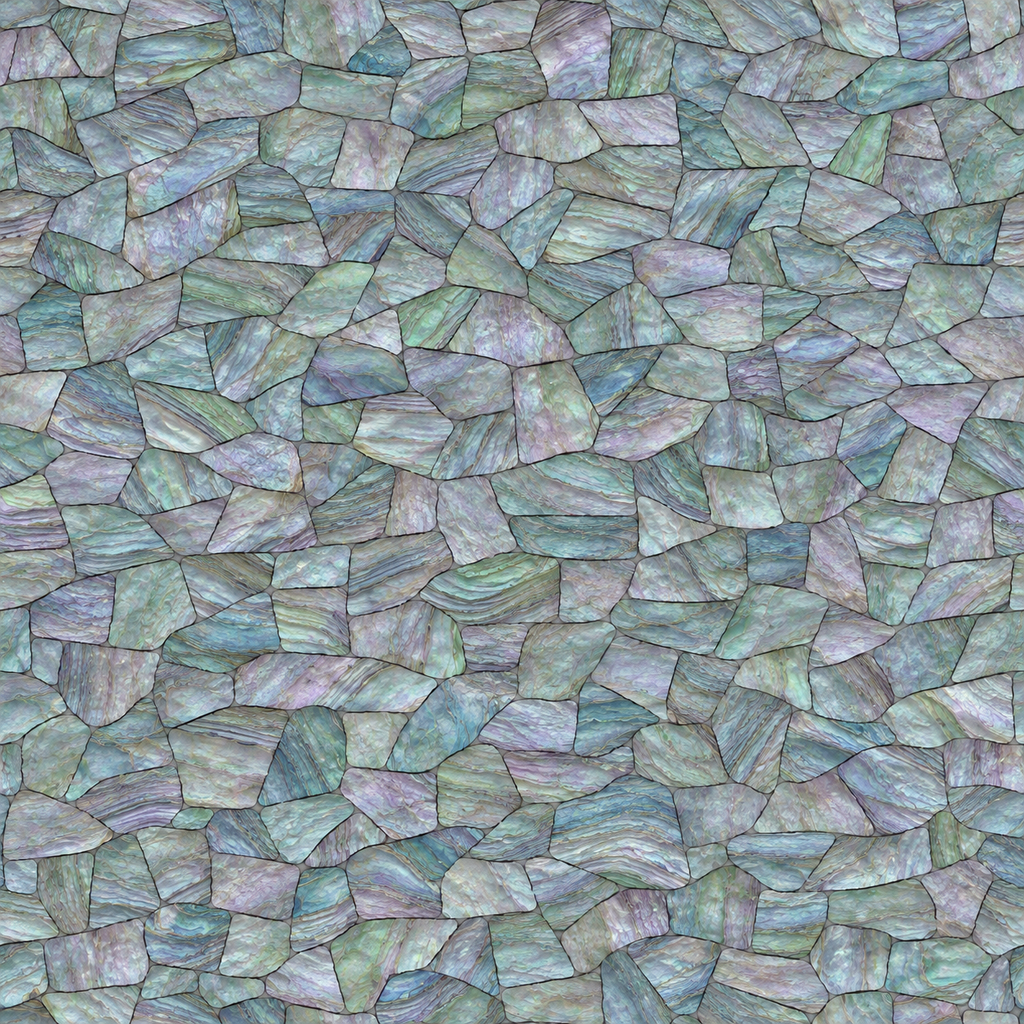
Hand-cut shapes with narrow dark seams and layered blue, lavender and pale green striations inside the pieces.
Where to use this material
Small furniture inlays, jewelry boxes and feature panels. Treat the surrounding frame as a separate mesh to keep clean edges.
Keep the finish believable
The hue is baked into the color map. The shader is an opaque decorative approximation of nacre and does not model optical interference.
Texture scale and UV repeats
Start with a 30 cm tile and compare tessera size against your frame or handle.
The example uses 0.3 m per full texture tile. This is an illustrative UV scale, not a measured physical capture. Inspect the repeat at your actual camera distance before covering a large surface.
Set up Abalone Shell Mosaic in Blender
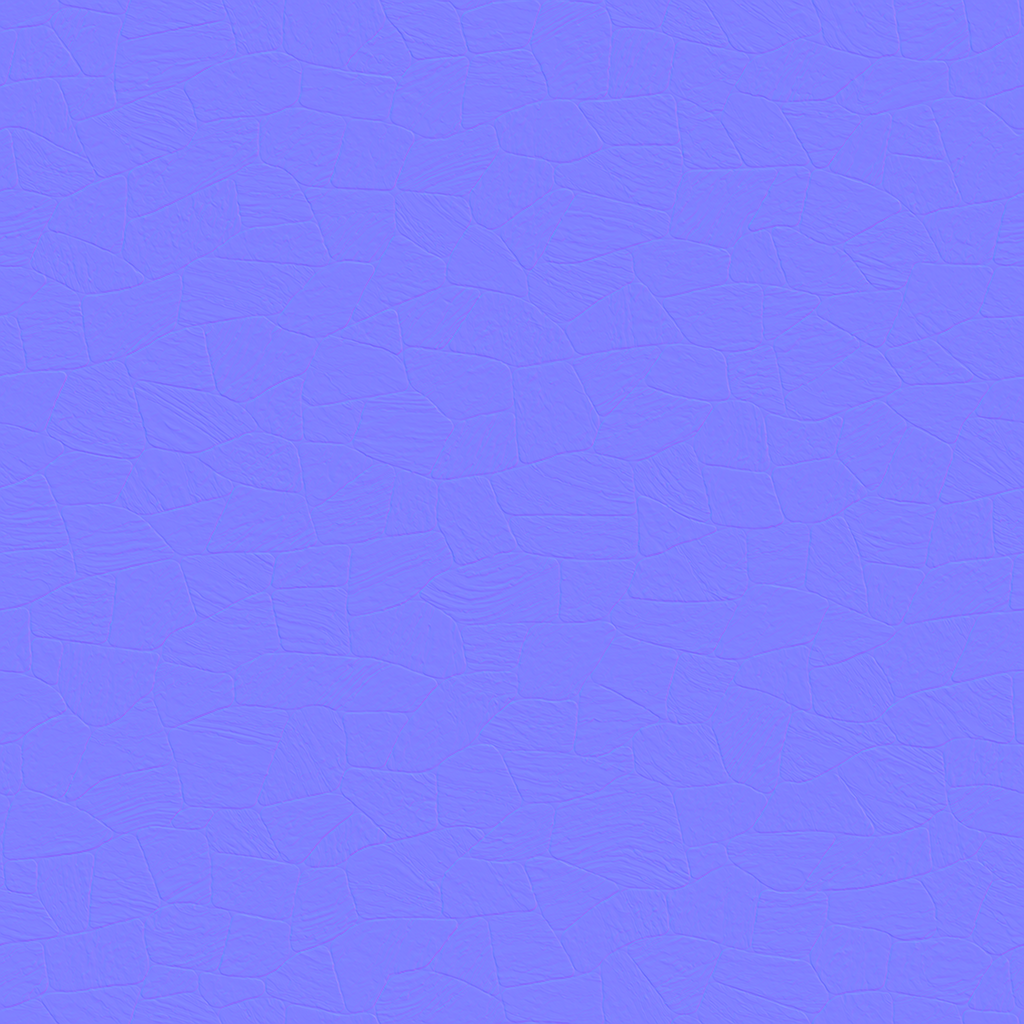
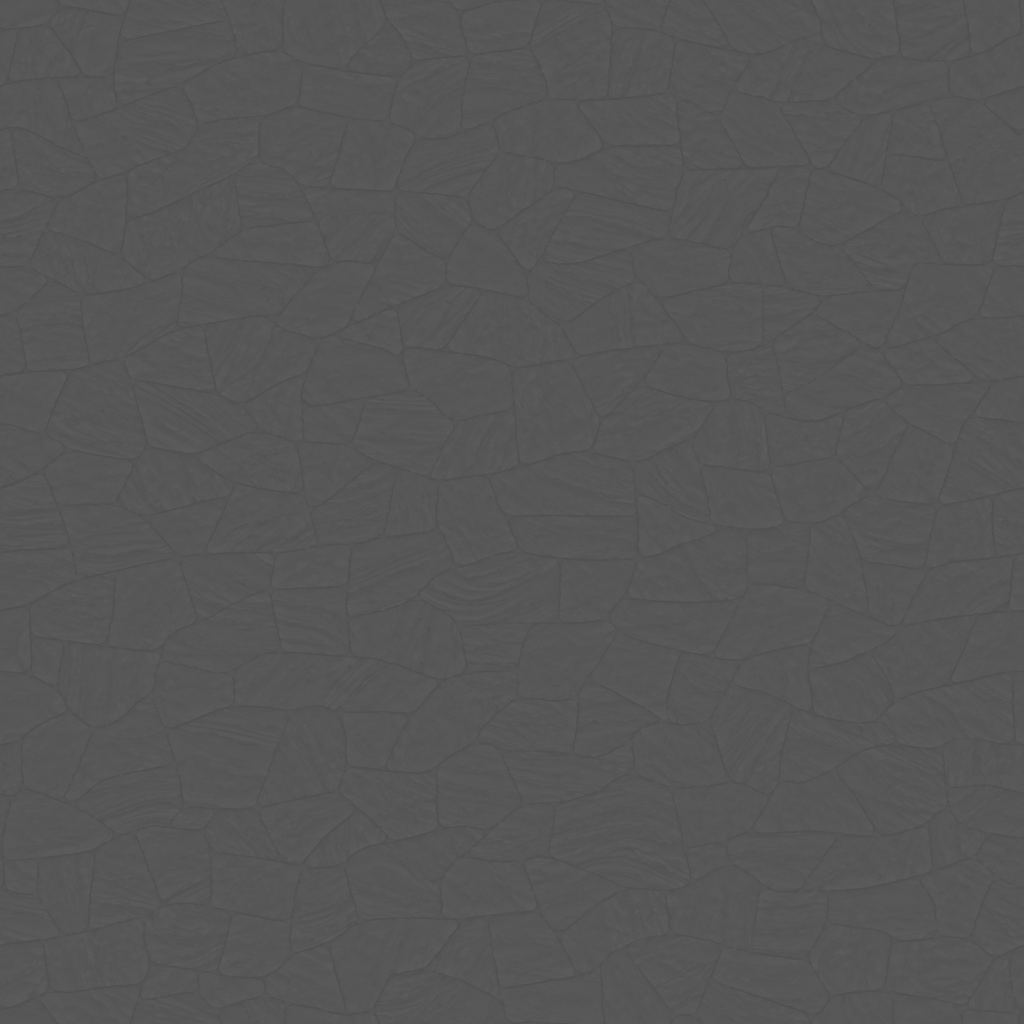
Connect albedo.png to Base Color using sRGB. Use roughness.png and normal-gl.png as Non-Color data. Route the normal through a Normal Map node, starting at strength 0.52. Set metallic to 0. The downloadable scene packs all three images.
The base color is AI-generated, and normal and roughness are estimates. The material changes surface shading; it does not add silhouette geometry. The pack has no displacement, AO or metallic image. For an engine expecting DirectX normals, use an image editor to invert the normal map’s green channel. Follow the Blender texture setup guide for the node connections.
Compare related finishes
Shell Floor 01 · Marble Mosaic Tiles
Abalone Shell Mosaic: common questions
Will the colors shift at grazing angles?
The 1K maps use static colors. Add a view-dependent layer in your renderer if that behavior is important.
Can I show deep joints between pieces?
The narrow seams are mainly color and shallow shading. Model recessed joints for a macro close-up.
Browse the tiles texture library, the existing material library, or use the tile and offset checker to inspect repetition.