

About this texture
Brushed Ochre Limewash: finish and surface detail
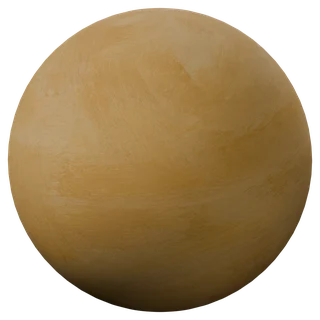
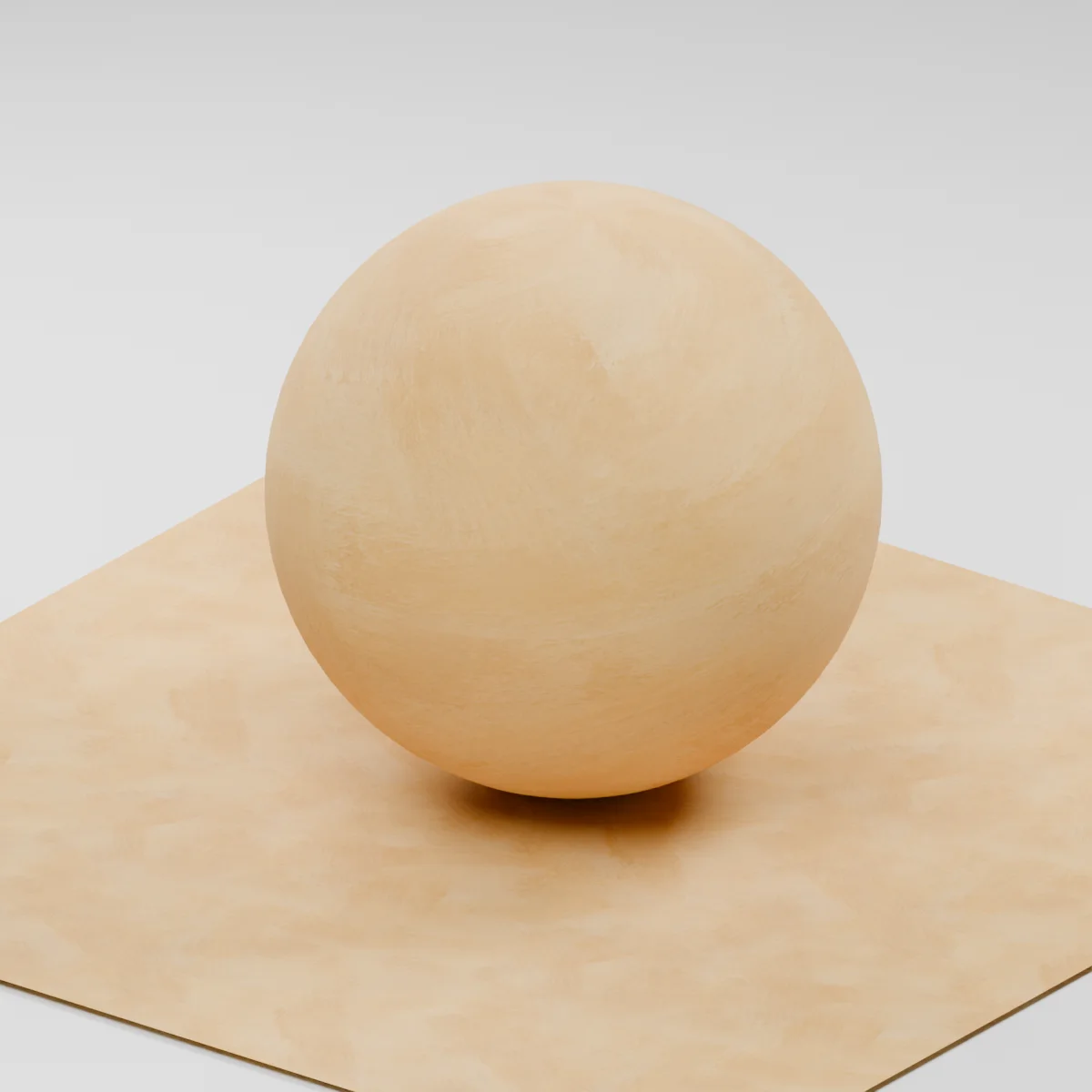
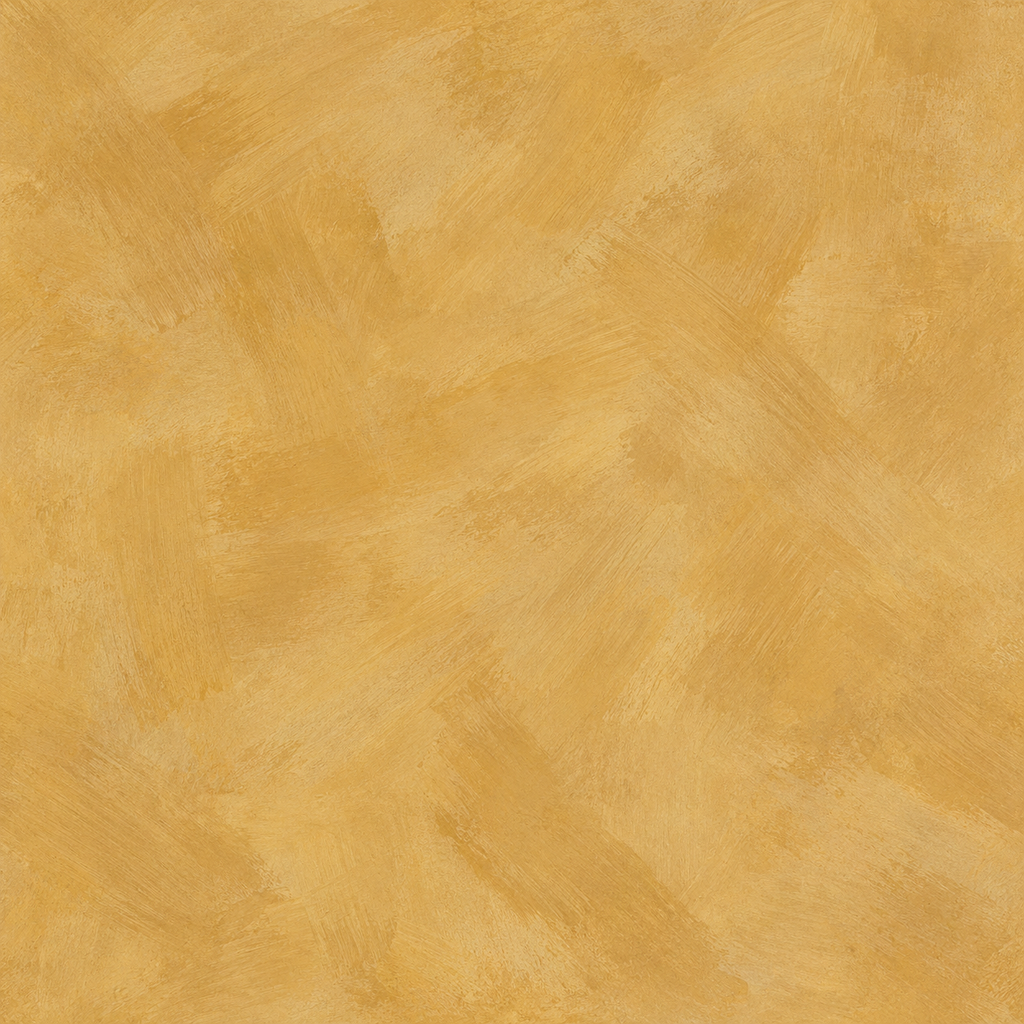
Broad overlapping brush strokes cross in several directions through a warm ochre mineral finish. Translucent pale wheat patches and finer bristle traces describe the application, with much less apparent depth than a coarse troweled plaster. The finish is clean and continuous, without cracks, masonry joints or peeling areas.
Where to use this material
Warm interior accent walls, alcove backdrops and retail display surfaces viewed at room scale. Model wall corners, reveals and baseboards separately. Keep a common UV scale across adjoining wall faces and inspect the repeat before applying it to a long uninterrupted room elevation.
Keep the finish believable
Use metallic 0, roughness near 0.92 and normal strength 0.4. Most of the broad brush pattern belongs in base color: it represents pigment coverage rather than carved ridges. Keep the estimated normal shallow so the wall does not become thick impasto. The material does not model actual lime chemistry, application thickness or measured optical properties.
Texture scale and UV repeats
The example uses 1.2 m across the full image tile. This makes the broad visible brush swaths roughly hand-brush sized, but their sizes are generated and were not physically measured. Judge the stroke scale beside a modeled door frame, and vary the UV origin between large walls if the same distinctive crossing strokes become noticeable.
The example uses 1.2 m per full texture tile. This is an illustrative UV scale, not a measured physical capture. Inspect the repeat at your actual camera distance before covering a large surface.
Set up Brushed Ochre Limewash in Blender
Connect albedo.png to Base Color using sRGB. Use roughness.png and normal-gl.png as Non-Color data. Route the normal through a Normal Map node, starting at strength 0.4. Set metallic to 0. The downloadable scene packs all three images.
The base color is AI-generated, and normal and roughness are estimates. The material changes surface shading; it does not add silhouette geometry. The pack has no displacement, AO or metallic image. For an engine expecting DirectX normals, use an image editor to invert the normal map’s green channel. Follow the Blender texture setup guide for the node connections.
Compare related finishes
Painted Plaster Wall · Clay Plaster
Brushed Ochre Limewash: common questions
Why is the normal map so shallow when the brush pattern is visible?
The broad ochre changes are intended to read as overlapping pigment coverage on a thin finish. Raising every light stroke can turn the wall into rough sculpted plaster. Start with normal strength 0.4 and inspect the grazing highlight; the supplied normal and roughness are estimates from image detail.
Can this texture replace wall geometry or a real limewash product specification?
No. The three 1K maps change surface shading only; model corners, wall thickness and damaged plaster separately. This is an AI-generated visual study with an illustrative 1.2 m tile scale, not a measured sample, construction specification or guarantee of how a coating performs.
Browse the wall texture library, the existing material library, or use the tile and offset checker to inspect repetition.