

About this texture
Fan-Cut Straw Marquetry: finish and surface detail
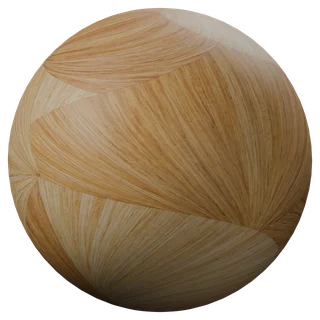
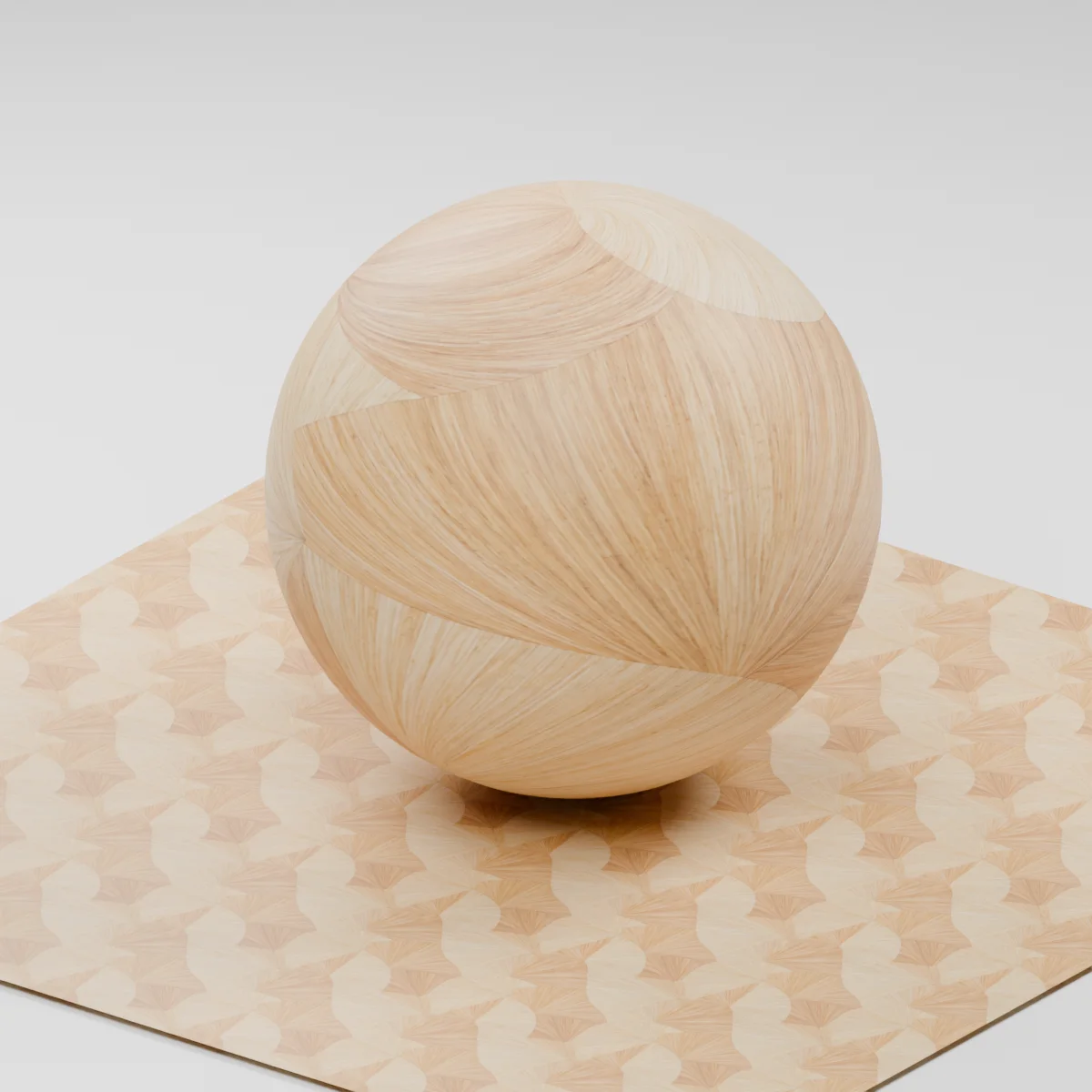
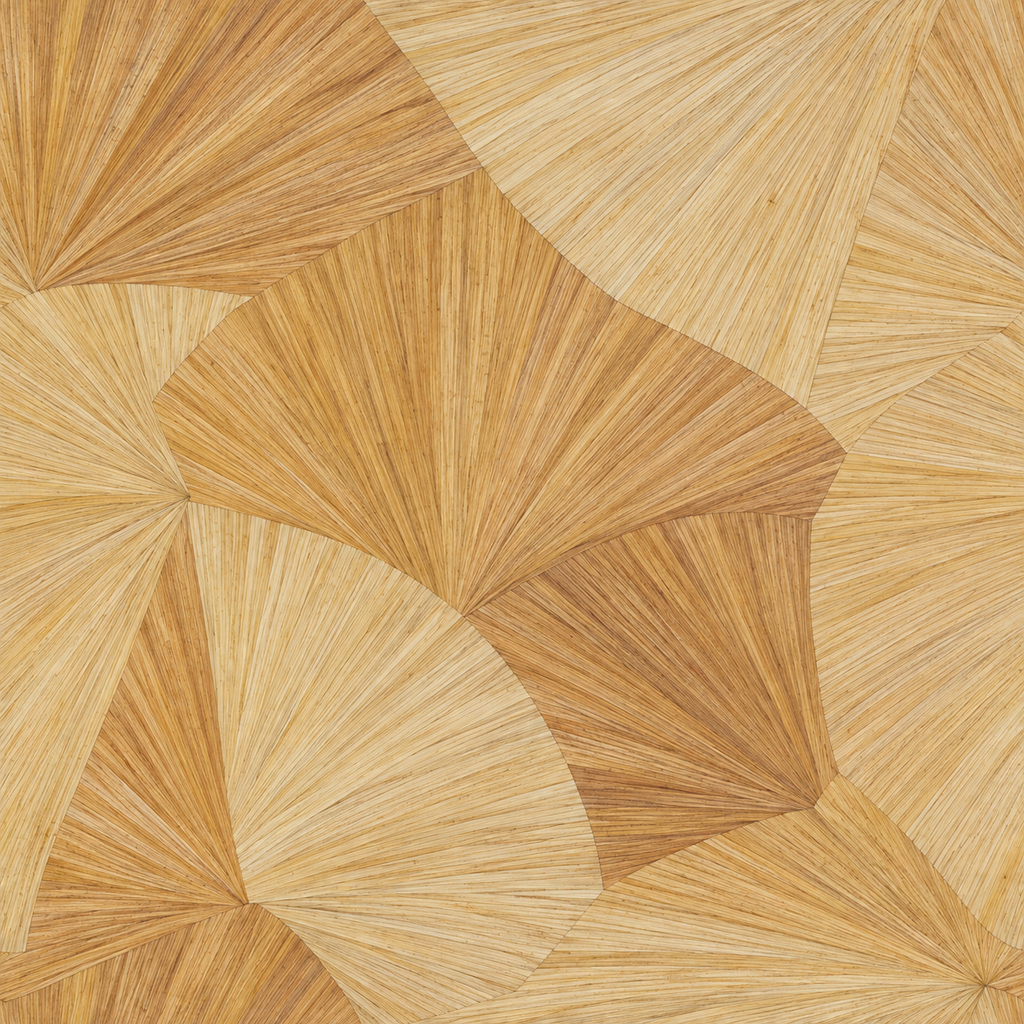
Narrow straw-colored ribbons radiate through offset fan-shaped segments. The restrained grain follows each fan direction.
Where to use this material
Cabinet doors, folding screens and Art Deco inspired architectural inserts. Place joins at frame edges and keep each fan from stretching.
Keep the finish believable
The color map carries the directional motif. The pack approximates a sealed surface and has no directional anisotropy map.
Texture scale and UV repeats
Use a 40 cm repeat as a starting point. Crop a complete fan for small inserts and check joins beside the trim.
The example uses 0.4 m per full texture tile. This is an illustrative UV scale, not a measured physical capture. Inspect the repeat at your actual camera distance before covering a large surface.
Set up Fan-Cut Straw Marquetry in Blender
Connect albedo.png to Base Color using sRGB. Use roughness.png and normal-gl.png as Non-Color data. Route the normal through a Normal Map node, starting at strength 0.5. Set metallic to 0. The downloadable scene packs all three images.
The base color is AI-generated, and normal and roughness are estimates. The material changes surface shading; it does not add silhouette geometry. The pack has no displacement, AO or metallic image. For an engine expecting DirectX normals, use an image editor to invert the normal map’s green channel. Follow the Blender texture setup guide for the node connections.
Compare related finishes
Rosewood Veneer1 · Larch End-Grain Blocks
Fan-Cut Straw Marquetry: common questions
Can I rotate the texture between doors?
Yes. Rotate the UV orientation while holding the scale constant and compare the fan seams with the real panel edges.
Will the sheen follow each strip?
The pack uses scalar roughness. For a close moving highlight, author a directional shader that follows the straw fibers.
Browse the wood texture library, the existing material library, or use the tile and offset checker to inspect repetition.