
About this texture
Pine Bark Mulch: finish and surface detail
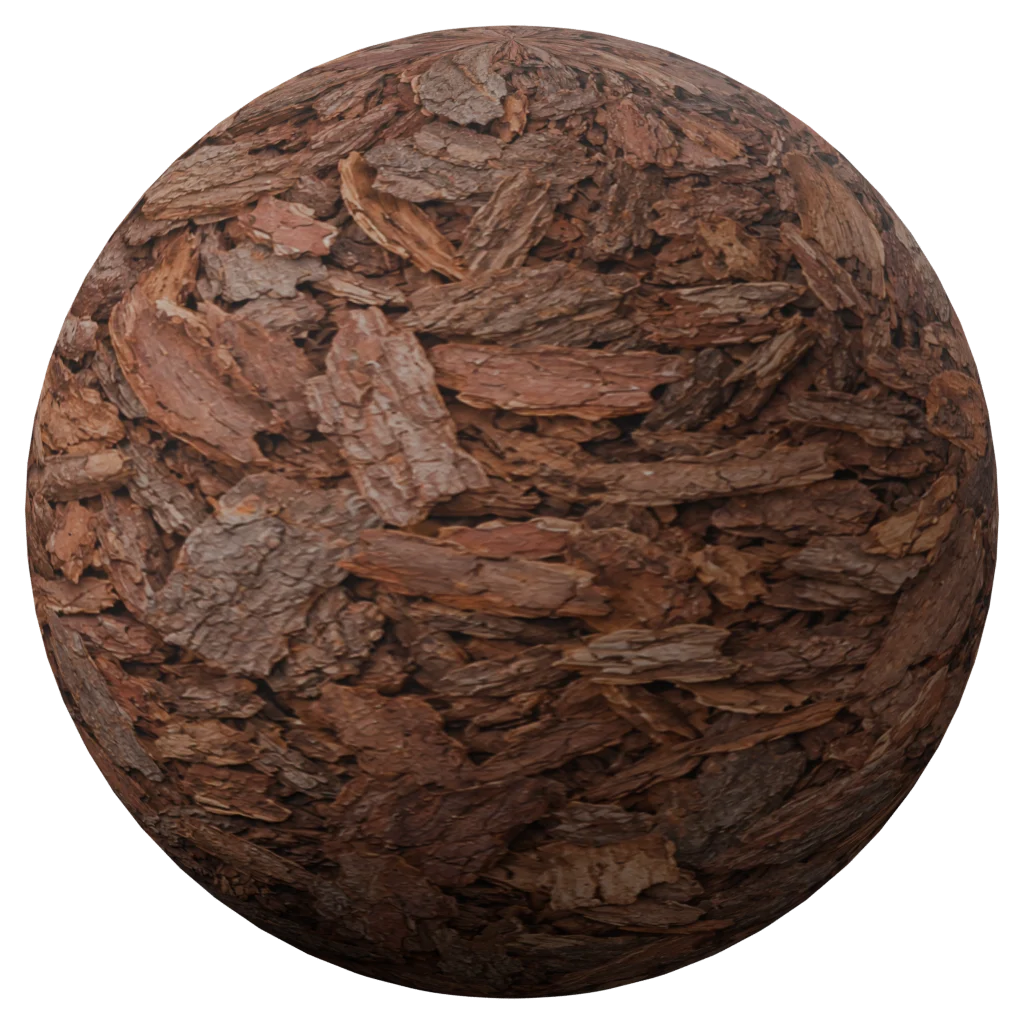
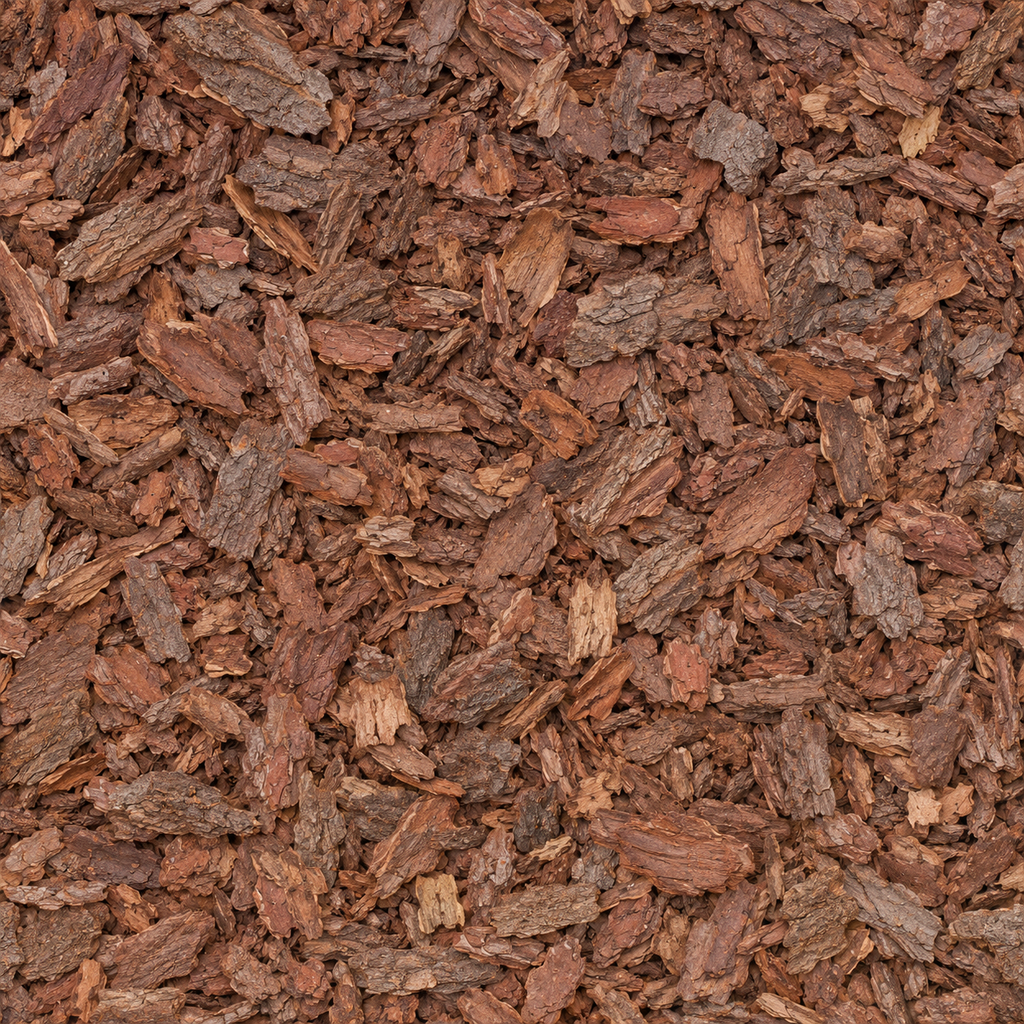
Detached dry bark platelets and small curled fragments cover the surface in random orientations. Rough corky outer faces, fibrous breaks and layered edges distinguish this russet and gray-brown mulch from fine sawmill wood chips and leaf litter.
Where to use this material
Use it on a planter bed or a garden border in an architectural scene. Place a few modeled bark pieces along the exposed bed edge and beside foreground plants. The texture supplies the middle-distance surface; it cannot produce separate chips, open gaps or a raised silhouette by itself.
Keep the finish believable
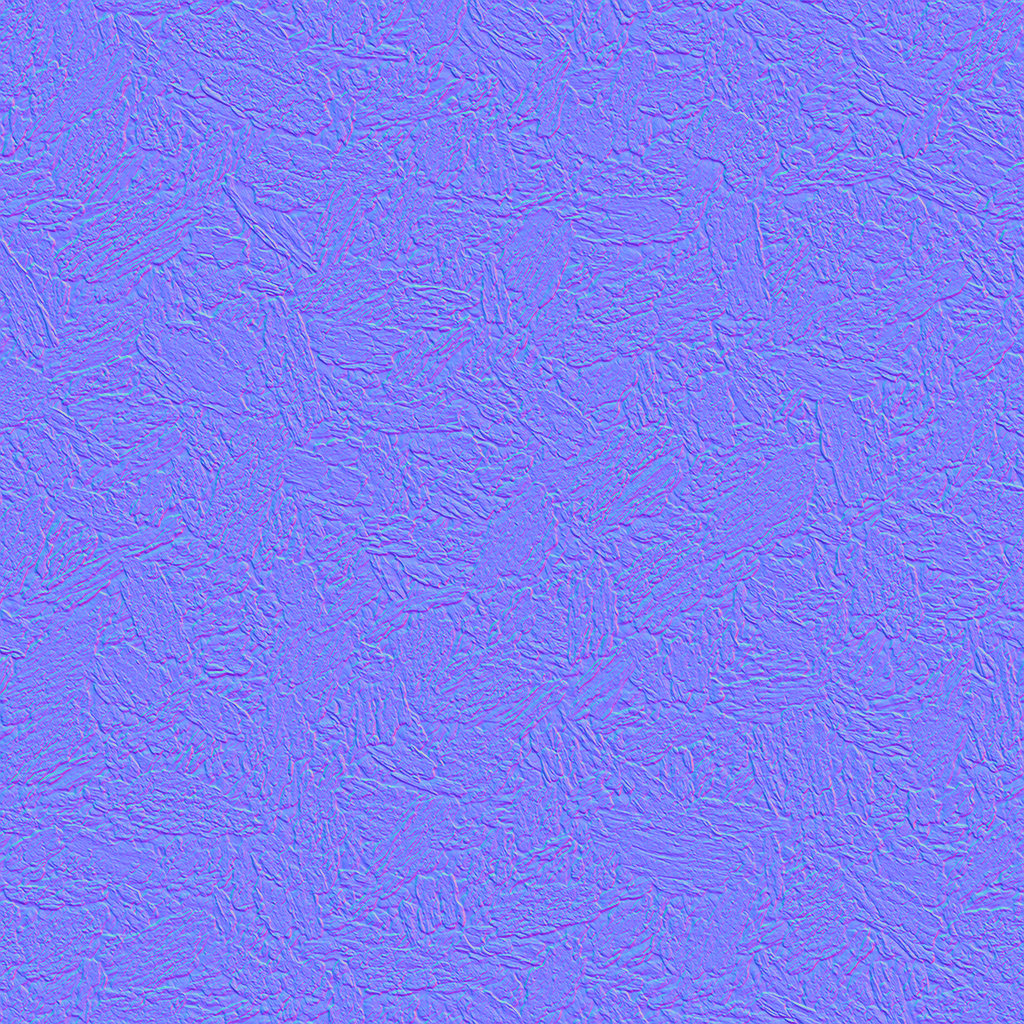
Start near roughness 0.87 and normal strength 0.55 for dry bark. The normal uses restrained fine detail so color differences between chips do not become deep grooves. Keep the ground mesh shaped to the bed, and add geometric bark chips for close views or low camera angles. No displacement or opacity map is supplied.
Texture scale and UV repeats
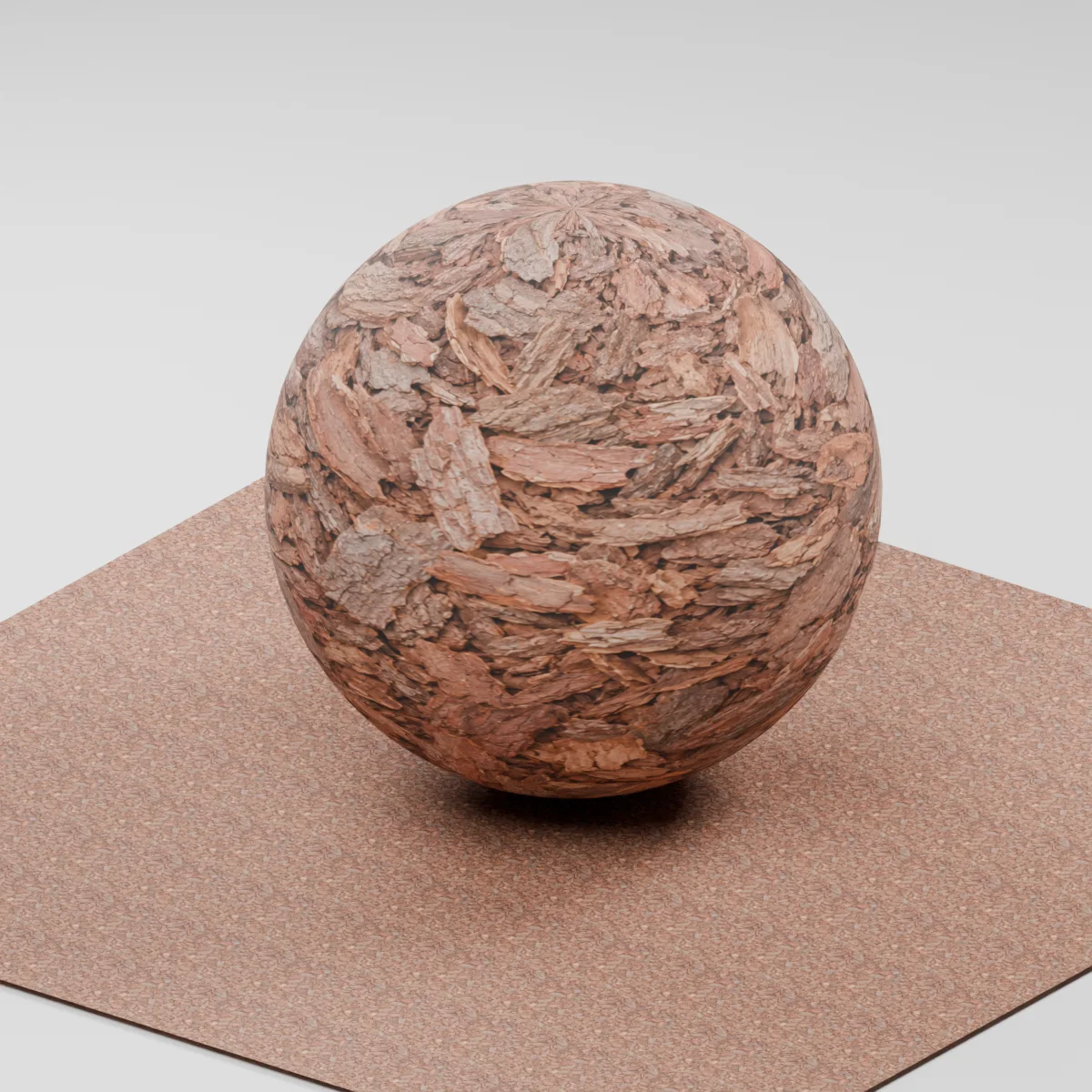
The final demonstration uses an illustrative 25 cm square repeat. Most fragments should read around 1–4 cm long, with a few larger pieces. Compare the chip size with a planter rim and vary the layout for a broad bed. The repeat was scaled after inspecting the generated image; chip dimensions and relief are visual estimates.
The example uses 0.25 m per full texture tile. This is an illustrative UV scale, not a measured physical capture. Inspect the repeat at your actual camera distance before covering a large surface.
Set up Pine Bark Mulch in Blender
Connect albedo.png to Base Color using sRGB. Use roughness.png and normal-gl.png as Non-Color data. Route the normal through a Normal Map node, starting at strength 0.55. Set metallic to 0. The downloadable scene packs all three images.
The base color is AI-generated, and normal and roughness are estimates. The material changes surface shading; it does not add silhouette geometry. The pack has no displacement, AO or metallic image. For an engine expecting DirectX normals, use an image editor to invert the normal map’s green channel. Follow the Blender texture setup guide for the node connections.
Compare related finishes
Wood Chips · Leaves Forest Ground · Pine Bark
Pine Bark Mulch: common questions
When do I need actual bark-chip geometry?
Add modeled chips along the bed silhouette, where the mulch meets a path, and near a low or close camera. The estimated normal changes lighting on the ground surface but does not lift individual pieces or open spaces between them.
How is this mulch different from a tree-bark texture?
This field shows loose bark plates with random orientation and broken edges. Tree-bark textures follow the connected growth pattern of a trunk, while fine wood-chip surfaces are dominated by smaller splinters. Choose the structure as well as the color.
Browse the ground texture library, the existing material library, or use the tile and offset checker to inspect repetition.