About this texture
Reticulated Silver Sheet: finish and surface detail
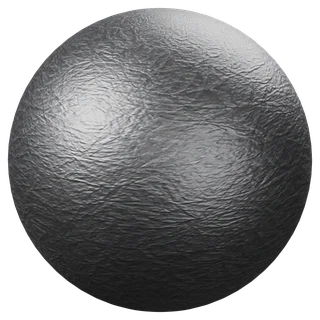
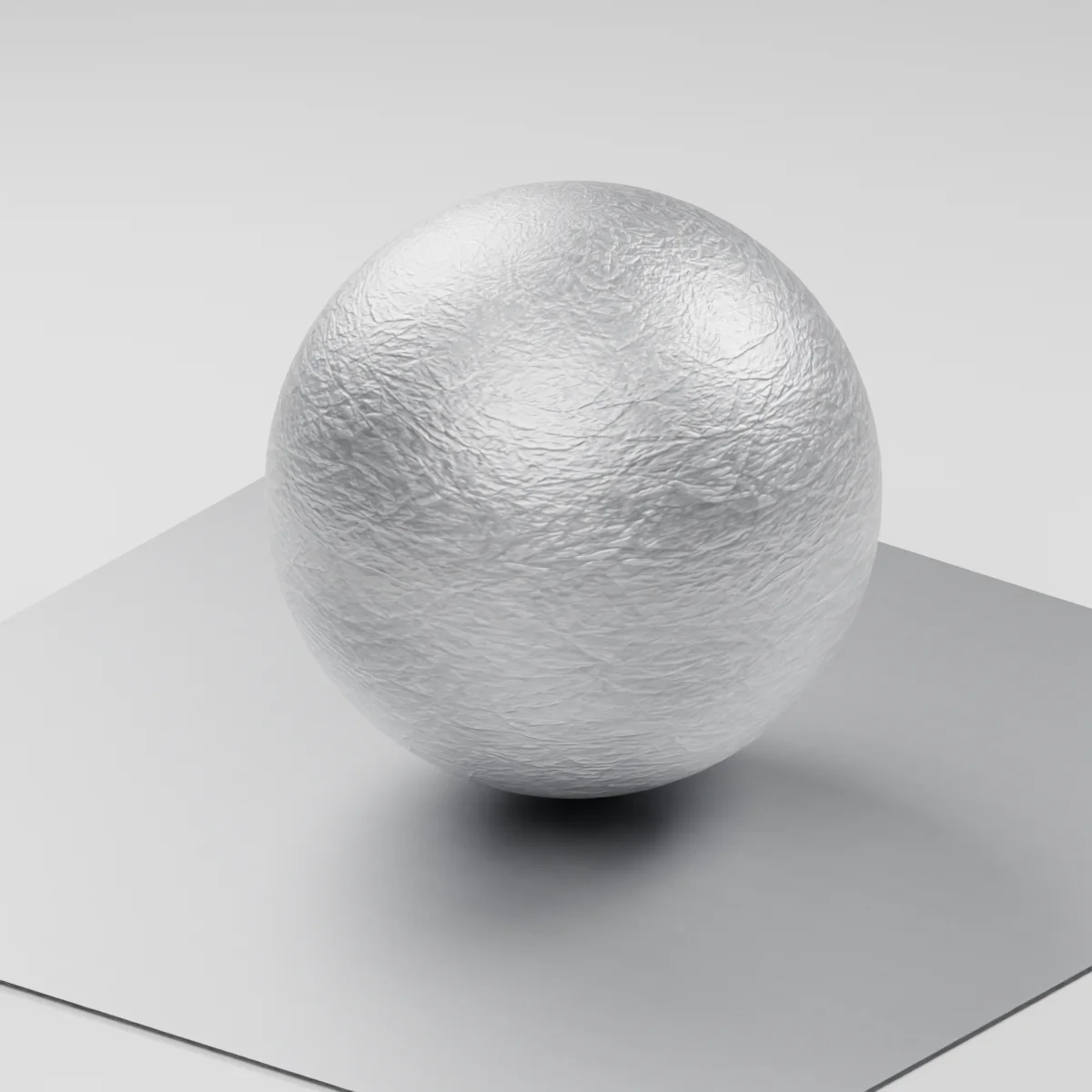
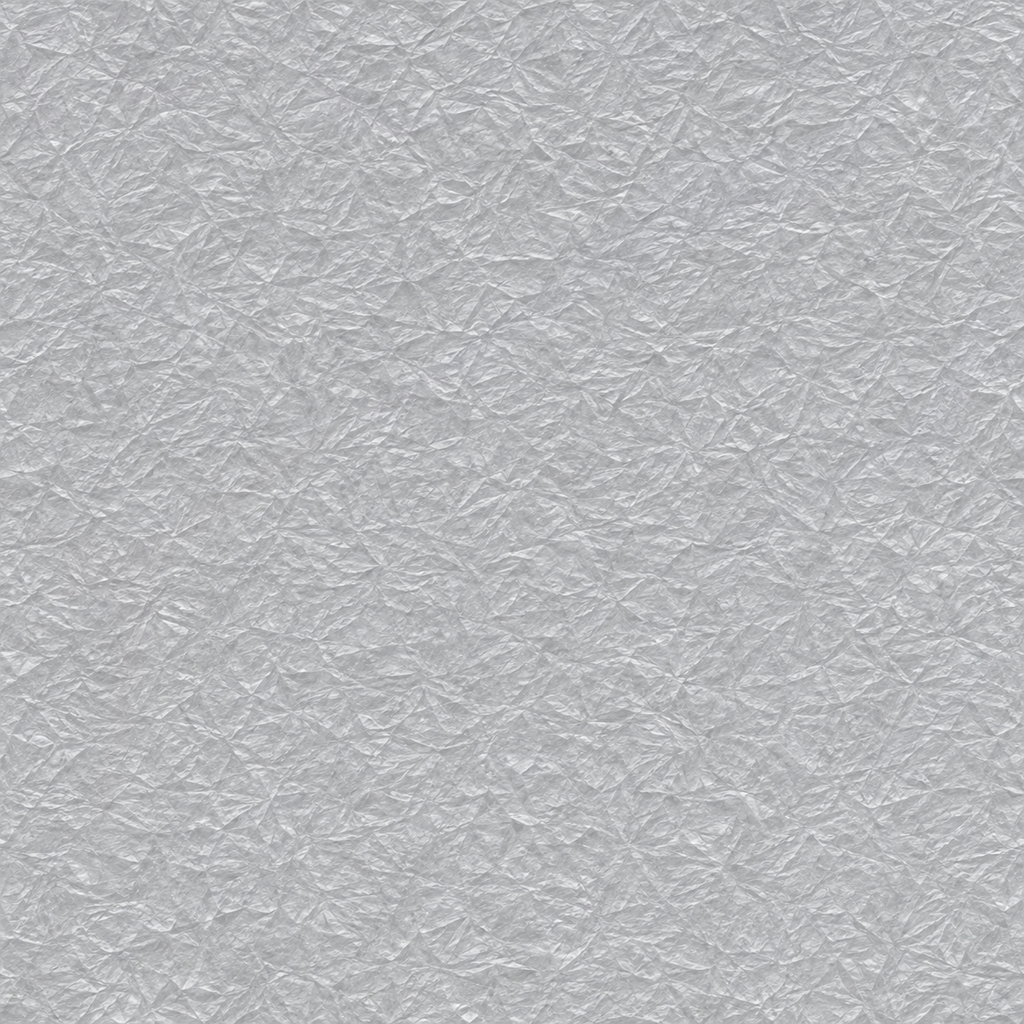
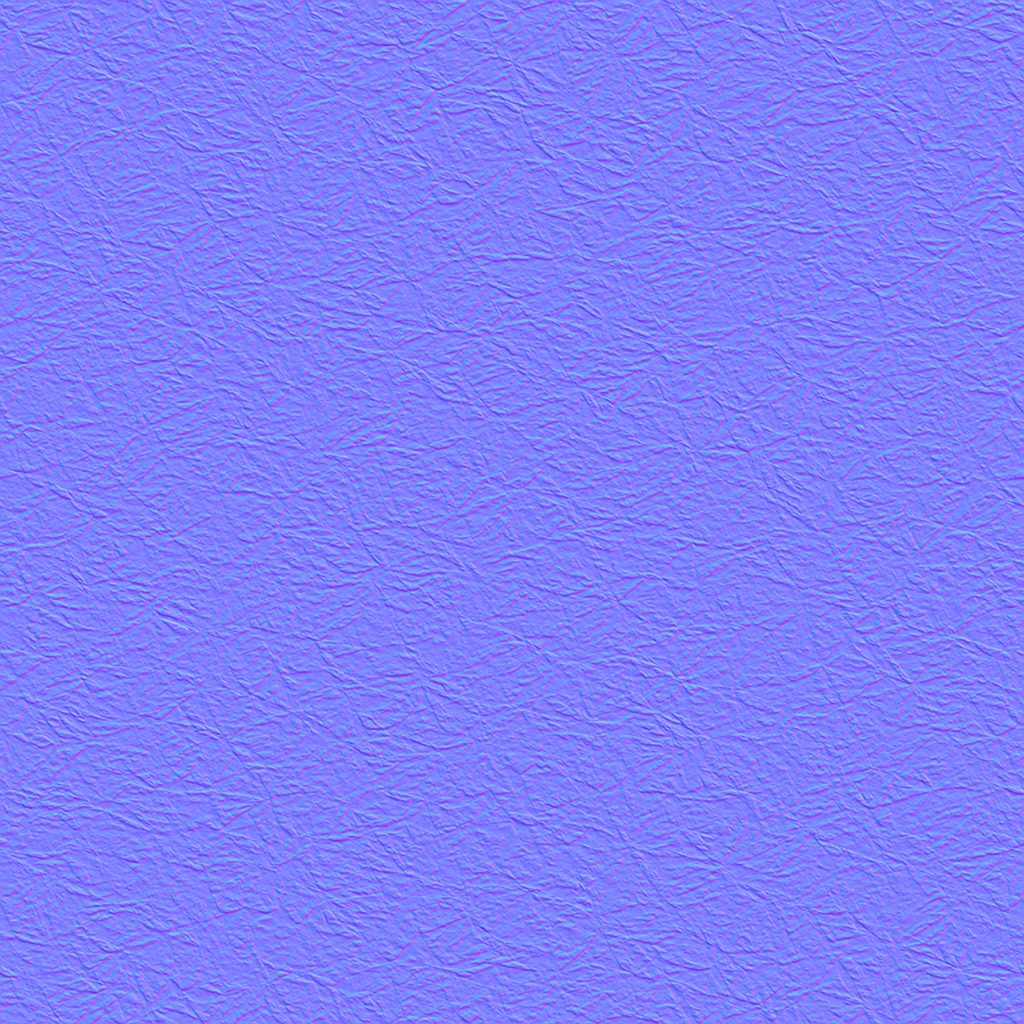
Fine creased ridges and irregular shallow angular depressions form a continuous cool gray sheet.
Where to use this material
Jewelry studies, small cast details and decorative metal inserts. Place a broad light off-axis to reveal the ridge direction.
Keep the finish believable
Use metallic 1 with a soft reflection. Albedo and normal approximate the visual finish without establishing an alloy or actual depth.
Texture scale and UV repeats
A 12 cm repeat puts the angular wrinkles at a small decorative scale. Check their size against a modeled ring or clasp.
The example uses 0.12 m per full texture tile. This is an illustrative UV scale, not a measured physical capture. Inspect the repeat at your actual camera distance before covering a large surface.
Set up Reticulated Silver Sheet in Blender
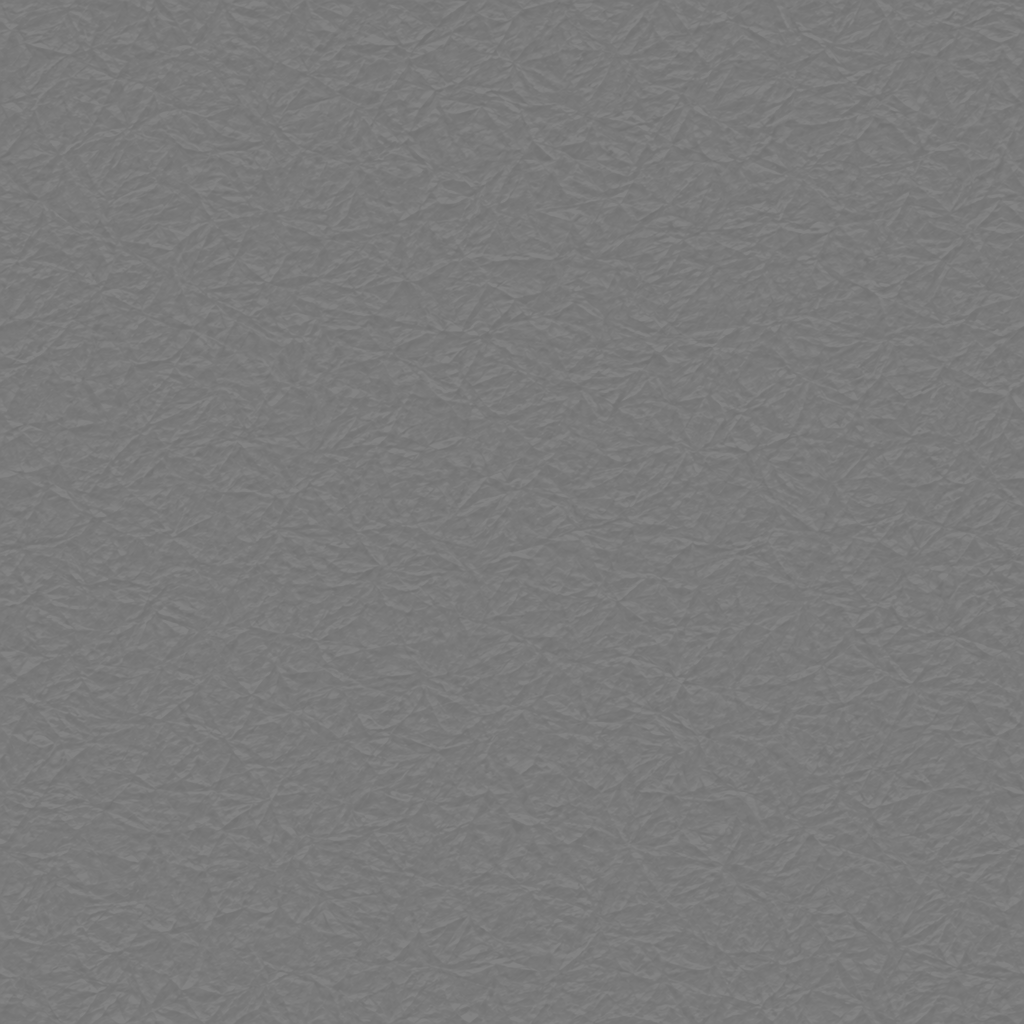
Connect albedo.png to Base Color using sRGB. Use roughness.png and normal-gl.png as Non-Color data. Route the normal through a Normal Map node, starting at strength 0.72. Set metallic to 1. The downloadable scene packs all three images.
The base color is AI-generated, and normal and roughness are estimates. The material changes surface shading; it does not add silhouette geometry. The pack has no displacement, AO or metallic image. For an engine expecting DirectX normals, use an image editor to invert the normal map’s green channel. Follow the Blender texture setup guide for the node connections.
Compare related finishes
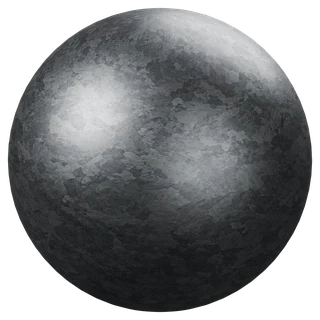
Fine-Spangle Galvanized Sheet · Metal Plate
Reticulated Silver Sheet: common questions
Is the effect similar to galvanized spangle?
The relief here follows irregular folded lines. Galvanized spangle has larger flat crystal patches with different brightness.
Can the normal make a raised edge?
It changes reflected light across a surface. Model bends and thin metal edges to show a silhouette.
Browse the metal texture library, the existing material library, or use the tile and offset checker to inspect repetition.