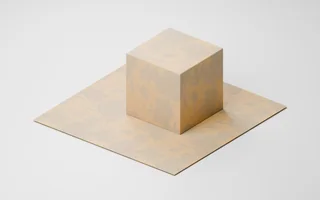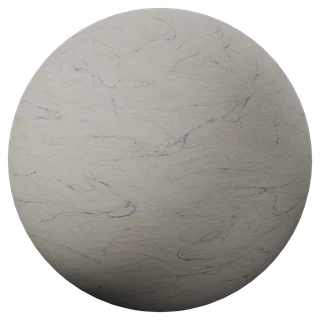
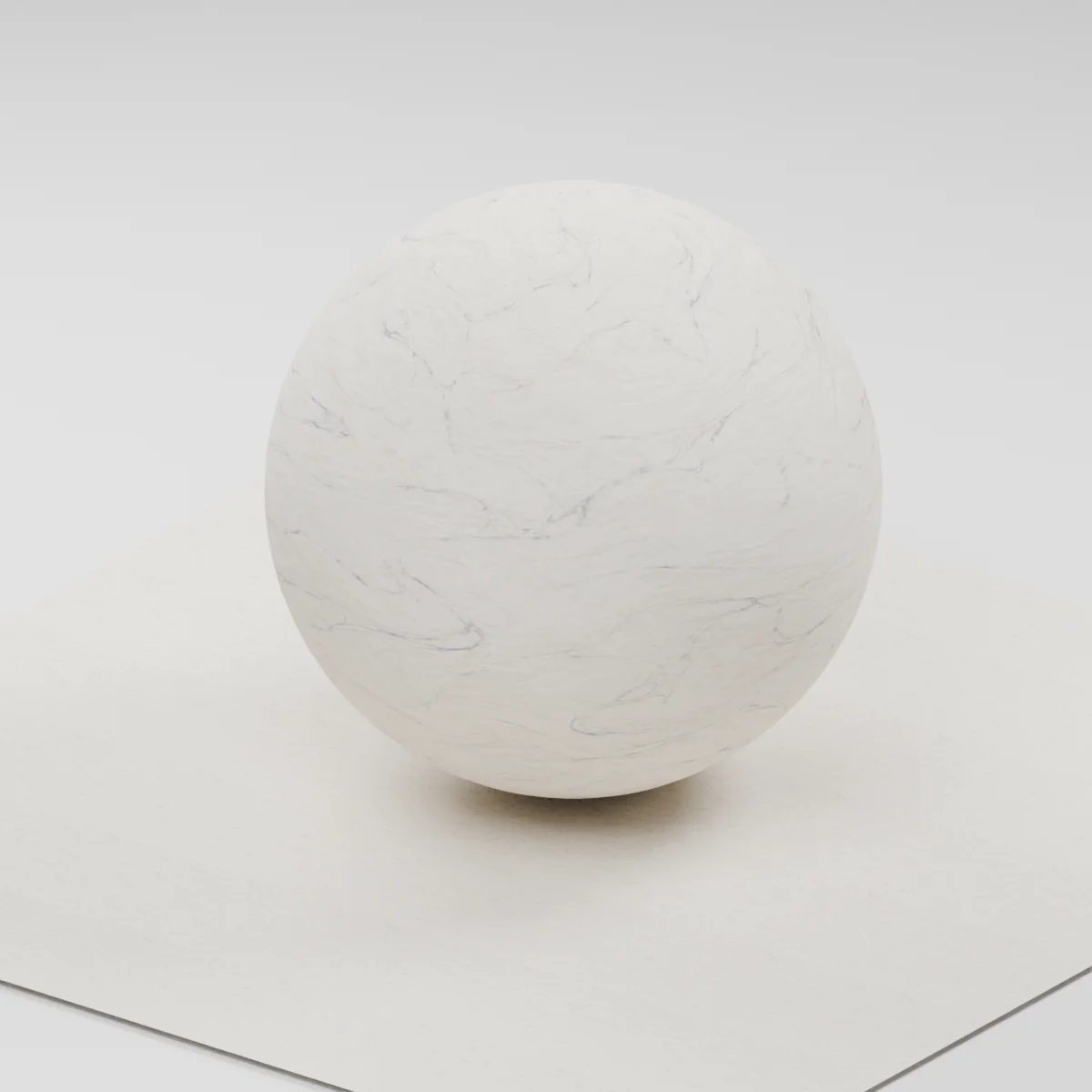


About this texture
Suminagashi Marbling Paper: finish and surface detail
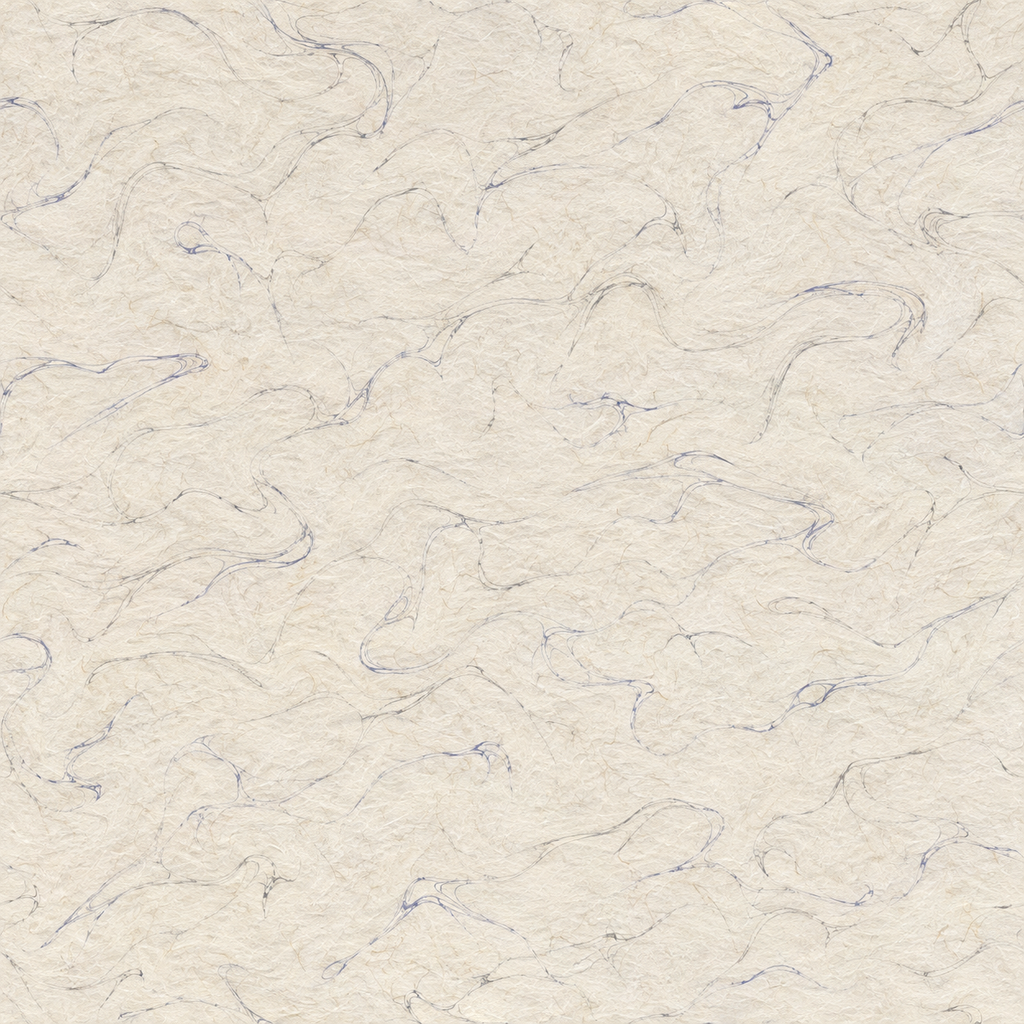
Fine ink contours drift through a pale matte sheet with understated fibers and irregular spacing between loops.
Where to use this material
Book endpapers, stationery props and framed paper inserts. Align UVs to the page so the most recognizable bends land away from trim.
Keep the finish believable
Keep the dark ink visually flat. The normal only approximates the fine paper grain and does not describe paper thickness.
Texture scale and UV repeats
A 38 cm repeat is a useful starting point for an opened book spread. Crop individual covers instead of stretching the swirls.
The example uses 0.38 m per full texture tile. This is an illustrative UV scale, not a measured physical capture. Inspect the repeat at your actual camera distance before covering a large surface.
Set up Suminagashi Marbling Paper in Blender
Connect albedo.png to Base Color using sRGB. Use roughness.png and normal-gl.png as Non-Color data. Route the normal through a Normal Map node, starting at strength 0.42. Set metallic to 0. The downloadable scene packs all three images.
The base color is AI-generated, and normal and roughness are estimates. The material changes surface shading; it does not add silhouette geometry. The pack has no displacement, AO or metallic image. For an engine expecting DirectX normals, use an image editor to invert the normal map’s green channel. Follow the Blender texture setup guide for the node connections.
Compare related finishes
Cardboard 001 · Decrepit Wallpaper
Suminagashi Marbling Paper: common questions
Can this drive a wrinkled page?
Add modeled curl and creases to the page itself. This is a flat surface pattern for the ink and fibers.
How can I keep the thin loops legible?
Keep the UV scale consistent and inspect the actual render size. Use an offset crop with fewer loops for a small prop.
Browse the paper texture library, the existing material library, or use the tile and offset checker to inspect repetition.