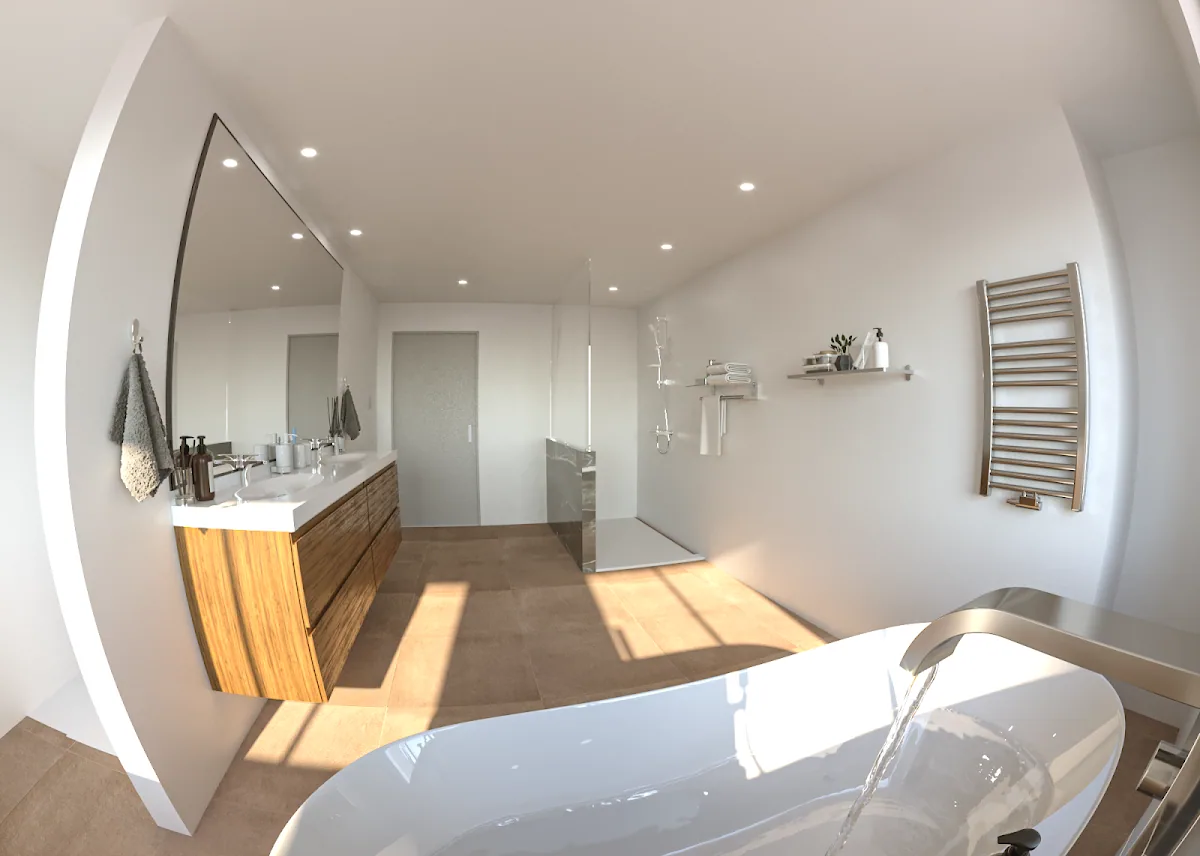
The Differences Between Vray and Corona Render for 3D Architectural Visualization
When it comes to 3D architectural visualization, choosing the right rendering software is crucial to achieving high-quality and photorealistic results. Two of the most popular options in the industry are Vray and Corona Render. Both of these programs offer a wide range of features and tools for creating stunning 3D architectural renderings, but they also have some key differences that set them apart.
Vray is a commercial rendering engine that has been widely adopted by architectural visualization studios and professionals. It offers a wide range of features, including global illumination, accurate material settings, and the ability to handle very large and complex scenes. Vray also has a large user community and an extensive library of tutorials and resources, making it easy for new users to get started.
Corona Render, on the other hand, is a more recent player in the market, but has rapidly gained popularity for its speed and simplicity. Unlike Vray, Corona does not require a complicated setup, it's more intuitive and user-friendly. It also uses a different method of global illumination called "Unified Sampling" which is faster and more efficient than Vray's method.
Both Vray and Corona Render are capable of producing high-quality and photorealistic 3D architectural renderings, but they have different strengths and weaknesses. Vray is more versatile and powerful, making it better suited for large and complex projects, while Corona Render is faster and more efficient, making it ideal for simpler and smaller projects.
Ultimately, the choice between Vray and Corona Render for 3D architectural visualization will depend on the specific needs of your project and your personal preferences as a user. Both of these programs offer a wide range of features and tools, so it's worth trying them out and experimenting to see which one works best for you.
In conclusion, it's important to understand the differences between Vray and Corona Render, both are great options for 3D architectural visualization, but they have different strengths and weaknesses. It's important to evaluate your project needs and your personal preferences when choosing the right renderer.
PBR textures: the part that is the same
Since this post was first published, both engines have settled on physical materials that speak metal/rough. A Locker3d pack—albedo, roughness, normal, metalness—loads in Corona Physical Material and in VRayMtl metalness mode. If a legacy material wants glossiness, invert roughness. Albedo stays sRGB; the rest stays linear. You can judge both renderers with the same wood, concrete, or marble from the catalog and compare only light and sampling. License: CC0 what you can and cannot do.
How to choose in a working studio
Pick Corona when the week is interiors, 3ds Max, and LightMix reviews at 6 p.m. Pick V-Ray when the same person must open SketchUp, Rhino, or a GPU farm job. Chaos now sells both; do not choose from a 2019 price screenshot. Spanish write-up: V-Ray vs Corona comparativa. English PBR angle: which is better for PBR. Corona-only notes: Corona advantages.
Run one room, one HDRI, three CC0 materials, two cameras. Measure setup time, not only minutes per frame. If the library is already V-Ray, stay. If two people do apartments, trial Corona. Maps from Locker3d do not lock you in. More rendering articles: blog. What a render is: render process.
Frequently asked questions
Is V-Ray or Corona better for architectural visualization?
Corona is often quicker for Max interiors. V-Ray covers more DCCs and heavier scenes. Both use standard PBR maps.
Can I use the same PBR textures in V-Ray and Corona?
Yes. Same albedo, roughness, normal, and metalness. Invert roughness only if the shader wants glossiness.
Are V-Ray and Corona still separate products?
Both sit under Chaos. Workflows (LightMix, V-Ray GPU) still differ. Test one scene in both.