
About this texture
Charcoal Penny-Round Mosaic: finish and surface detail
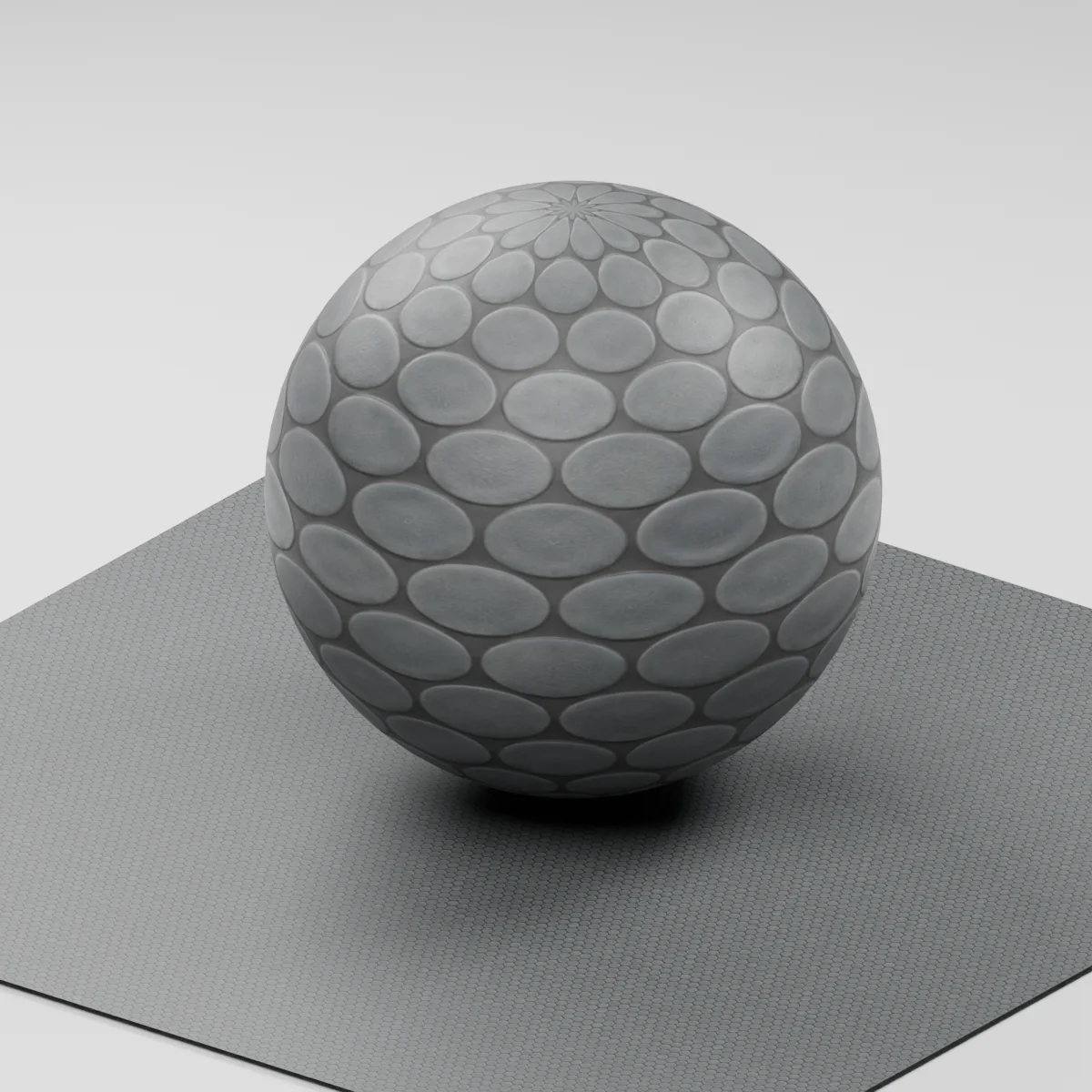
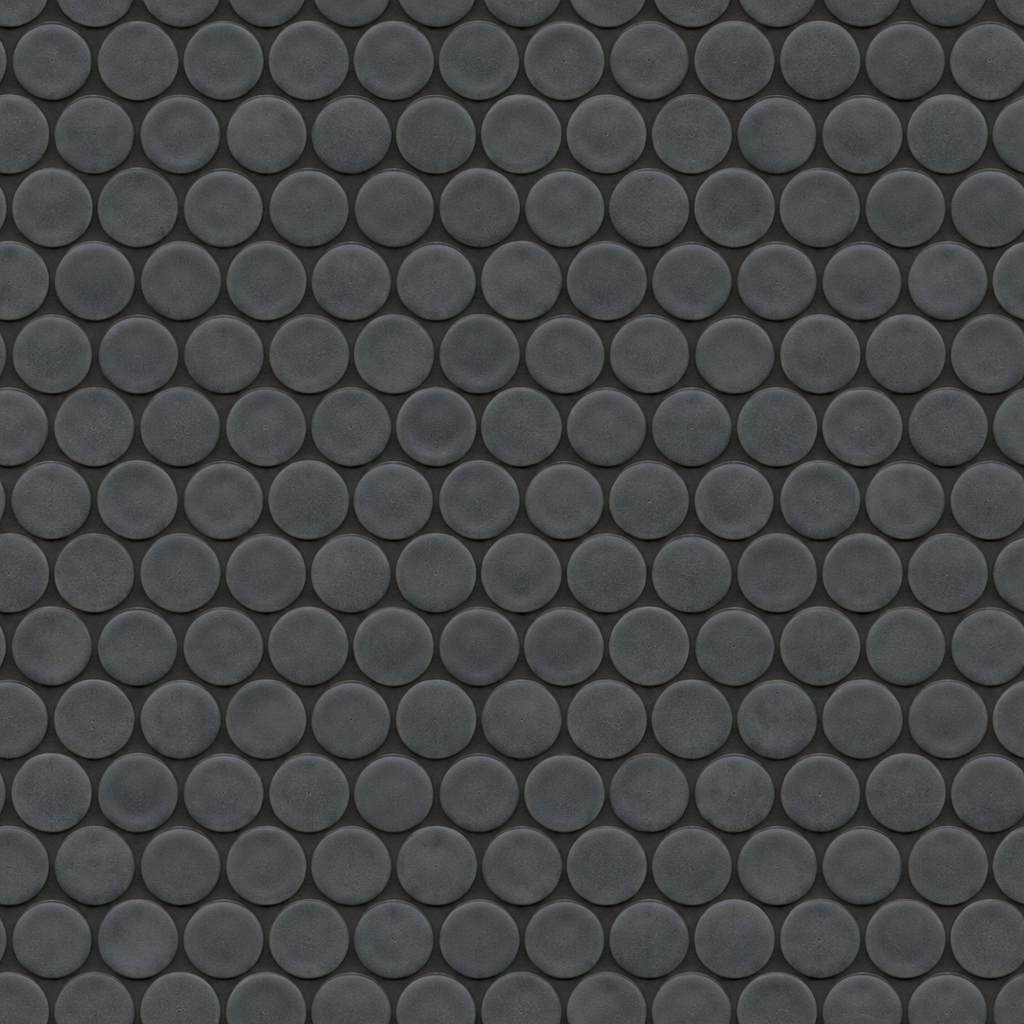
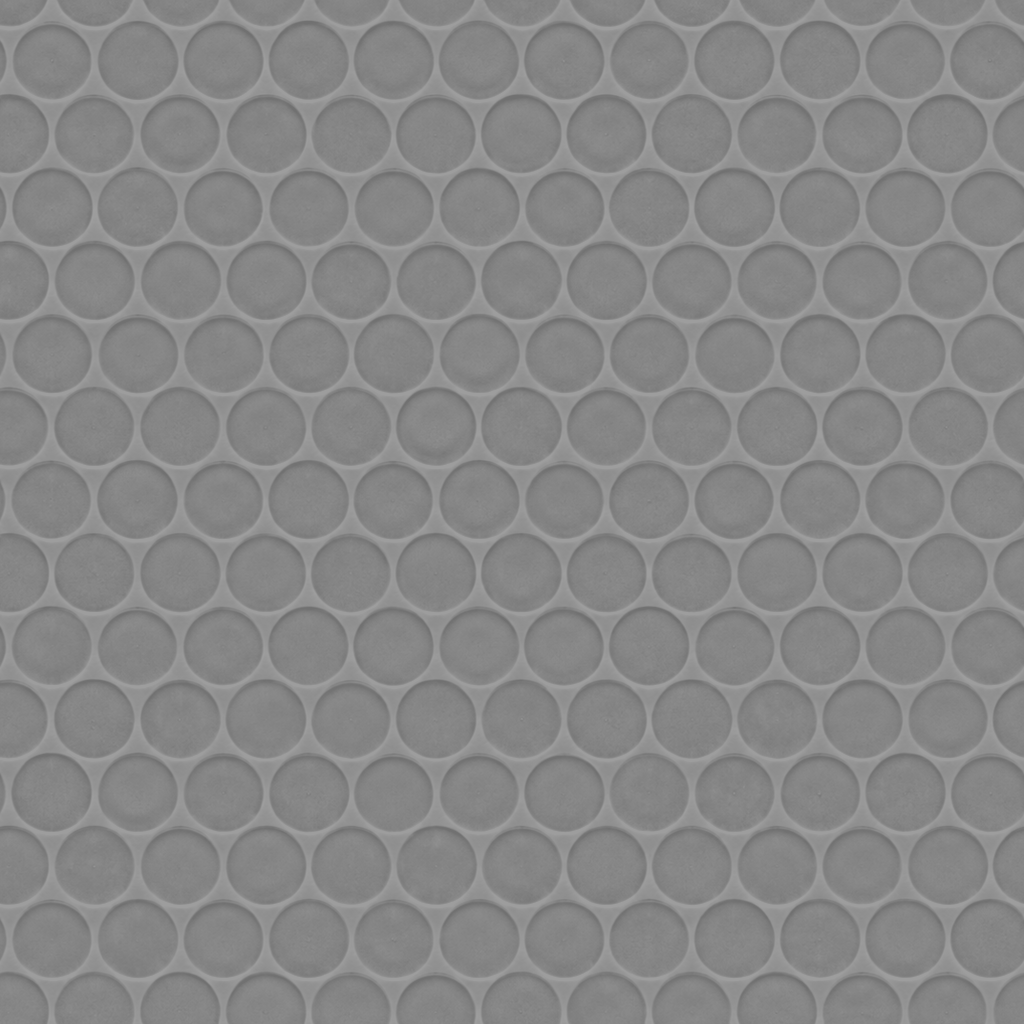
Small charcoal ceramic discs alternate in staggered rows. Each face has subtle gray glaze variation and a soft rim. Dark graphite grout is visible in the narrow gaps and in the triangular spaces between neighboring discs.
Where to use this material
Use it on a bathroom feature wall, a niche back panel or a sink backsplash. Keep the UV scale equal on both axes so the discs remain round. On exposed wall returns and niches, model trim or cut edges where they affect the silhouette.
Keep the finish believable
Start with roughness near 0.53, normal strength 0.78 and metallic 0. A broad side light shows the satin glaze and subdued grout. Keep relief shallow for a wall panel. The estimated maps describe appearance and provide no slip or water-resistance rating.
Texture scale and UV repeats
The demonstration uses a 32 cm square repeat, which places the discs about 2.4 cm across. Use that as a starting point and compare their size against a niche shelf or backsplash height before repeating across a wall.
The example uses 0.32 m per full texture tile. This is an illustrative UV scale, not a measured physical capture. Inspect the repeat at your actual camera distance before covering a large surface.
Set up Charcoal Penny-Round Mosaic in Blender
Connect albedo.png to Base Color using sRGB. Use roughness.png and normal-gl.png as Non-Color data. Route the normal through a Normal Map node, starting at strength 0.78. Set metallic to 0. The downloadable scene packs all three images.
The base color is AI-generated, and normal and roughness are estimates. The material changes surface shading; it does not add silhouette geometry. The pack has no displacement, AO or metallic image. For an engine expecting DirectX normals, use an image editor to invert the normal map’s green channel. Follow the Blender texture setup guide for the node connections.
Compare related finishes
Ribbed Pistachio Ceramic · Marble Mosaic Tiles
Charcoal Penny-Round Mosaic: common questions
Why do the penny rounds look oval on my wall?
Check for different U and V scales or a stretched UV island. Apply a square repeat at about 32 cm on both axes, then adjust both together if you need the discs to read smaller.
Will the normal map show recessed grout at a niche edge?
It shades the grout as a shallow recess on the surface. Model a cut disc, trim or recessed joint separately if the camera sees the edge in silhouette. The ZIP includes three maps for shading, including an OpenGL normal.
Browse the tiles texture library, the existing material library, or use the tile and offset checker to inspect repetition.