

About this texture
Flamed Blue Granite: finish and surface detail
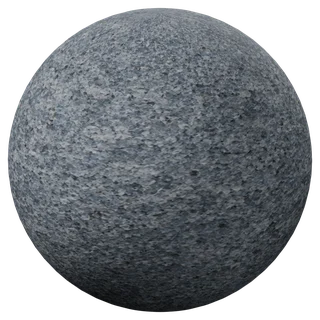
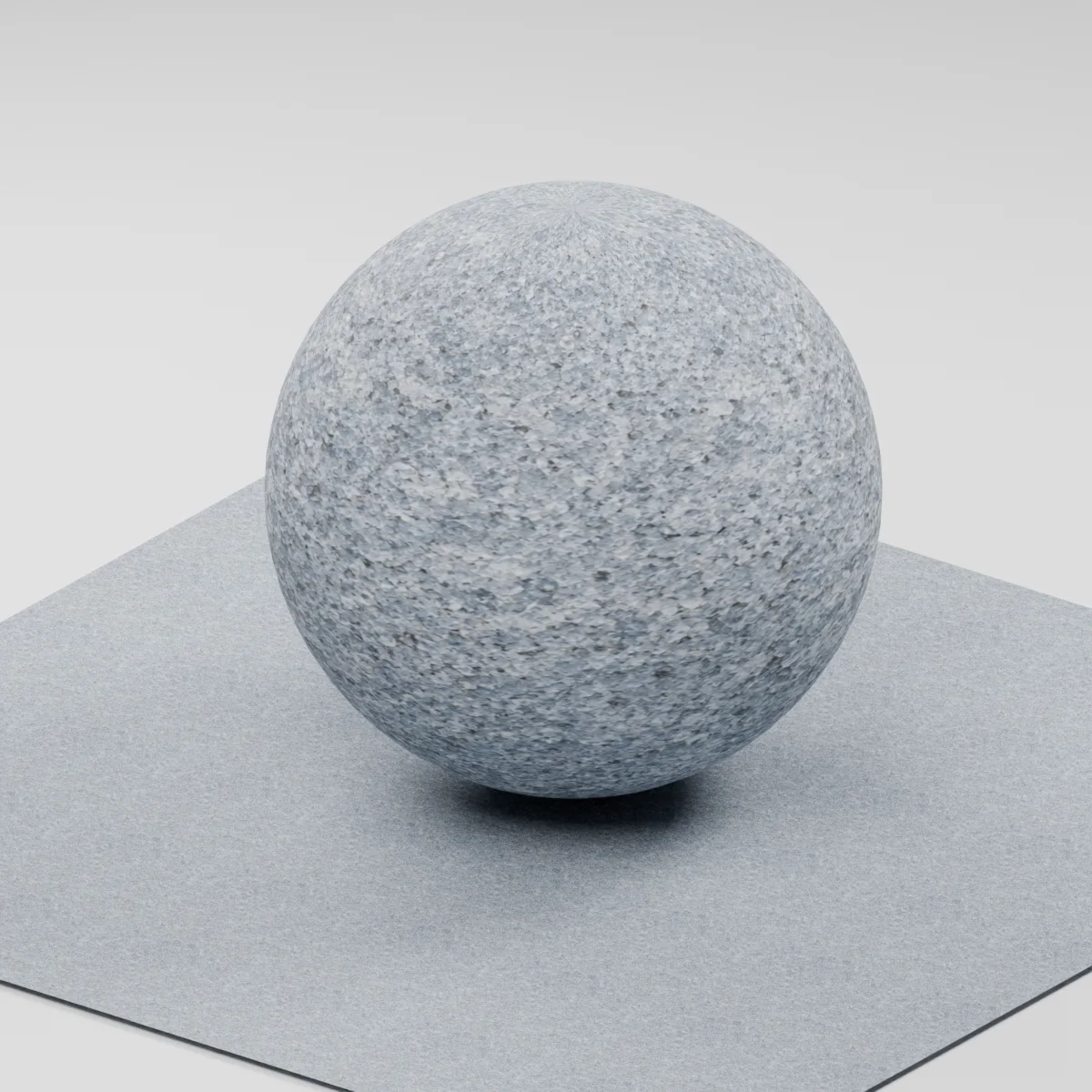
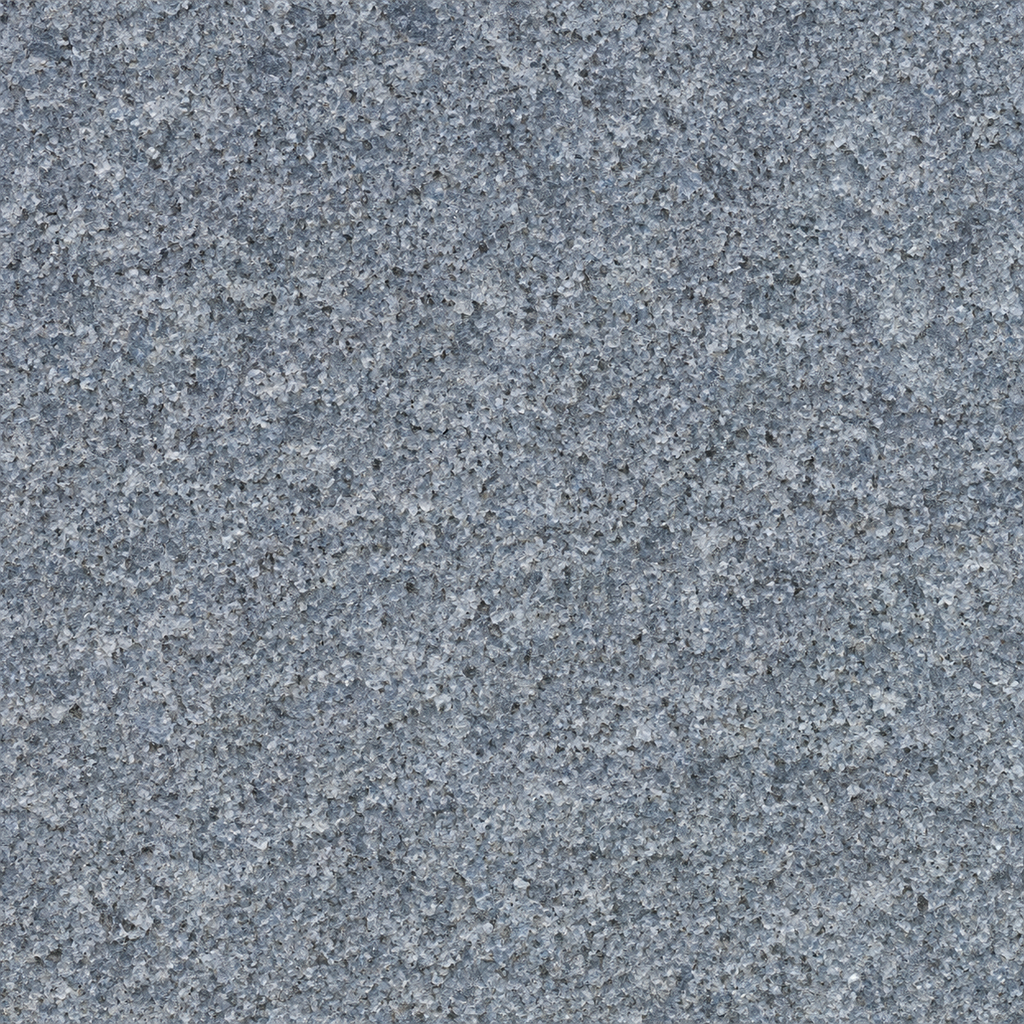
Fine blue-gray mineral grains, pale angular quartz-like fragments and small charcoal flecks form a rough continuous stone surface. The finish study emphasizes shallow irregular crystal pits and chipped faces, rather than a polished highlight or a grid of cut tiles. There are no slab joints, masonry courses or large veins in the map.
Where to use this material
Exterior paving studies, low stone plinths and architectural landscape props. Build slab divisions, cut edges, steps and wall courses in the geometry. The continuous map can cover those modeled pieces while retaining a common grain scale; inspect the tile repeat before covering a large plaza.
Keep the finish believable
Start with metallic 0, roughness near 0.84 and normal strength 0.8. The estimated normal should add restrained crystalline roughness without turning each pale mineral grain into a large raised pebble. This is an AI-generated visual interpretation of a flamed finish, not a physically treated or measured sample. No slip resistance, weathering performance or surface-depth value was tested.
Texture scale and UV repeats
The demonstration maps one full texture tile across 0.4 m. This gives the fine crystal fragments an illustrative millimeter scale; compare the grain beside a modeled paving joint or step edge. Mineral size and pit depth were not physically measured. Keep UV scale consistent when applying the material to differently sized slabs.
The example uses 0.4 m per full texture tile. This is an illustrative UV scale, not a measured physical capture. Inspect the repeat at your actual camera distance before covering a large surface.
Set up Flamed Blue Granite in Blender
Connect albedo.png to Base Color using sRGB. Use roughness.png and normal-gl.png as Non-Color data. Route the normal through a Normal Map node, starting at strength 0.8. Set metallic to 0. The downloadable scene packs all three images.
The base color is AI-generated, and normal and roughness are estimates. The material changes surface shading; it does not add silhouette geometry. The pack has no displacement, AO or metallic image. For an engine expecting DirectX normals, use an image editor to invert the normal map’s green channel. Follow the Blender texture setup guide for the node connections.
Flamed Blue Granite: common questions
How does this continuous flamed-finish study differ from the granite tile and wall textures?
This map focuses on fine rough mineral detail across an uninterrupted surface. The linked tile and wall materials include construction layouts. Model the joints and slab edges yourself when using this finish so the grain scale remains independent of the size of each paving stone.
Can I use the normal map to create chipped stone edges or prove a non-slip surface?
No. A normal map changes shading on an existing mesh and does not change the silhouette or create deep edge chips. Model those details for close views. The three 1K maps are visual estimates and carry no tested friction, physical depth or construction-performance specification.
Browse the granite texture library, the existing material library, or use the tile and offset checker to inspect repetition.