
About this texture
Shot-Blasted Aluminum: finish and surface detail
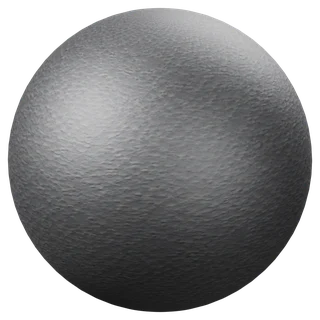
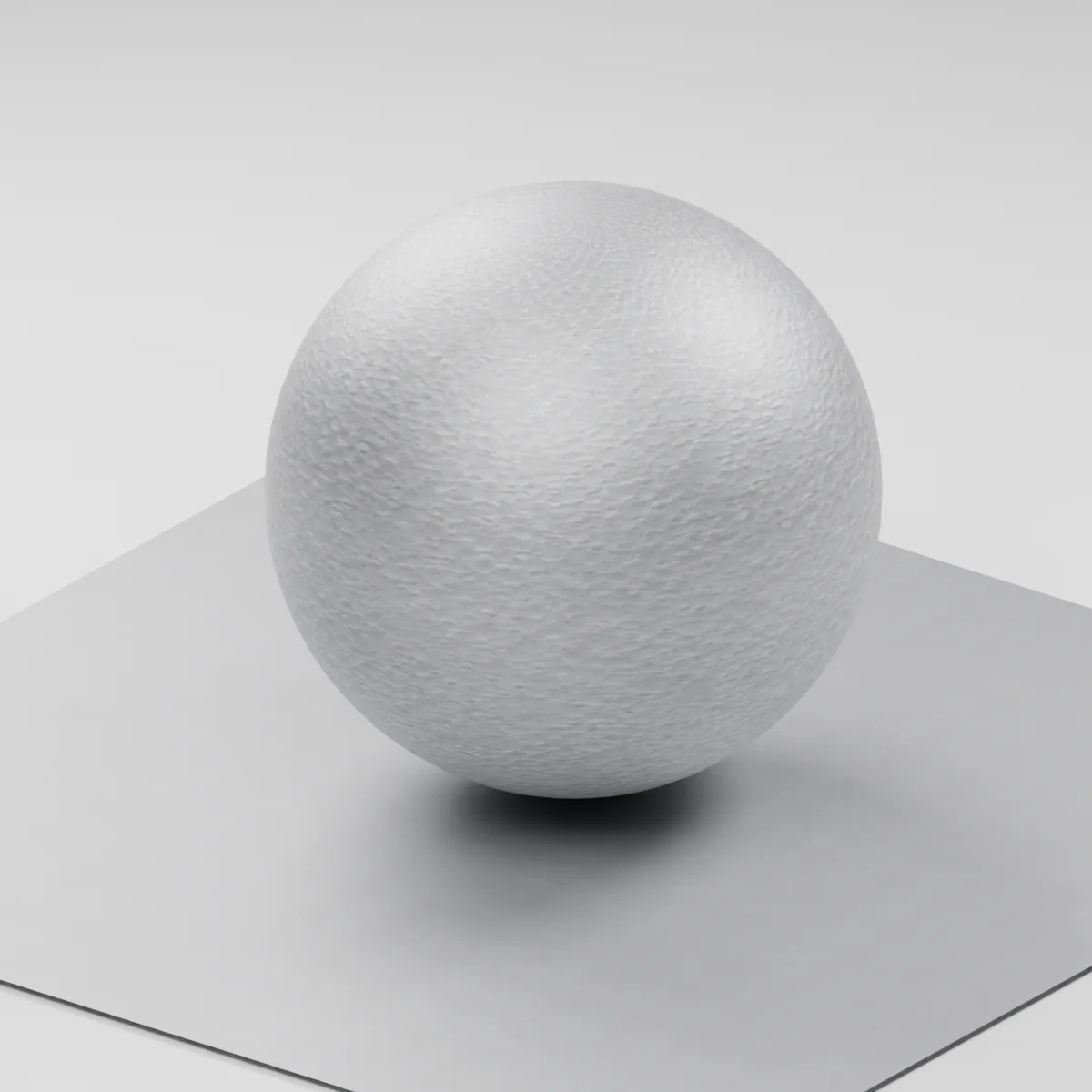
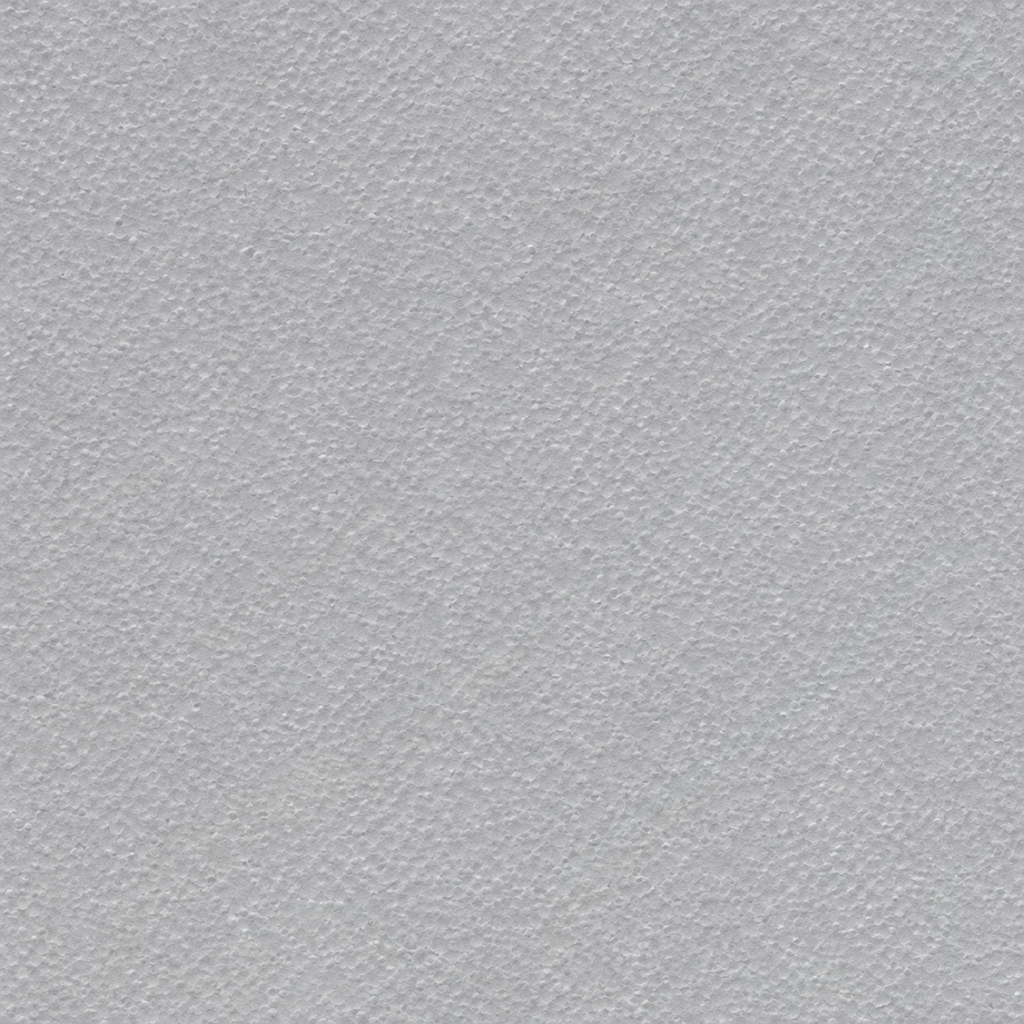
Neutral silver-gray metal with a dense field of shallow, irregularly spaced impact marks. The stipple has no strong grain direction. The sample represents a continuous bare metal face with a broad reflection and without crystalline patches, paint or a tread pattern.
Where to use this material
Apply it to equipment enclosures, handles, brackets and machined housings that need a subdued metal highlight. Use a broad area light to show the finish. Model edges, bores and fasteners separately so the pits stay small relative to the part.
Keep the finish believable
Begin with metallic 1, roughness around 0.62 and normal strength 0.58. For a flatter finish, lower the normal strength first and compare under grazing light. This shader is a visual study with estimated maps. Its settings do not specify a real aluminum grade, blasting media, corrosion resistance or a measured surface roughness.
Texture scale and UV repeats
The demonstration uses an 18 cm repeat. Start there on a handheld enclosure and check the stipple beside a screw head. A shallow dimple should soften the highlight without looking like a large hammered dent. The scale is illustrative.
The example uses 0.18 m per full texture tile. This is an illustrative UV scale, not a measured physical capture. Inspect the repeat at your actual camera distance before covering a large surface.
Set up Shot-Blasted Aluminum in Blender
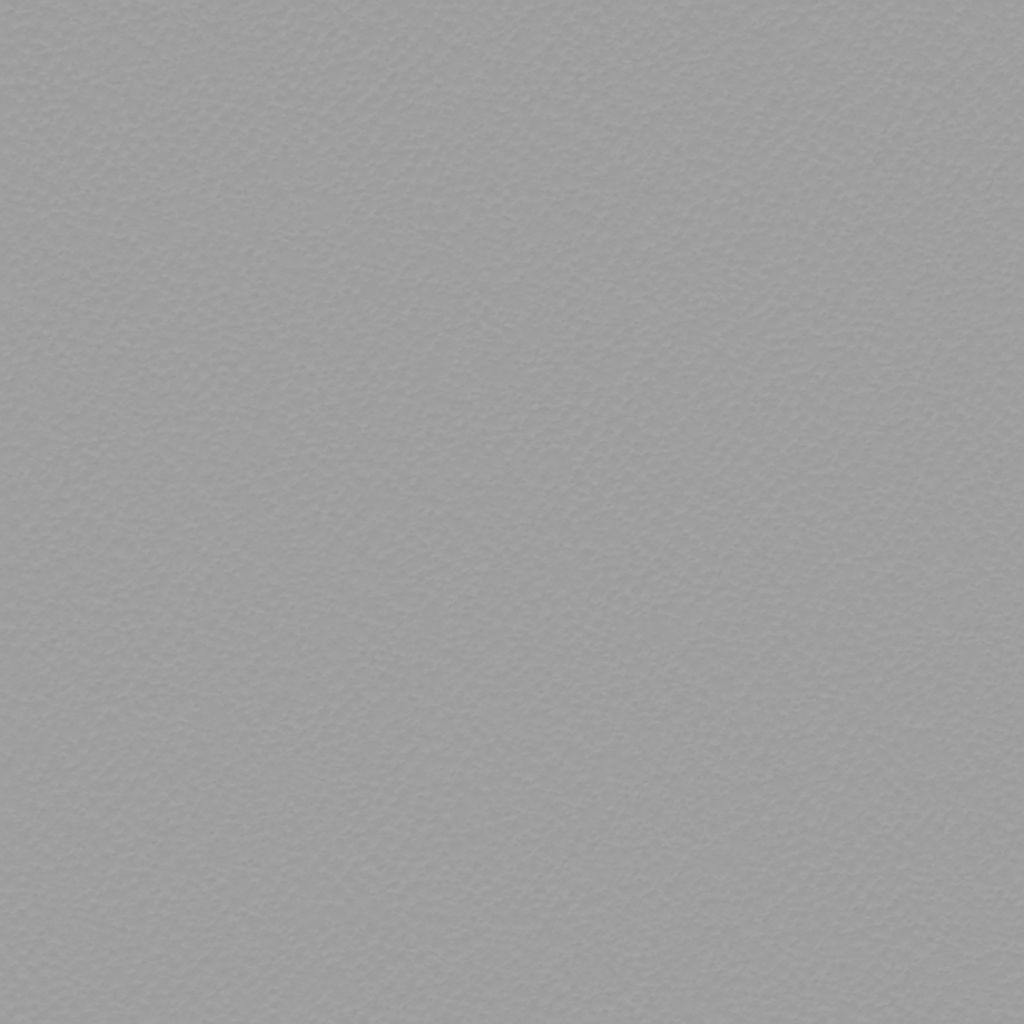
Connect albedo.png to Base Color using sRGB. Use roughness.png and normal-gl.png as Non-Color data. Route the normal through a Normal Map node, starting at strength 0.58. Set metallic to 1. The downloadable scene packs all three images.
The base color is AI-generated, and normal and roughness are estimates. The material changes surface shading; it does not add silhouette geometry. The pack has no displacement, AO or metallic image. For an engine expecting DirectX normals, use an image editor to invert the normal map’s green channel. Follow the Blender texture setup guide for the node connections.
Compare related finishes
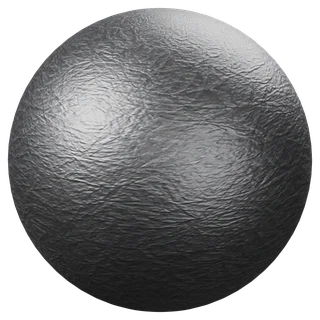
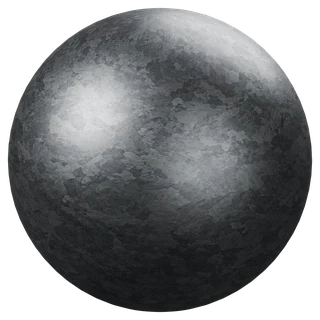
Fine-Spangle Galvanized Sheet · Reticulated Silver Sheet · Metal Tread Plate
Shot-Blasted Aluminum: common questions
How does this blasted finish differ from galvanized sheet?
The aluminum study uses fine round impact marks spread without a preferred direction. The linked galvanized sheet has visible zinc-like crystalline patches. Use the blasted finish when you want a quieter surface behind hardware or labels.
Will the normal map create dents on the edge of a part?
The normal only changes surface shading. Keep the small impact marks in the shader and model damage that must change the silhouette. The pack contains no displacement or separate metalness image.
Browse the metal texture library, the existing material library, or use the tile and offset checker to inspect repetition.