A seamless concrete texture for Unreal Engine 5 has to wrap on every map, land in the right sampler, and survive Nanite close-ups. A pretty albedo with a roughness seam will flash as a glossy line. This is the UE5 path for Locker3d concrete: sRGB off on data, one instance per finish, and displacement only where the camera cares.
What “seamless” must mean in UE5
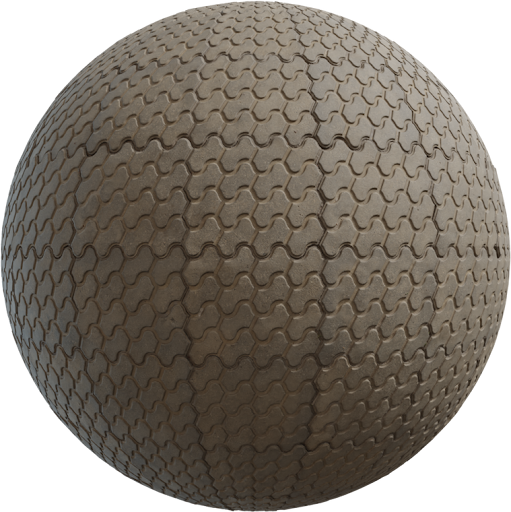
Seamless is not “the color almost matches at the edge.” Albedo, roughness, normal, AO, and height must all wrap. If you only offset-heal the color, Nanite lighting will still draw a ridge. Download finished tiles from Locker3d concrete instead of cropping a photo. Check the import in the texture editor: set Address X/Y to Wrap, not Clamp. Place two cubes side by side with UVs that cross 0–1; if a line appears, the source is not tileable. Map theory is in the complete PBR textures guide.
Import settings: sRGB off on data maps
Create a texture for each file. On albedo (Base Color), leave sRGB on. On roughness, metallic, AO, and height, set sRGB off so UE5 treats them as linear. Normals use the Normalmap compression setting; do not leave them as default color. Compression: BC7 or Default for albedo, Normalmap for normals, and a linear grayscale format for roughness. JPEG-compressed roughness bands and sparkles under moving lights. After import, open a material and sample roughness through a Scalar, not a color multiply that assumes sRGB.
- Albedo → sRGB on, Base Color.
- Roughness / AO / metallic / height → sRGB off.
- Normal → Normalmap group, not a color texture.
Master material and instances
Build one concrete master: Texture Sample for albedo, roughness, normal; optional AO multiplied into Base Color; Metallic at 0. Expose Texture Object parameters and a World-scale float (or TexCoord multiplier) so each instance can swap a Locker3d set without duplicating the graph. Formwork, polished slab, and stained garage should be instances, not three master materials. Keep Specular near 0.5 unless you have a measured reason to change it. Concrete is a dielectric; do not “weather” it with 0.3 Metallic.
Nanite, height, and when to displace
Nanite can displace from a height or displacement map on a Nanite mesh. Use it for hero walls the camera walks past, broken corners, and heavy aggregate floors. Leave it off on distant towers and on thin planes that will silhouette like crumpled paper. Start with a low magnitude and a mid-gray reference (0.5) if the height is centered. For most archviz stills exported through UE5, a sharp normal is enough and cheaper. If you also work in Blender, the node habits in how to apply PBR textures in Blender match this split: height is optional, roughness is not.
Scale, UVs, and world-aligned concrete
Measure formwork boards (often 10–20 cm) and aggregate size before you set TexCoord tiling. Apply actor scale in the engine or you will fight a 2× wall that looks like foam. Unique unwraps are fine for hero props; large walls can use a simple planar UV or World Aligned Texture / triplanar if seams are worse than blend artifacts. Do not world-align wood-form boards that must run in one direction unless you lock the projection axis. Pair concrete with wood or metal from the catalog so the grey does not eat the shot.
CC0 concrete you can ship in a game
Locker3d sets are CC0. Pack them into your UE5 project, cook them, and ship commercially without attribution. You cannot claim you own the original scans—details in CC0 textures: what you can and cannot do. More engine notes sit on the blog. After the first wall looks right, duplicate the instance, swap textures, and keep sRGB off on every new data map. That habit matters more than any post-process film LUT.
Frequently asked questions
Which concrete maps should have sRGB off in UE5?
Turn sRGB off on roughness, normal, ambient occlusion, metallic, and height. Leave sRGB on only for albedo (Base Color). Wrong sRGB is the usual plastic or sparkling wall.
Should I enable Nanite displacement on every concrete wall?
No. Use Nanite displacement on hero close-ups and broken edges. Distant walls need a normal map only. Over-displaced concrete looks like crumpled paper on silhouettes.
Are Locker3d concrete textures seamless and CC0 for UE5?
Yes. Download tileable CC0 sets from the concrete category and use them in commercial Unreal projects without attribution. Confirm every map wraps, not just albedo.