

About this texture
Rift-Sawn Ash Veneer: finish and surface detail
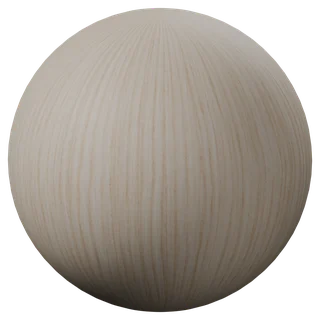
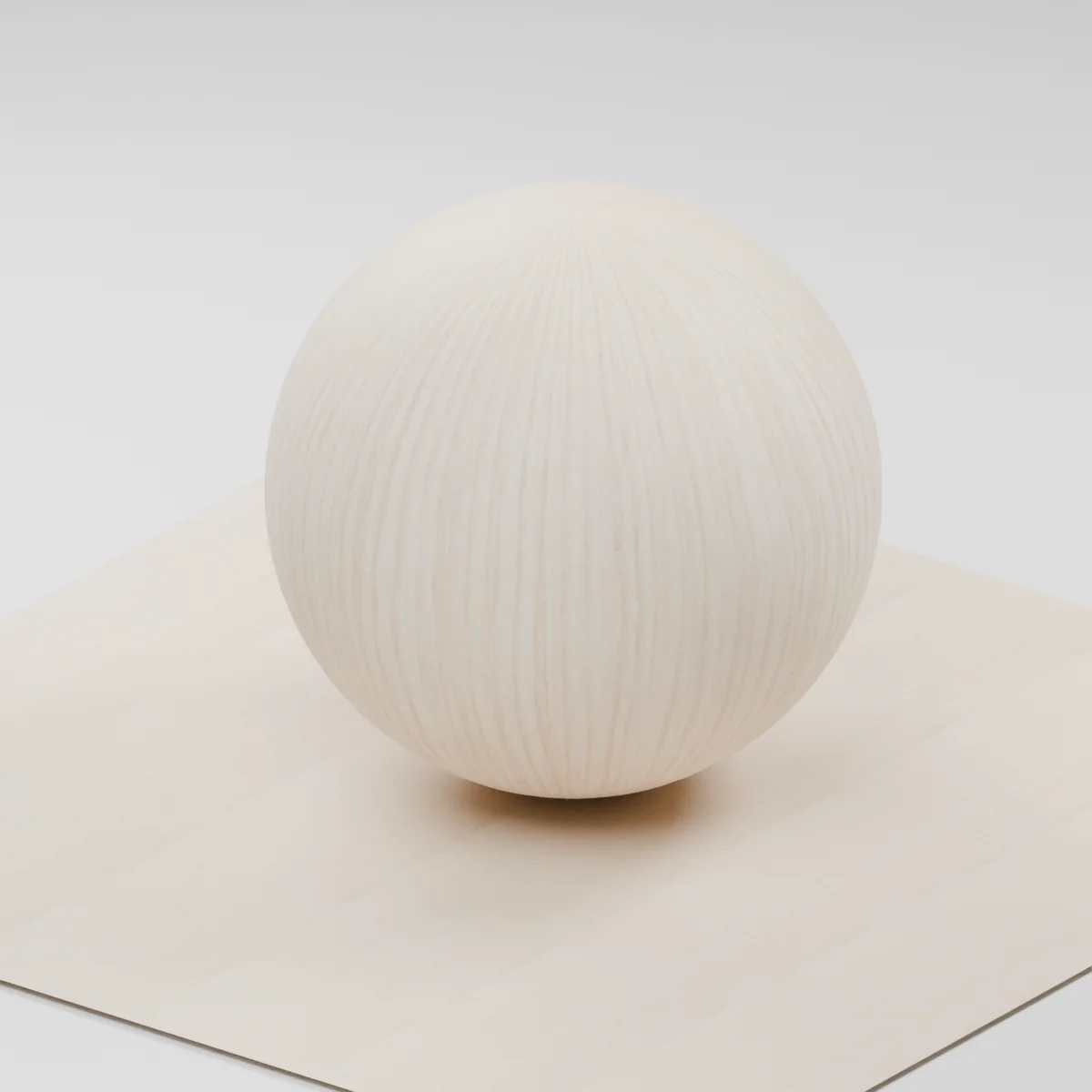
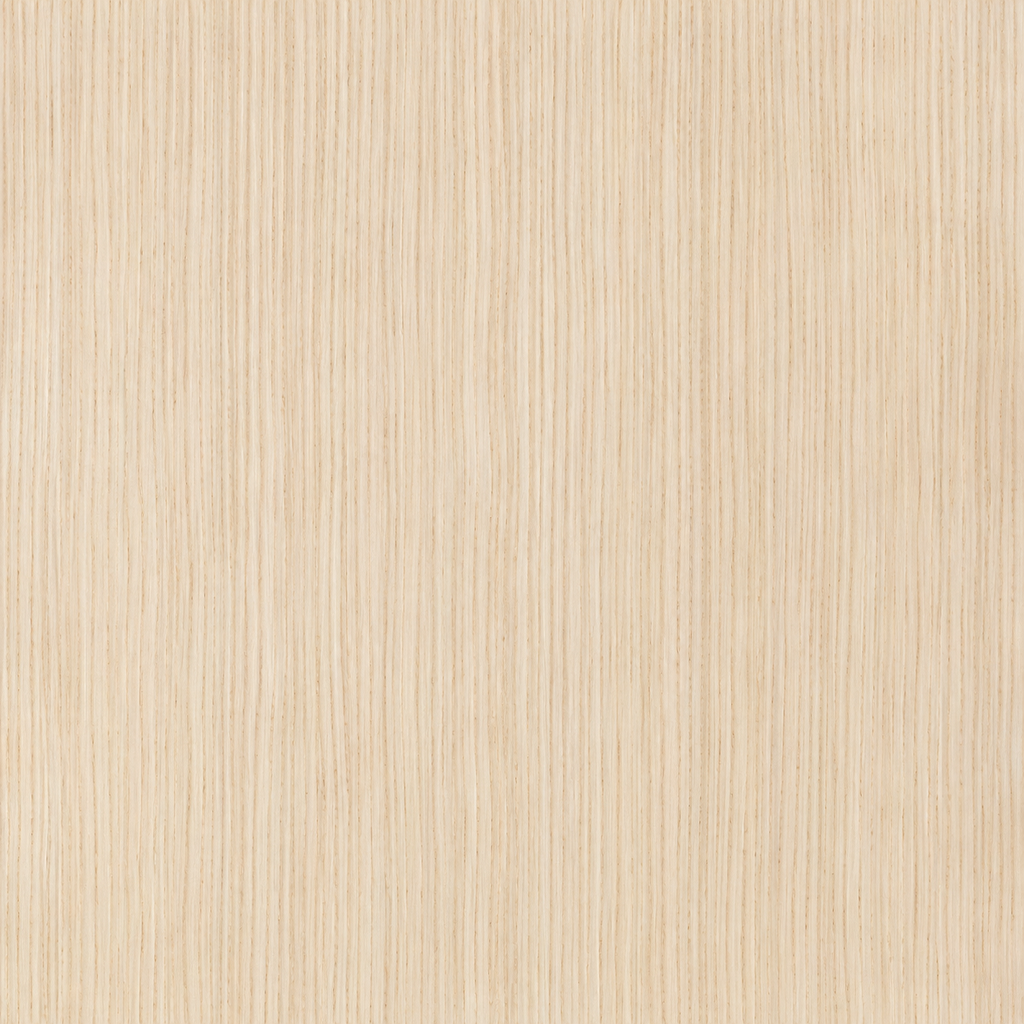
Pale cream ash with narrow, mostly vertical growth-ring lines, small pores and slight changes in spacing. The continuous face emphasizes the straight grain of a rift-cut veneer. There are no knots, cathedral grain, joints or mirrored leaves in the map.
Where to use this material
Use it on flat cabinet doors, drawer fronts and flush furniture panels. Keep the grain vertical on tall doors or rotate the UVs for a deliberate horizontal drawer front. Use a separate material on the edge band or end grain of a thick piece.
Keep the finish believable
Start with roughness near 0.58, metallic 0 and normal strength 0.55 for a softly sanded look. Keep the grain readable in color, with shallow shading at the pores. The normal does not add thickness or capture a measured finish. For a close shot with an exposed veneer edge, model the layers and edge band.
Texture scale and UV repeats
The demonstration places one full tile across 50 cm. Treat the pore size and ring spacing as an illustrative starting point. On a 60 cm door, check grain size next to the handle and keep the same UV density on adjoining doors. Offset each door slightly along the grain if the repeat is visible.
The example uses 0.5 m per full texture tile. This is an illustrative UV scale, not a measured physical capture. Inspect the repeat at your actual camera distance before covering a large surface.
Set up Rift-Sawn Ash Veneer in Blender
Connect albedo.png to Base Color using sRGB. Use roughness.png and normal-gl.png as Non-Color data. Route the normal through a Normal Map node, starting at strength 0.55. Set metallic to 0. The downloadable scene packs all three images.
The base color is AI-generated, and normal and roughness are estimates. The material changes surface shading; it does not add silhouette geometry. The pack has no displacement, AO or metallic image. For an engine expecting DirectX normals, use an image editor to invert the normal map’s green channel. Follow the Blender texture setup guide for the node connections.
Compare related finishes
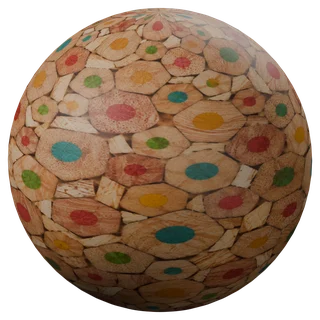
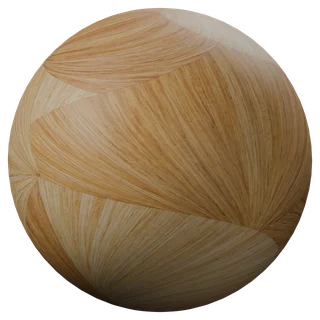
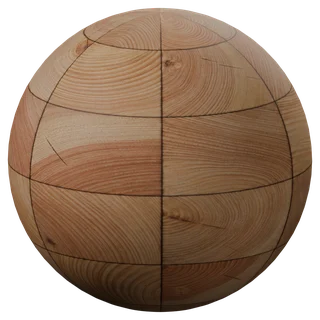
Oak Veneer · Larch End-Grain Blocks · Fan-Cut Straw Marquetry
Rift-Sawn Ash Veneer: common questions
How do I align the ash grain across cabinet fronts?
Keep each front's UVs on the same vertical axis and at the same scale. Place neighboring doors next to each other in UV space when you want a continuous look. For separate leaves, use independent offsets and model the join as geometry.
Does the pack include veneer edges or end grain?
It describes the long-grain face only. The estimated normal changes shading on that face. Use a separate end-grain material or an edge band for exposed edges, and add geometry if the veneer layer is visible in close-up.
Browse the wood texture library, the existing material library, or use the tile and offset checker to inspect repetition.