
About this texture
Douglas Fir Plywood Edge: finish and surface detail
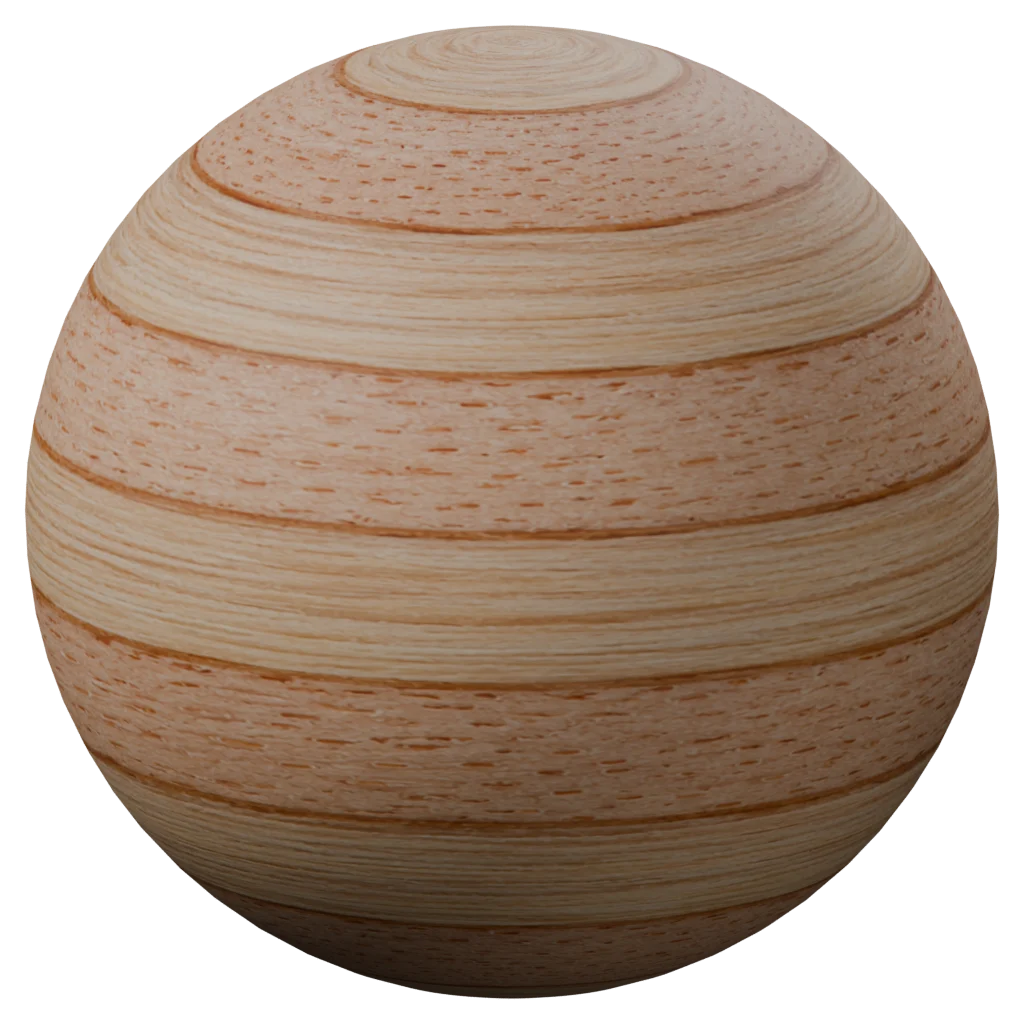
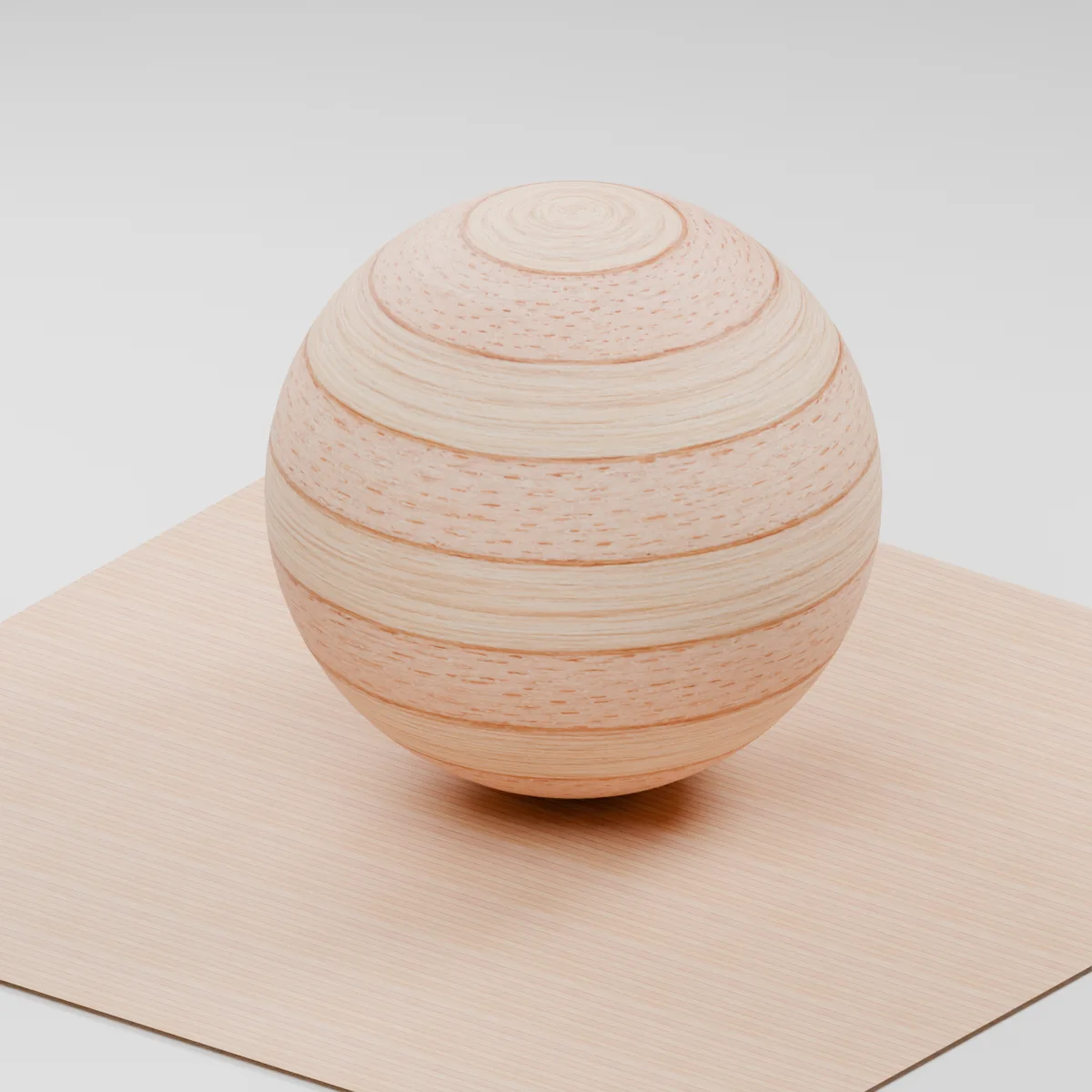
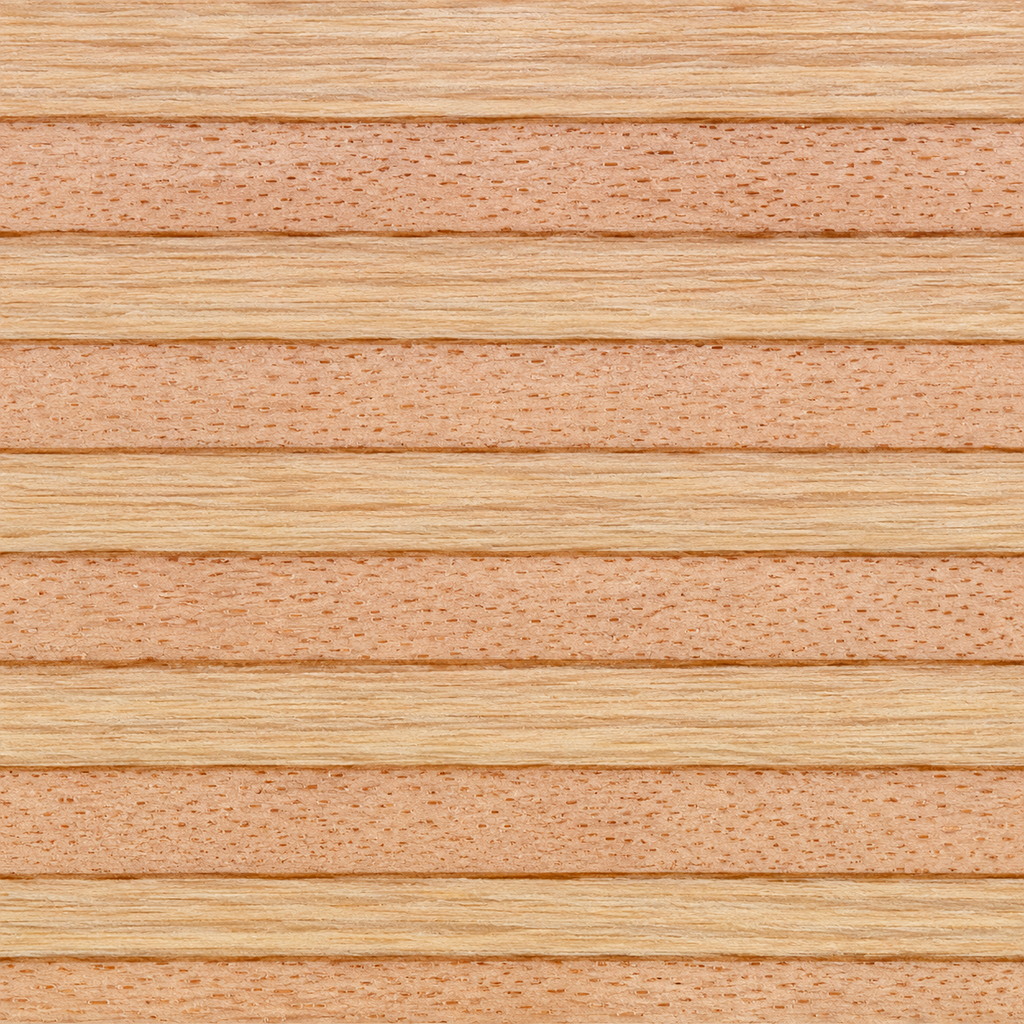
Thin pink-beige and pale straw plies alternate across a sanded edge. Fine lengthwise fibers give way to a more dotted grain in the neighboring plies. Slim brown seams mark the boundaries between veneers.
Where to use this material
Apply the texture to exposed shelf fronts, cabinet dividers and furniture cutouts. Place the horizontal axis along the edge and use a separate face veneer on the broad side of the board. Model any chips or open voids that need to change the outline.
Keep the finish believable
Start with roughness 0.65 and normal strength 0.55. Under a broad side light, lower the normal strength if the glue lines look recessed. The shader shows a visual wood finish with estimated surface maps.
Texture scale and UV repeats
The preview enlarges the plies so you can see both grain directions. For furniture, fit the full texture height across the modeled panel thickness, such as an illustrative 20 mm edge. Start with a 70 mm horizontal repeat and inspect the join on long runs.
The example uses 0.25 m per full texture tile. This is an illustrative UV scale, not a measured physical capture. Inspect the repeat at your actual camera distance before covering a large surface.
Set up Douglas Fir Plywood Edge in Blender
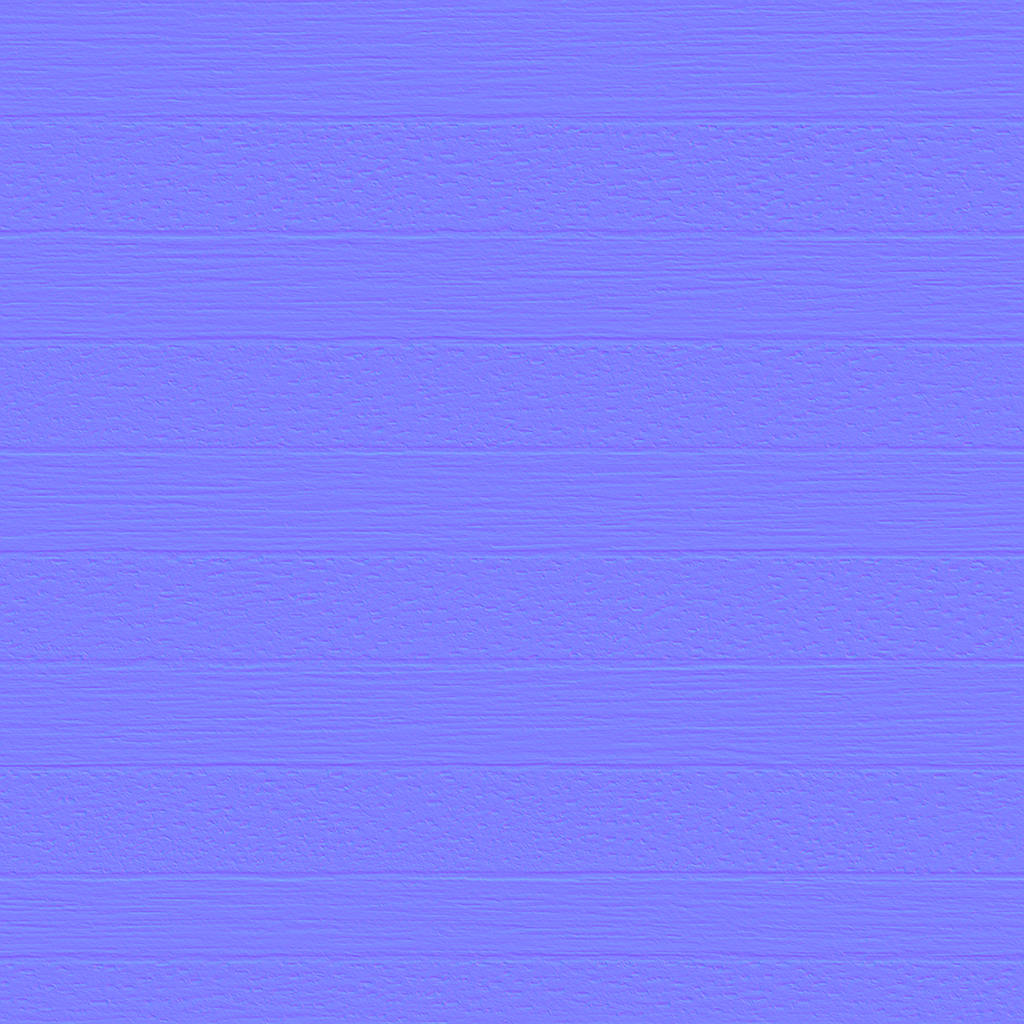
Connect albedo.png to Base Color using sRGB. Use roughness.png and normal-gl.png as Non-Color data. Route the normal through a Normal Map node, starting at strength 0.55. Set metallic to 0. The downloadable scene packs all three images.
The base color is AI-generated, and normal and roughness are estimates. The material changes surface shading; it does not add silhouette geometry. The pack has no displacement, AO or metallic image. For an engine expecting DirectX normals, use an image editor to invert the normal map’s green channel. Follow the Blender texture setup guide for the node connections.
Compare related finishes
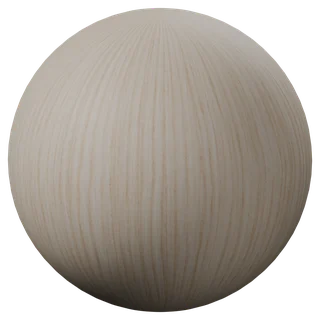
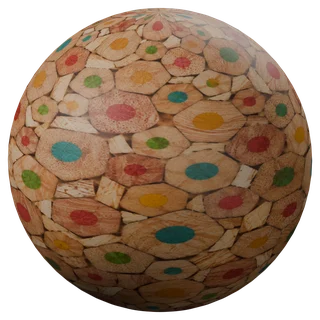
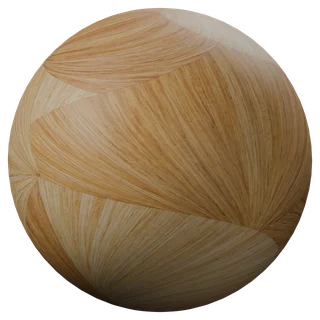
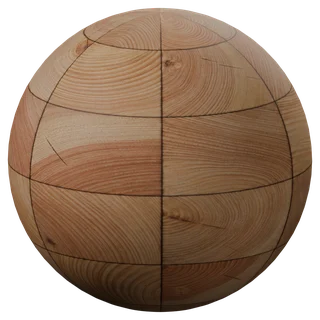
Rift-Sawn Ash Veneer · Larch End-Grain Blocks · Oak Veneer 01
Douglas Fir Plywood Edge: common questions
How should I map the plies along a shelf?
Give the exposed edge its own UV island. Keep one tile across the panel thickness and repeat horizontally along the length of the shelf. On a curved cutout, unwrap the strip along the curve so the rows stay aligned with the panel faces.
Can I use the same maps on the broad panel face?
Use a face veneer such as the linked rift-sawn ash or oak for that face. The exposed-edge maps show the stacked layers that become visible when a panel is cut. Model the panel profile and the bevel separately.
Browse the wood texture library, the existing material library, or use the tile and offset checker to inspect repetition.