About this texture
Woven Natural Cane: finish and surface detail
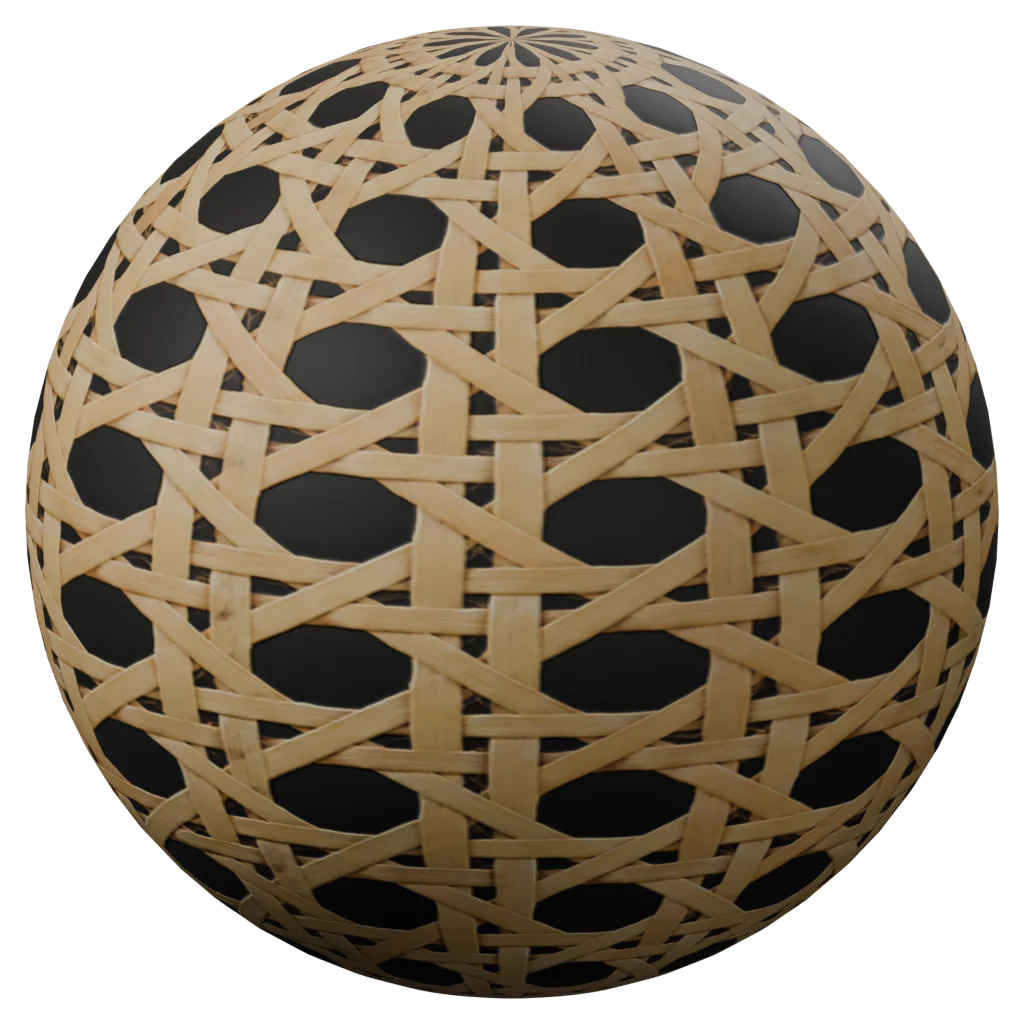
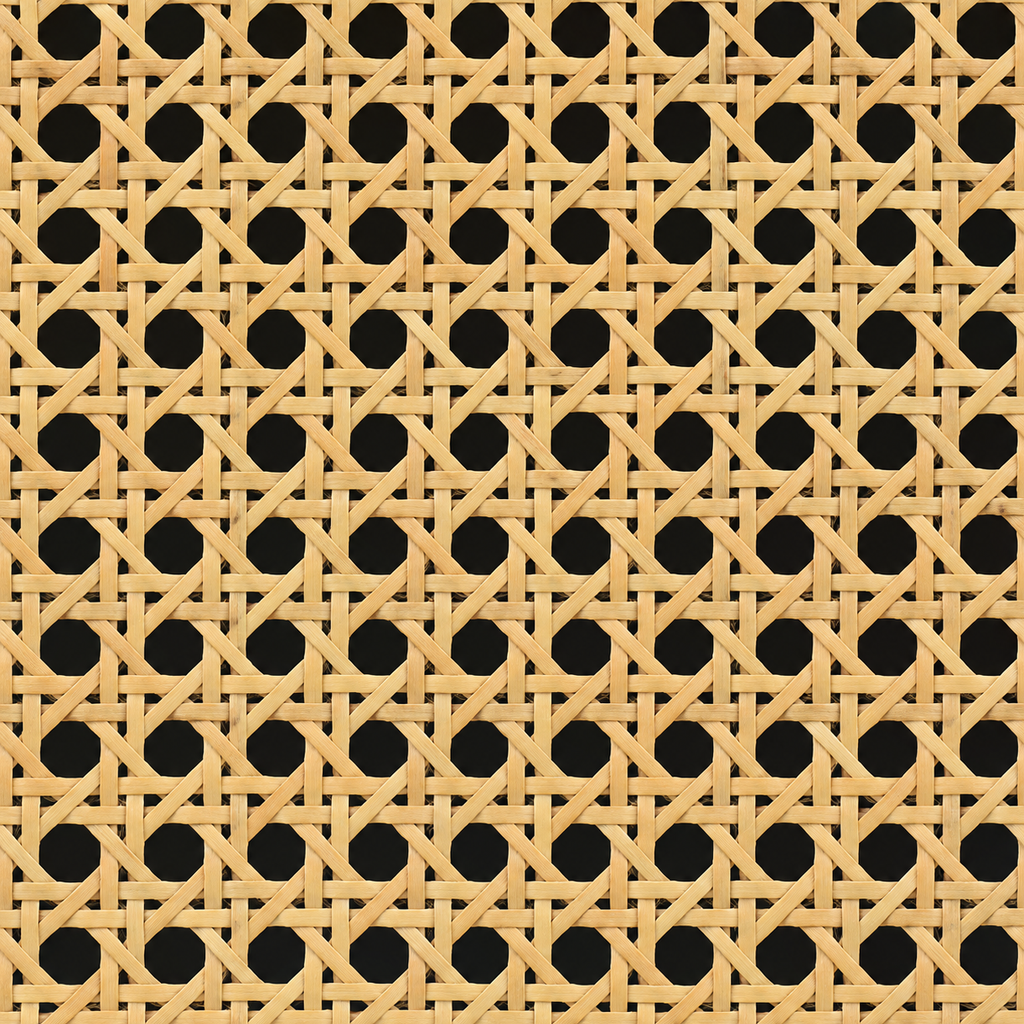
Narrow golden-beige cane strips interlace horizontally, vertically and diagonally around repeated octagonal openings. Fine longitudinal fibers and small differences between strands give the weave a natural surface. The dark opening areas are an opaque backing in this material study.
Where to use this material
Use it on a backed cabinet insert or a decorative furniture panel viewed from the front. Frame the panel in modeled wood and place UV seams at the frame. For chair backs seen from both sides, backlit screens or close views through the openings, build the strands and holes as geometry.
Keep the finish believable
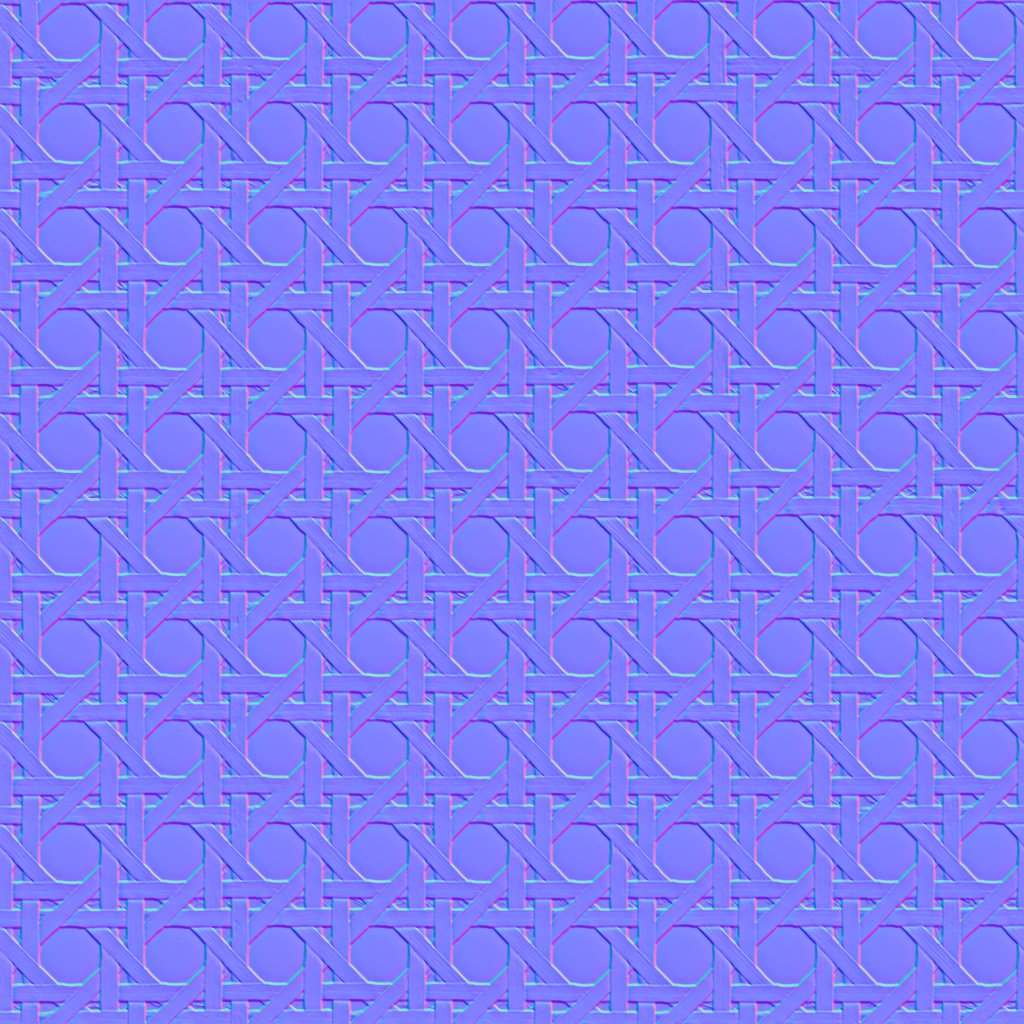
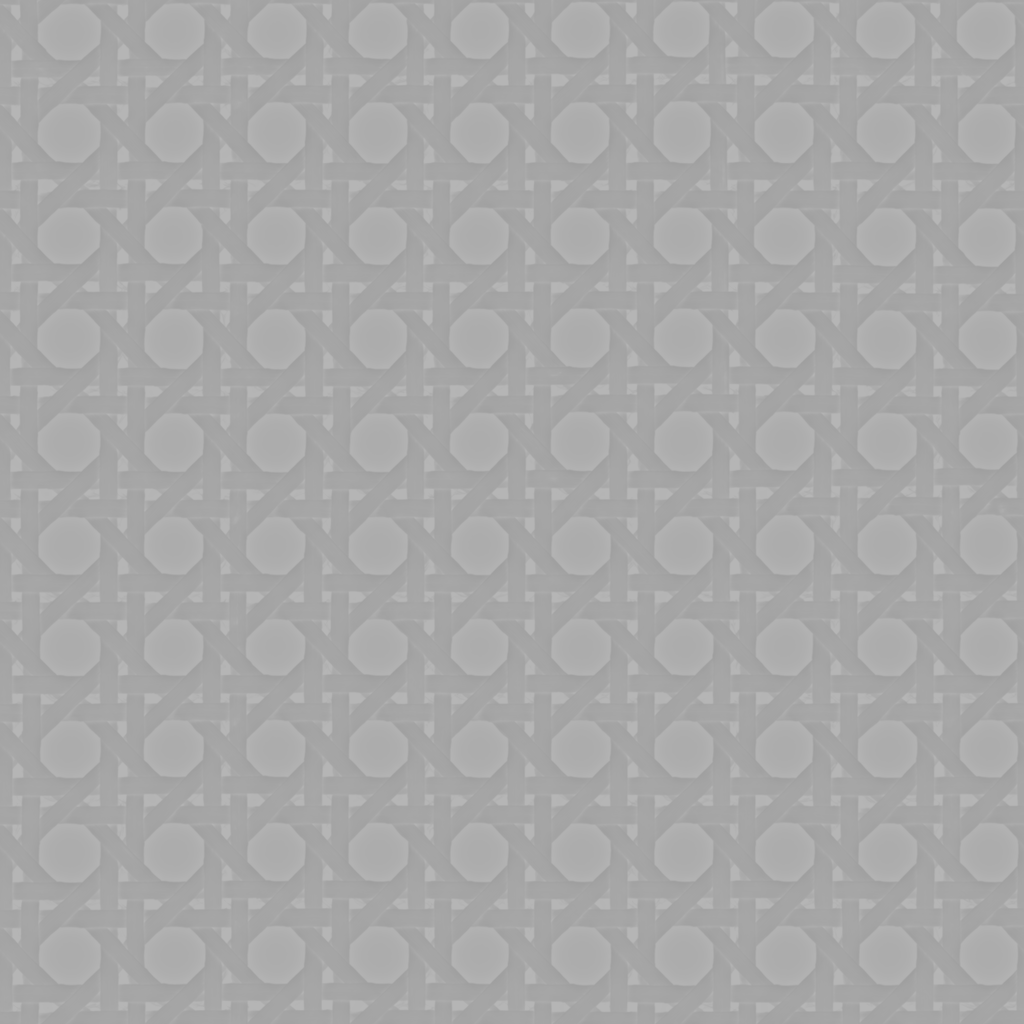
Start near roughness 0.66 and normal strength 0.65 for a restrained dry cane response. Keep the shader opaque: the pack contains no alpha, transmission or cutout map. The estimated normal adds shallow strand detail but cannot open holes or reproduce the reverse side of the weave.
Texture scale and UV repeats
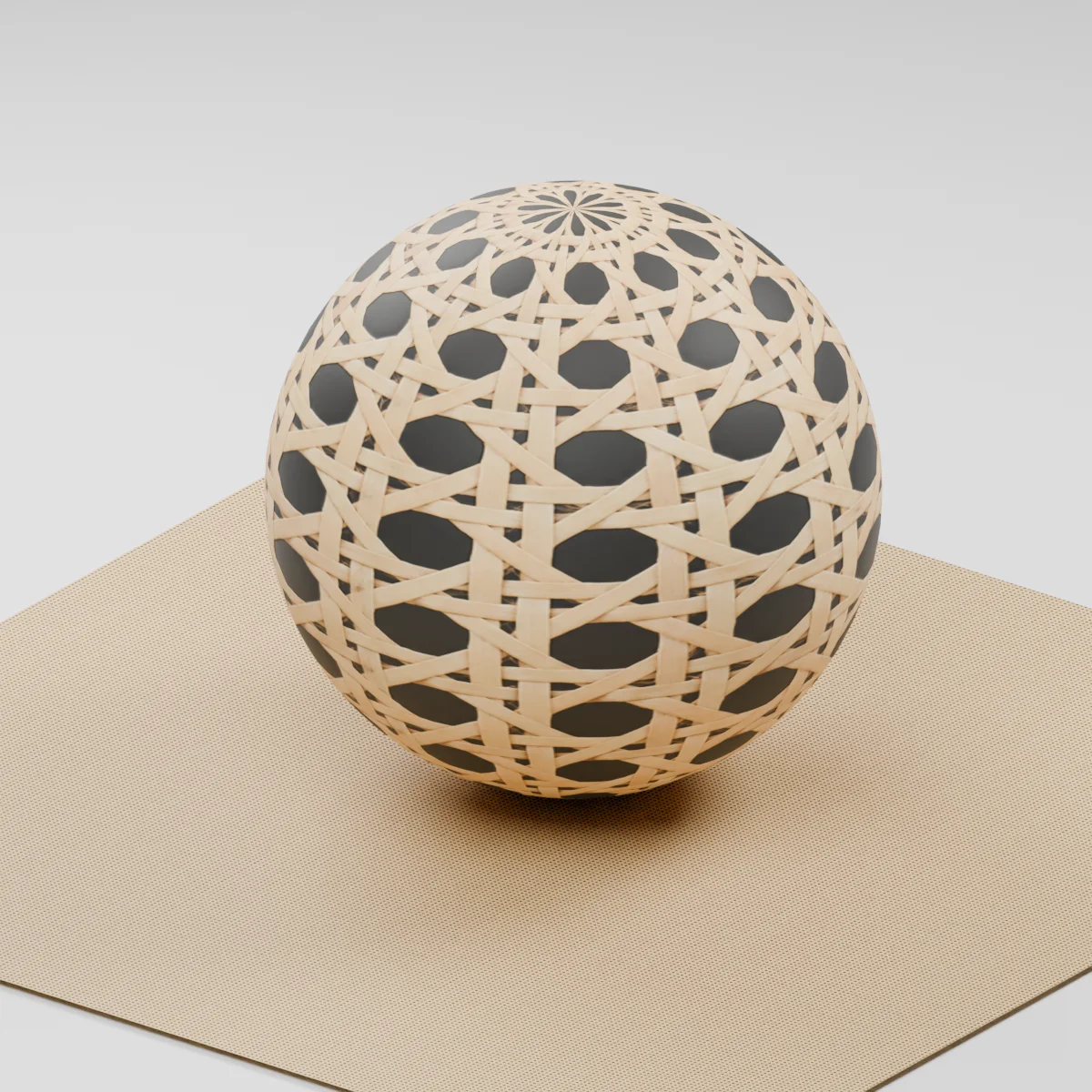
The final demonstration uses an illustrative 12 cm square repeat with about ten cell pitches across, putting each pitch near 12 mm and the narrow strips near 2 mm wide. This scale was chosen after inspecting the generated pattern. Match the cell size to the furniture frame and keep the UV direction consistent; dimensions are visual estimates.
The example uses 0.12 m per full texture tile. This is an illustrative UV scale, not a measured physical capture. Inspect the repeat at your actual camera distance before covering a large surface.
Set up Woven Natural Cane in Blender
Connect albedo.png to Base Color using sRGB. Use roughness.png and normal-gl.png as Non-Color data. Route the normal through a Normal Map node, starting at strength 0.65. Set metallic to 0. The downloadable scene packs all three images.
The base color is AI-generated, and normal and roughness are estimates. The material changes surface shading; it does not add silhouette geometry. The pack has no displacement, AO or metallic image. For an engine expecting DirectX normals, use an image editor to invert the normal map’s green channel. Follow the Blender texture setup guide for the node connections.
Compare related finishes
Rust Basket-Weave Upholstery · Fan-Cut Straw Marquetry
Woven Natural Cane: common questions
Are the octagonal openings really transparent?
No. The dark areas are opaque color in the albedo, and this pack has no opacity or transmission channel. Use it for a backed surface study. Model the open weave if the camera or light must pass through the panel.
How should I size the weave inside a cabinet door?
Start with the illustrative 12 cm repeat, which contains roughly ten cell pitches. Compare the cells against the width of the surrounding frame and keep a consistent scale on adjoining panels. Add the frame and attachment edges as geometry.
Browse the wood texture library, the existing material library, or use the tile and offset checker to inspect repetition.