

About this texture
Tamped Rammed Earth: finish and surface detail
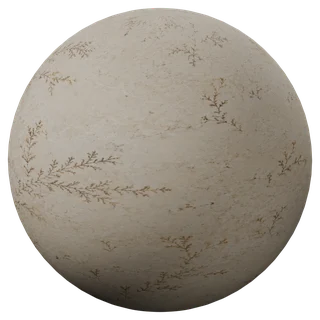
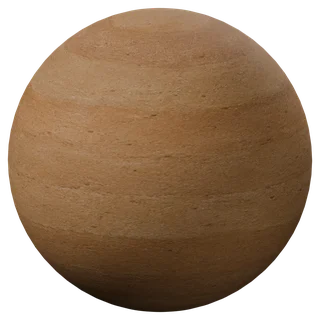
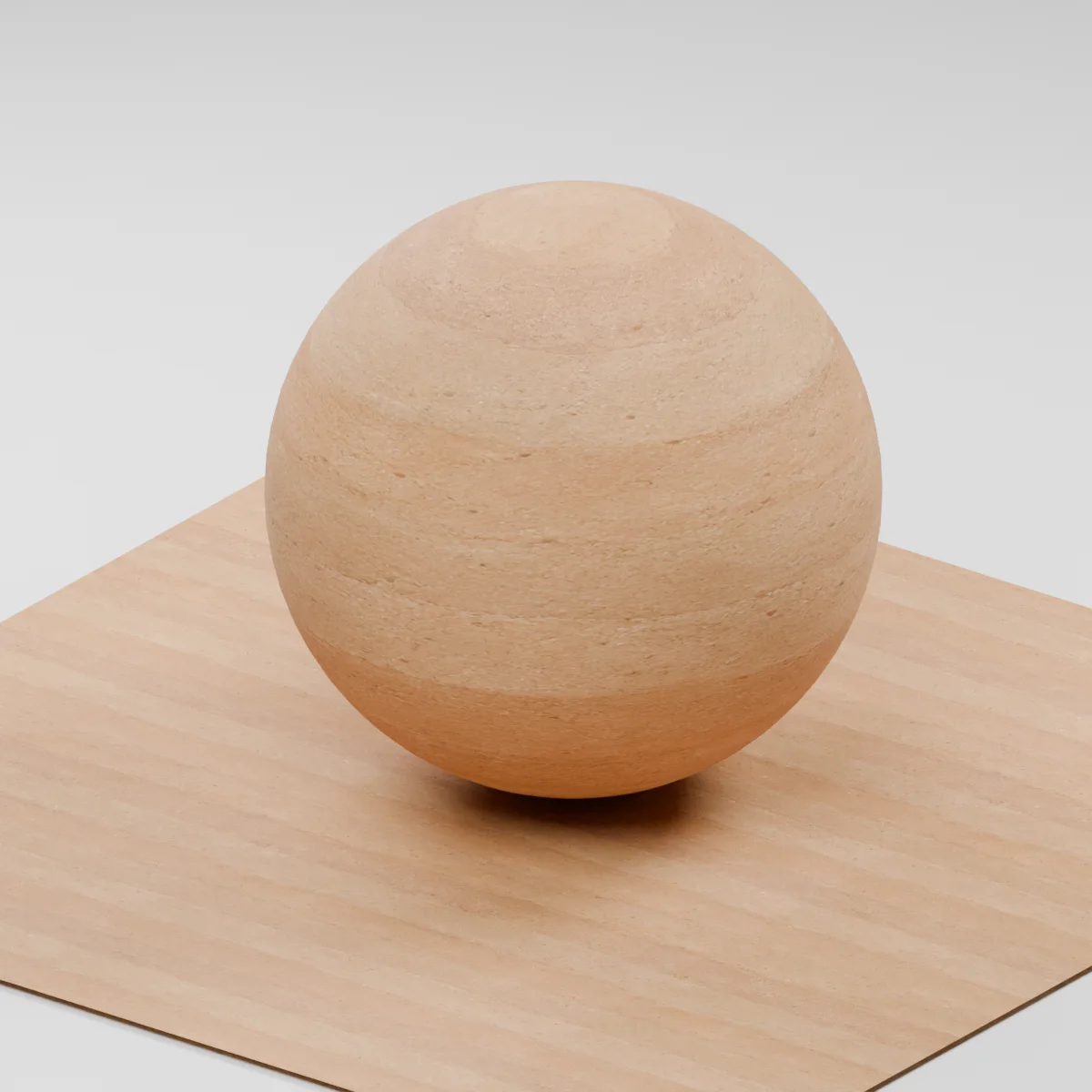
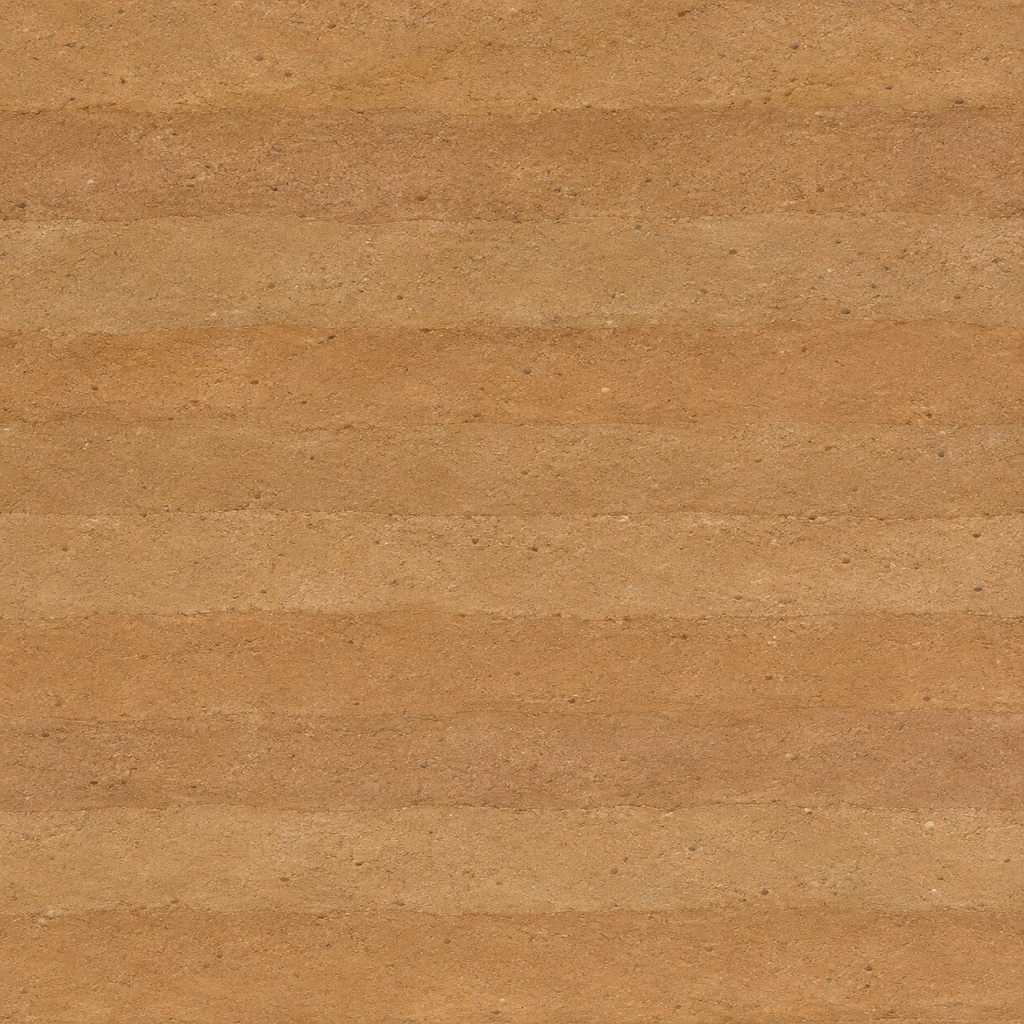
Warm ochre and sandy brown layers run horizontally through the wall face. Each compacted band has a slightly different tone and density, with fine sand grain, small pores and scattered mineral flecks pressed into the surface.
Where to use this material
Apply it to an interior feature wall, a courtyard enclosure or a museum display showing earthen construction. Align the horizontal layers with the building level, and keep their heights aligned across wall returns. Model chipped corners or exposed wall edges if the silhouette needs detail.
Keep the finish believable
Start with roughness 0.82 and normal strength 0.65. A broad side light makes the fine grain visible. Keep the layer transitions shallow so they read as differences in the soil rather than grooves. The shader describes appearance, with no measured density or structural properties.
Texture scale and UV repeats
The Blender example uses an illustrative 1.15 m square repeat. Compare the apparent height of the bands against a doorway, then use the same vertical UV scale on neighboring panels. On a long wall, inspect whether the same sequence of bands becomes easy to spot.
The example uses 1.15 m per full texture tile. This is an illustrative UV scale, not a measured physical capture. Inspect the repeat at your actual camera distance before covering a large surface.
Set up Tamped Rammed Earth in Blender
Connect albedo.png to Base Color using sRGB. Use roughness.png and normal-gl.png as Non-Color data. Route the normal through a Normal Map node, starting at strength 0.65. Set metallic to 0. The downloadable scene packs all three images.
The base color is AI-generated, and normal and roughness are estimates. The material changes surface shading; it does not add silhouette geometry. The pack has no displacement, AO or metallic image. For an engine expecting DirectX normals, use an image editor to invert the normal map’s green channel. Follow the Blender texture setup guide for the node connections.
Compare related finishes
Clay Plaster · Brushed Ochre Limewash · Patterned Clay Wall
Tamped Rammed Earth: common questions
How do I keep the earthen layers level across a corner?
Give adjoining wall faces the same vertical UV scale and align their UV height origins. At a right angle, orient each face so the layers meet at the same elevation. Use a nearby sill or lintel to check the alignment.
Will a stronger normal make the layers look more realistic?
The visible bands mainly come from subtle color changes and compacted grain. Keep the normal strength restrained under side light. For an exposed edge, model broken corners or aggregate that needs to change the silhouette.
Browse the wall texture library, the existing material library, or use the tile and offset checker to inspect repetition.